Best AI Agent for Coding in 2026: Top Tools Compared
You do not need another tool list that treats every coding assistant as the same product. The best AI agent for coding depends on how you build software: inside an IDE, in the terminal, through GitHub, with async task delegation, or through a more persistent agent workflow.
Some tools help you move faster while you write code. Others can inspect a repo, edit multiple files, run commands, and return a tested change. A few are better when you want an agent that stays available beyond one coding session. The right choice starts with your workflow, not the biggest feature list.
Quick Answer: The Best AI Coding Agent Depends on the Workflow
- Claude Code is best for deep terminal-based coding.
- Cursor and GitHub Copilot are best for IDE-first development.
- Codex and Devin are best for async coding tasks.
- Cline, Aider, OpenCode, Roo Code, and OpenClaw are better for open-source or customizable agent workflows.
That is why "what is the best AI agent for coding" rarely has one universal answer. If you want fast edits, use an editor-native tool. If you want multi-step execution, use an agent that can work across files and tests. If you want recurring automation, the runtime and hosting model start to matter.
What Makes an AI Coding Agent Different From Autocomplete?
Autocomplete helps you write faster. A coding agent helps you complete a task.
Autocomplete Helps With Small Edits
Autocomplete is useful when you already know the code you want. It can complete lines, functions, and boilerplate, but you still choose the files, run tests, and decide whether the change is correct.
Coding Agents Handle Multi-Step Work
 The best agentic AI for coding can read files, understand context, edit multiple files, run commands, inspect errors, and revise the solution. That makes it stronger for bug fixes, tests, refactors, documentation updates, and scoped features. For the broader difference between chat and agent workflows, see AI agent vs. chatbot.
Workflow Fit Still Matters
An IDE assistant, terminal agent, and cloud agent can all be useful, but they solve different jobs. Pick based on where you work and how much execution you want the tool to handle.
Best AI Coding Agents Compared
The best AI coding agents are easier to compare when you group them by workflow instead of treating every tool as a general-purpose coding assistant.
| Tool | Best For | Main Limitation |
|---|---|---|
| Claude Code | Deep terminal coding and debugging | Best for technical users |
| Cursor | Fast IDE-based development | Editor-centered workflow |
| GitHub Copilot | GitHub-native teams | Less flexible outside GitHub |
| Codex | Scoped cloud coding tasks | Needs clear task boundaries |
| Devin | Longer autonomous tasks | Can be heavier than needed |
| Cline / Roo Code | VS Code agent workflows | Requires setup choices |
| Aider / OpenCode | Local terminal workflows | More hands-on maintenance |
| OpenClaw / MyClaw | Persistent custom agent workflows | Not an autocomplete replacement |
Most comparisons focus on who writes the best code. That is too narrow. You should compare where the tool runs, how it reviews changes, whether it can test its work, and how much setup it expects from you. For a closer coding-first comparison, see Codex vs. Claude Code.
Best AI Agent for Coding by Use Case
Once you group tools by job, the choice becomes simpler.
Best for Deep Codebase Work
 Claude Code is one of the strongest options when you need serious codebase reasoning. It works well for debugging, refactoring, and tasks where you want to stay close to the terminal while the agent reads files, proposes changes, and reacts to errors.
If you are weighing coding depth against broader agent behavior, Hermes Agent vs. Claude Code gives that tradeoff more context.
Best for IDE-Based Development
 Cursor and GitHub Copilot are better when you want AI inside your everyday editor. They are strong for quick edits, inline help, explaining code, small refactors, and reviewing changes without leaving your coding flow.
Best for GitHub and Pull Request Workflows
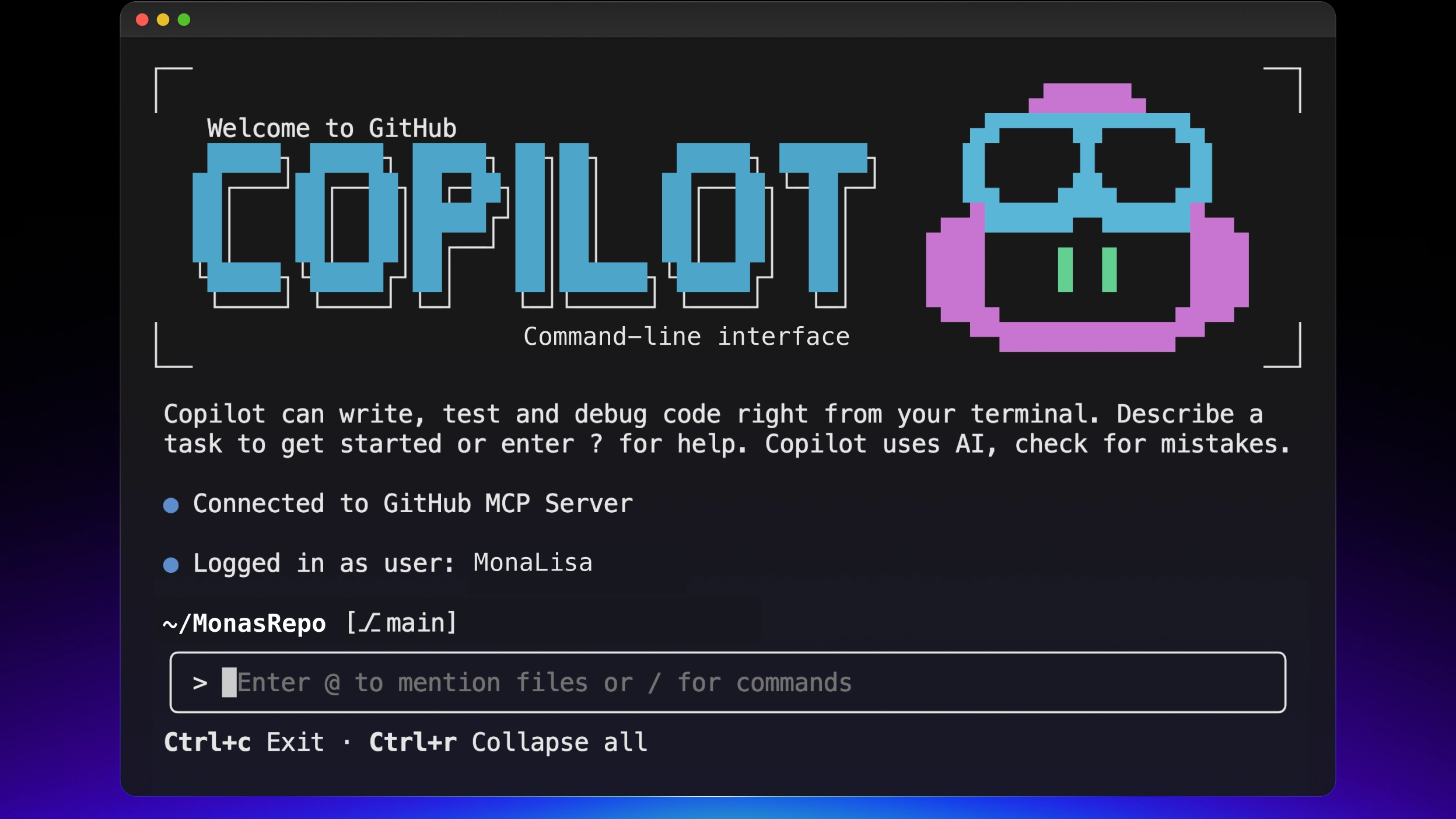 If your team works through issues, pull requests, reviews, and CI, choose a tool that fits that process. GitHub Copilot has the most natural GitHub advantage. Cloud coding agents can also work well when the issue is clear and the success criteria are testable.
Best for Async or Delegated Coding Tasks

They are weaker when the work is vague or product-heavy. If you cannot describe the expected behavior, the agent will probably need more steering.
Best Open-Source and Custom Agent Workflows
Cline, Aider, OpenCode, Roo Code, and OpenClaw are worth comparing when you want more control over models, tools, execution, or hosting. They can be a strong fit if you care about local control, BYOK models, and custom workflows.
 OpenClaw is especially relevant when coding help becomes more than one editor session. You may want an agent that can stay available, respond through messages, connect tools, or run repeatable coding-related workflows. MyClaw fits here as the managed path for an OpenClaw-style setup when you want the workflow without handling hosting, updates, uptime, and infrastructure yourself. If you want examples of what the tool layer can look like, see best OpenClaw skills.
How to Choose the Best AI Coding Agent
Start With Where You Want It to Run
Choose an IDE agent for active editing. Choose a terminal agent for hands-on control. Choose a cloud agent for scoped delegation. Choose an OpenClaw-style workflow when the agent needs to stay available across tools or messages.
Match the Tool to Task Size
Small edits do not need a heavy agent. Medium tasks need repo context and diff review. Larger or recurring workflows need permissions, logs, repeatable commands, and a clear way to verify results.
Check Security and Repository Access
Any coding agent with repo access needs boundaries. Check what it can read, write, execute, and expose in logs. This matters more when the agent can run shell commands, touch private code, or connect to external tools. For a deeper checklist, read AI agent security.
Compare Real Cost
Do not only compare monthly prices. Real cost includes model usage, setup time, review time, maintenance, hosting, and the risk of giving a tool too much access.
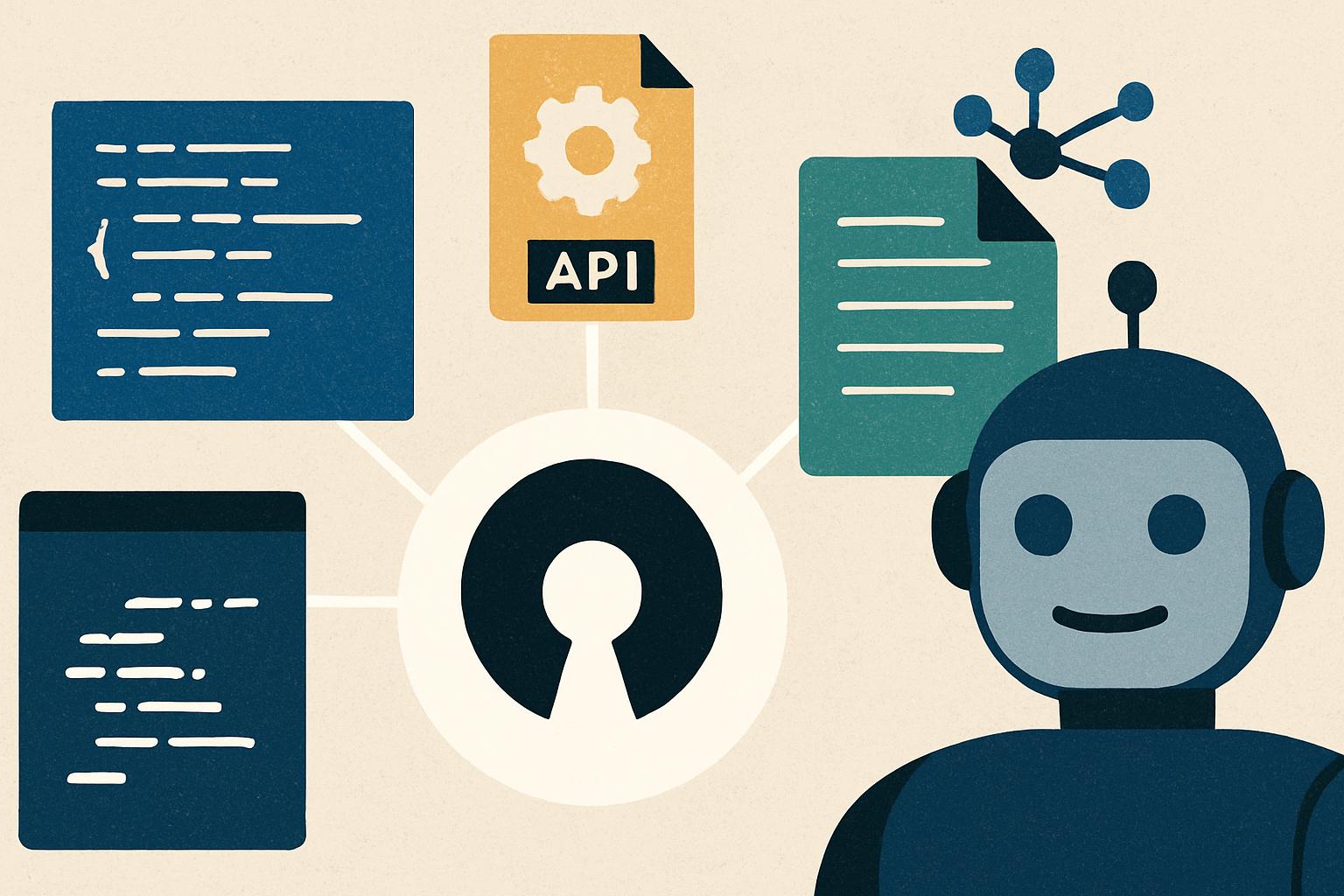 Open-source tools may be cheaper if you have time to manage them. Managed tools can be cheaper in practice if they remove ongoing infrastructure work.
When Coding Help Becomes an Ongoing Workflow
At some point, the question changes from "which agent writes code best?" to "where should this automation live?"
A manual assistant helps while you are present. An ongoing workflow can support work around coding: issue triage, review assistance, test generation, documentation checks, browser tasks, and message-driven requests.
That shift changes the evaluation. You need to think about uptime, permissions, memory, logs, tool access, and maintenance. A self-hosted OpenClaw setup gives you more control. A managed OpenClaw path through MyClaw makes more sense when you want persistent workflow value without becoming responsible for the runtime. If you are comparing deployment options, best OpenClaw hosting is the natural next read.
Common Mistakes When Choosing an AI Coding Agent
Choosing Power Instead of Fit
The strongest demo is not always the best daily tool. Pick the agent that matches how you already work.
If your workflow is starting to look less like coding help and more like repeatable business automation, workflow automation software can help separate coding agents from broader automation tools.
Ignoring Review and Testing
Agent-written code still needs review. You should expect to inspect diffs, run tests, and check edge cases before trusting the result.
Forgetting Setup and Maintenance
Open-source and self-hosted agents can be powerful, but setup is part of the product. You may need to manage models, credentials, updates, permissions, and runtime issues.
FAQ
What Is the Best AI Agent for Coding?
Claude Code, Cursor, GitHub Copilot, Codex, Devin, Cline, Aider, OpenCode, and OpenClaw are all strong depending on the workflow. There is no single winner for every developer.
What Is the Best AI Coding Agent for Beginners?
Cursor and GitHub Copilot are usually the easiest starting points because they fit familiar IDE workflows. If your real question is what is the best AI coding agent to try first, start with the tool that fits your current editor before adding more autonomous workflows.
What Is the Best Agentic AI for Coding?
The best agentic AI for coding should handle repo context, multi-file edits, command execution, and test iteration. Claude Code, Codex, Devin, Cline, Aider, and OpenClaw-style setups are all relevant depending on how much control you want.
Are Open-Source AI Coding Agents Worth It?
Yes, if you want control, local execution, model flexibility, or custom workflows. The tradeoff is that you may need to manage setup, permissions, updates, and reliability yourself.
Do I Need an Always-On Coding Agent?
Not for simple coding help. You need one when coding automation connects to ongoing workflows, team messages, GitHub tasks, browser work, or recurring operations.
Conclusion
The best AI agent for coding is the one that fits how you actually build software. Use Cursor or GitHub Copilot for faster daily editor work. Use Claude Code or Aider-style tools for hands-on codebase control. Use Codex or Devin when work can be delegated as scoped tasks.
Use OpenClaw-style workflows when coding automation needs to stay available beyond one session. If you want that persistent workflow without taking on hosting and maintenance, MyClaw is worth comparing; this MyClaw review is a good next step.
Skip the setup. Get OpenClaw running now.
MyClaw gives you a fully managed OpenClaw (Clawdbot) instance — always online, zero DevOps. Plans from $19/mo.