Best OpenClaw Skills for Different Purposes in 2026
If you search for the best OpenClaw skills today, you will mostly find giant lists with very little guidance. That is useful for browsing, but not for deciding what to install. Most readers searching this keyword want two things at once: they want to understand which kinds of skills are actually useful, and they want specific names they can click into and use right away.
That is the gap this guide tries to close. Instead of treating marketplace size as the goal, it focuses on the best OpenClaw skills by workflow and highlights concrete options already listed in the MyClaw Skills Hub. If you are using OpenClaw for coding, research, operations, or content work, these are the kinds of skills that usually create the fastest value.
What Makes an OpenClaw Skill Worth Installing?
The best OpenClaw skills are not just popular. They solve a recurring task, save meaningful time, and stay easy to understand. If a skill duplicates built-in capabilities, requires too many secrets, or has vague setup requirements, it may add more complexity than value.
That is why a smaller stack usually wins. A practical setup starts with a few dependable skills that map to your real workflow, not a long list of experiments you never revisit.
Best OpenClaw Skills for Coding and Development
If your main use case is development, start with skills that reduce repo friction and speed up context gathering.
GitHub
The GitHub skill is one of the strongest choices for developers because it brings GitHub workflow actions closer to your assistant. On the MyClaw skill page, it is positioned as a skill that brings the power of the
gh CLI into the workflow, which makes it especially useful for issue triage, PR review, and repeatable repository tasks. This is the kind of skill that saves time without obscuring what is happening.
Brave Search
The Brave Search skill is useful when your coding workflow depends on current documentation, examples, changelogs, or external references. MyClaw describes it as a headless web search and content extraction skill, which makes it more practical than a simple search box. For developers, that means less time jumping between tabs and more time moving from question to answer.
Browser Relay
The Browser Relay skill is especially helpful when information is trapped inside a live webpage, dashboard, or app flow rather than a static document. MyClaw frames it as giving your assistant access to the webpage you already have open. That makes it a strong fit for debugging web apps, checking product states, pulling content from internal tools, or testing browser-based workflows.
If you only want a lean developer starter stack, these three are enough for many users: one repo skill, one web research skill, and one browser-context skill.
Best OpenClaw Skills for Research and Knowledge Work
Research-heavy users need skills that gather information cleanly and convert it into something usable.
Summarize
The Summarize skill is one of the clearest utility picks in the MyClaw Skills Hub. The skill page describes it as a fast CLI tool that condenses web pages, PDFs, images, audio files, and YouTube videos into concise summaries. That breadth matters. Instead of adding separate tools for every media type, you get one workflow for collecting and compressing source material.
Obsidian
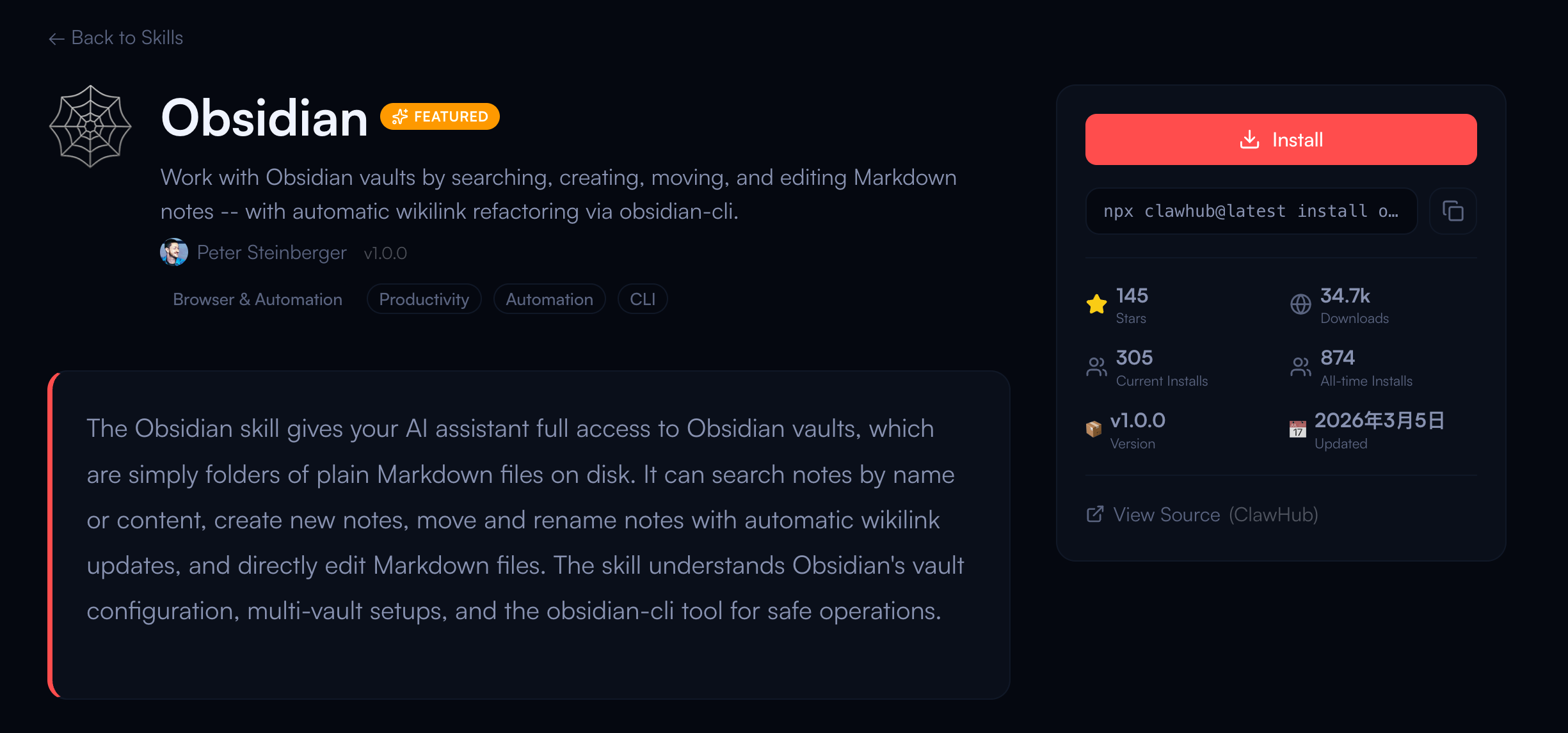 The Obsidian skill is a natural fit for people who treat their notes as a working knowledge base. MyClaw describes it as giving the assistant full access to Obsidian vaults, which are plain Markdown folders on disk. For researchers, writers, and operators, that is valuable because it bridges raw notes and active decision-making.
Notion
The Notion skill is another strong option for structured knowledge work. According to the MyClaw skill page, it lets your assistant interact with Notion workspaces through the official Notion API. If your team already runs planning, docs, or internal wikis in Notion, this is often more useful than exporting content manually.
Meeting Prep
The Meeting Prep skill is more niche, but it is exactly the kind of focused skill that can be worth installing. MyClaw describes it as a serious-work briefing assistant for important meetings. That makes it useful for founders, PMs, sales leads, and operators who need fast preparation rather than another general-purpose assistant.
Best OpenClaw Skills for Automation and Team Operations
The next layer is operational work. These skills matter when you want OpenClaw to help with reminders, coordination, and team communication.
Slack
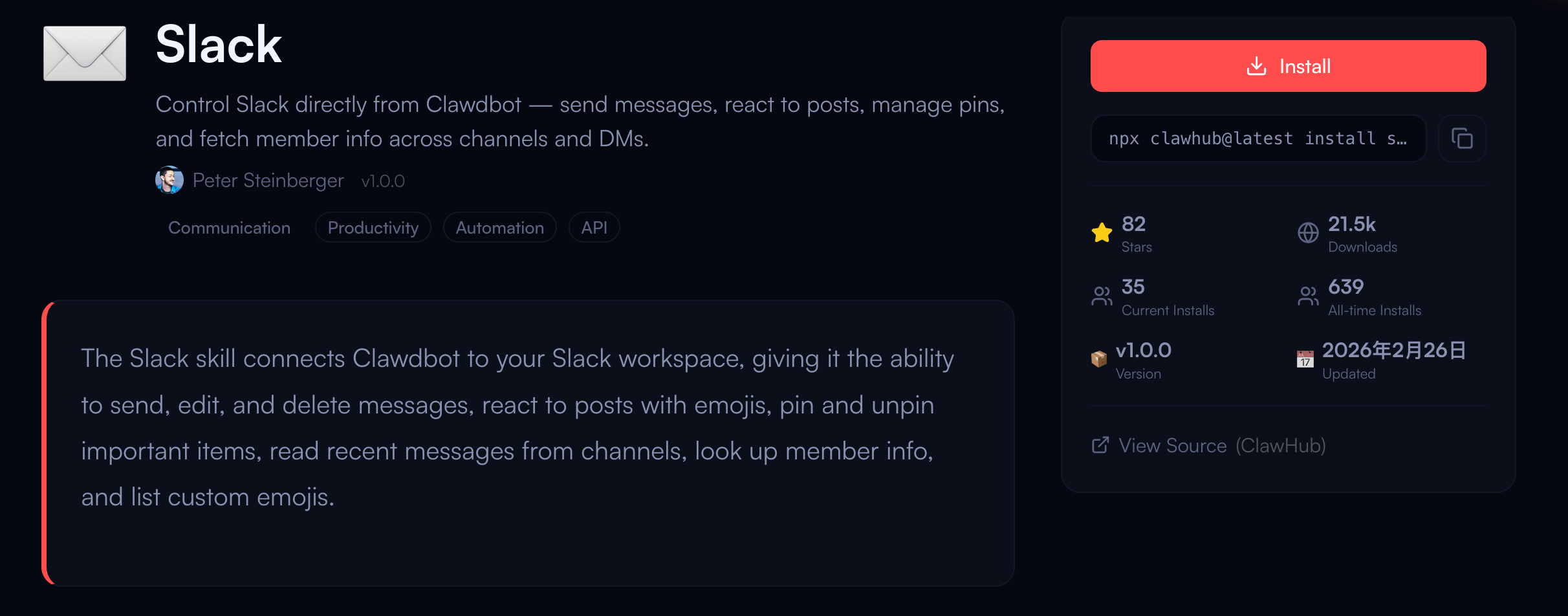 The Slack skill is one of the most practical team skills because it moves your assistant closer to where work actually happens. The MyClaw page emphasizes message actions, reactions, pinning, reading recent channel content, and looking up member info. For team operations, that makes it useful for status collection, lightweight coordination, and reducing context switching.
Apple Reminders
The Apple Reminders skill is a good example of a narrow skill that solves a real problem. MyClaw describes it as letting Clawdbot manage Apple Reminders directly from the command line with remindctl. It will not fit every user, but for Apple-centric personal workflows it can be more valuable than a broader but less reliable task layer.
If you are choosing between flashy automation and simple operational control, choose the latter. The best OpenClaw skills are usually the ones you trust enough to use every day.
Best OpenClaw Skills for Content and Publishing Work
Content work benefits less from giant AI bundles and more from skills that keep research, notes, and publishing connected.
 For many users, the strongest content stack is not a “writing skill” at all. It is a combination of Summarize, Obsidian, and Notion. Summarize helps compress source material. Obsidian helps turn notes into drafts. Notion helps move structured content into a shared workspace. If your process includes product pages, editorial planning, blog research, or knowledge-heavy marketing, that stack is usually more practical than relying on one generic drafting tool.
Browser Relay can also support content work when research lives inside live pages, dashboards, or competitor websites. In other words, the best OpenClaw skills for content are the ones that reduce editorial friction before and after writing, not just during it.
Where to Find These Skills
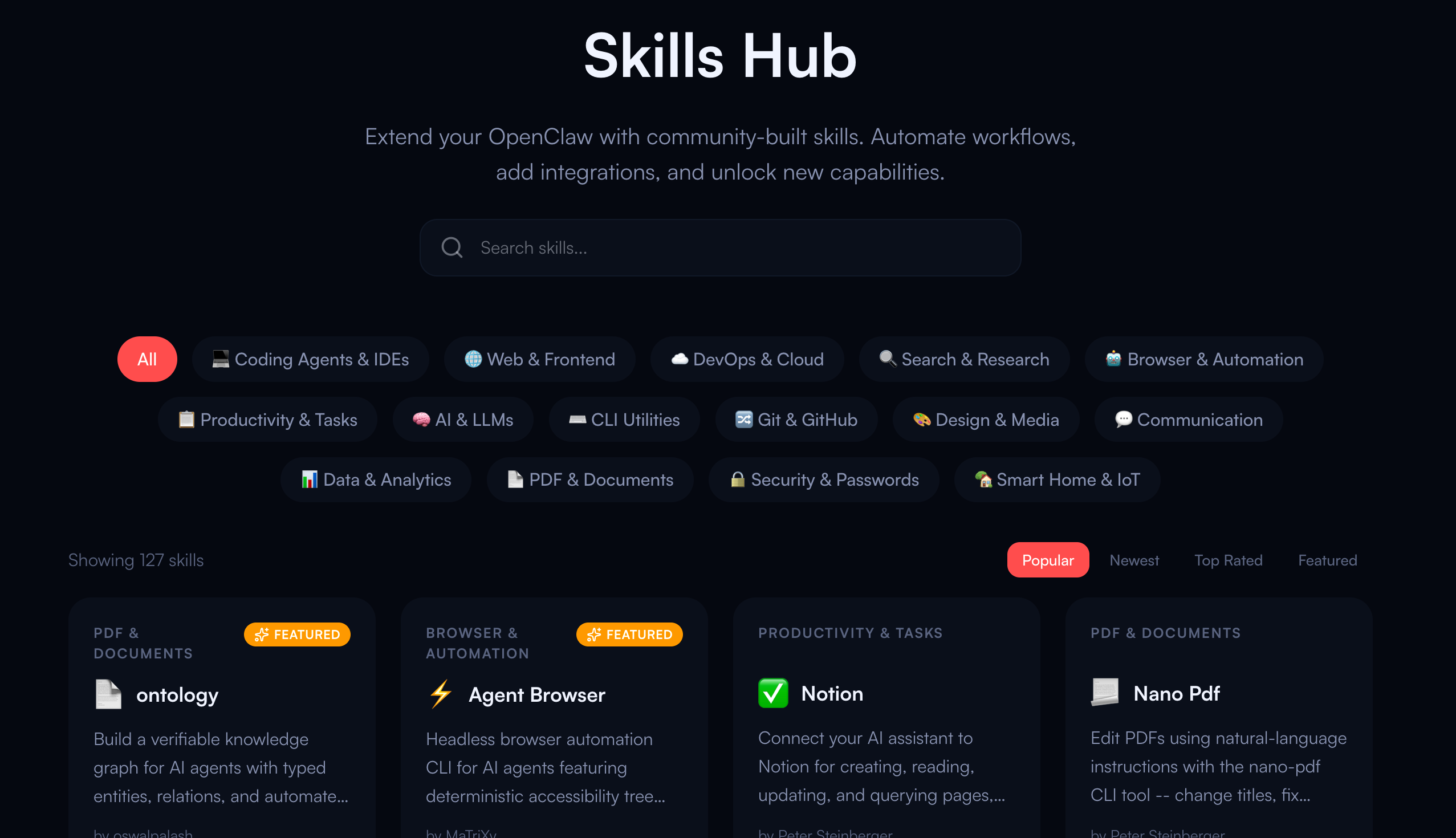 If you want readers to go from article to action, specific names matter. That is why a good roundup should not stop at categories. The easiest path is to link directly to real skill pages that users can browse immediately. In this case, the MyClaw Skills Hub already provides a public directory of community skills for extending an OpenClaw setup, including coding, search, browser, collaboration, and knowledge tools.
From a user perspective, that is much better than a vague “top skills” article. They can read the skill page, judge whether it fits their workflow, and decide what to try first.
Why MyClaw Makes These Skills Easier to Use
This matters even more if the reader does not want to spend time on DevOps. MyClaw positions itself as managed cloud hosting for OpenClaw: you get a private, always-on assistant while MyClaw handles servers, updates, and maintenance. The product messaging on the site emphasizes isolated infrastructure, encrypted access, zero data sharing, and a simpler path for people who want OpenClaw without terminal-heavy setup. Readers comparing options can go deeper with Best OpenClaw Hosting in 2026: Managed vs. VPS vs. Self-Hosted.
That is a meaningful advantage for a skills article because skills only matter if people can actually use them. A well-run managed environment lowers the friction between discovering a skill and turning it into a daily workflow. For users who care about privacy but do not want to self-manage infrastructure, that is part of the value proposition, not an afterthought.
How to Choose What to Try First
Do not install ten skills on day one. Start with one skill for your main workflow, one for research or search, and one for communication or knowledge management if you actually need it. For many users, a first stack like GitHub + Brave Search + Summarize or Slack + Notion + Meeting Prep will teach you more than a giant experiment list.
Also keep the security model in mind. Public skill ecosystems are useful, but they still deserve review. Read the skill page carefully, understand the permissions and setup requirements, and prefer skills that are focused, maintained, and easy to audit. For readers thinking beyond one install and toward safer long-term usage, AI Agent Security in 2026 is a sensible next step.
Conclusion
The best OpenClaw skills are the ones that map cleanly to real work. For developers, that usually means GitHub, Brave Search, and Browser Relay. For research and knowledge work, Summarize, Obsidian, Notion, and Meeting Prep are stronger bets. For operations, Slack and Apple Reminders stand out because they move your assistant closer to everyday execution.
If your goal is to help users take action, naming the skills matters. That is why this kind of article should not stay abstract. It should help readers understand what is useful, then give them a direct path to real options they can explore in the MyClaw Skills Hub.
Skip the setup. Get OpenClaw running now.
MyClaw gives you a fully managed OpenClaw (Clawdbot) instance — always online, zero DevOps. Plans from $19/mo.