Best Medical Dictation Software in 2026: Top Options and How to Choose
A good medical dictation tool should make documentation feel lighter, not give you another system to babysit. You want fewer hours spent typing, fewer unfinished notes at the end of the day, and less friction between a patient visit and a complete record. The best medical dictation software for you is the one that removes the exact documentation burden you feel every day.
The tricky part is that "medical dictation" now covers several kinds of tools. Some turn your speech into text. Some run as a mobile medical dictation app. Some focus on medical speech recognition software for complex clinical terms. Others act more like AI scribes and draft the note from the visit.
Quick Answer: Choose by the Work You Need Done
Start with the bottleneck, not the brand name.
| Your Main Problem | Best Fit |
|---|---|
| You type too much in the EHR | Medical dictation software |
| You need quick notes on mobile | Medical dictation app |
| Your specialty terms are often wrong | Medical speech recognition software |
| You want visit notes drafted automatically | AI medical scribe |
| The work after the note takes too long | Workflow automation or a private AI agent |
If your main pain is typing, dictation may be enough. If your main pain is after-hours charting, an AI scribe may be better. If the note is only the beginning of a longer admin process, you may need a workflow layer beyond transcription.
Best Medical Dictation Software by Use Case
There is no single winner for every practice. A solo clinician, a hospital group, and a health tech team may need different tools.
| Use Case | Options to Compare | What to Check |
|---|---|---|
| Traditional clinical dictation | Dragon Medical One, M*Modal, Fusion Narrate | EHR integration, voice commands, custom vocabulary, enterprise controls |
| AI visit note drafts | Freed, Suki, DeepScribe, Abridge, Heidi, Commure | Note quality, review workflow, specialty support, BAA |
| Mobile dictation | VoiceboxMD, Mobius MD, other mobile-first apps | iOS/Android support, export flow, EHR copy-paste friction |
| Developer or product teams | Amazon Transcribe Medical, AWS HealthScribe | API access, pricing, data handling, engineering effort |
| Work after the note | Workflow automation tools, private AI agents | Email, documents, scheduling, browser tasks, approval flow |
Use this table as a starting point, not a final ranking. The best tool is the one that fits your documentation style, compliance requirements, and daily systems.
The Main Types of Medical Dictation Tools
Medical Dictation Software
Medical dictation software lets you speak clinical notes instead of typing them. A strong tool should understand medical vocabulary, punctuation, commands, drug names, diagnoses, procedures, and your preferred note style. This category works best when you already know what you want to document and mainly need faster entry.
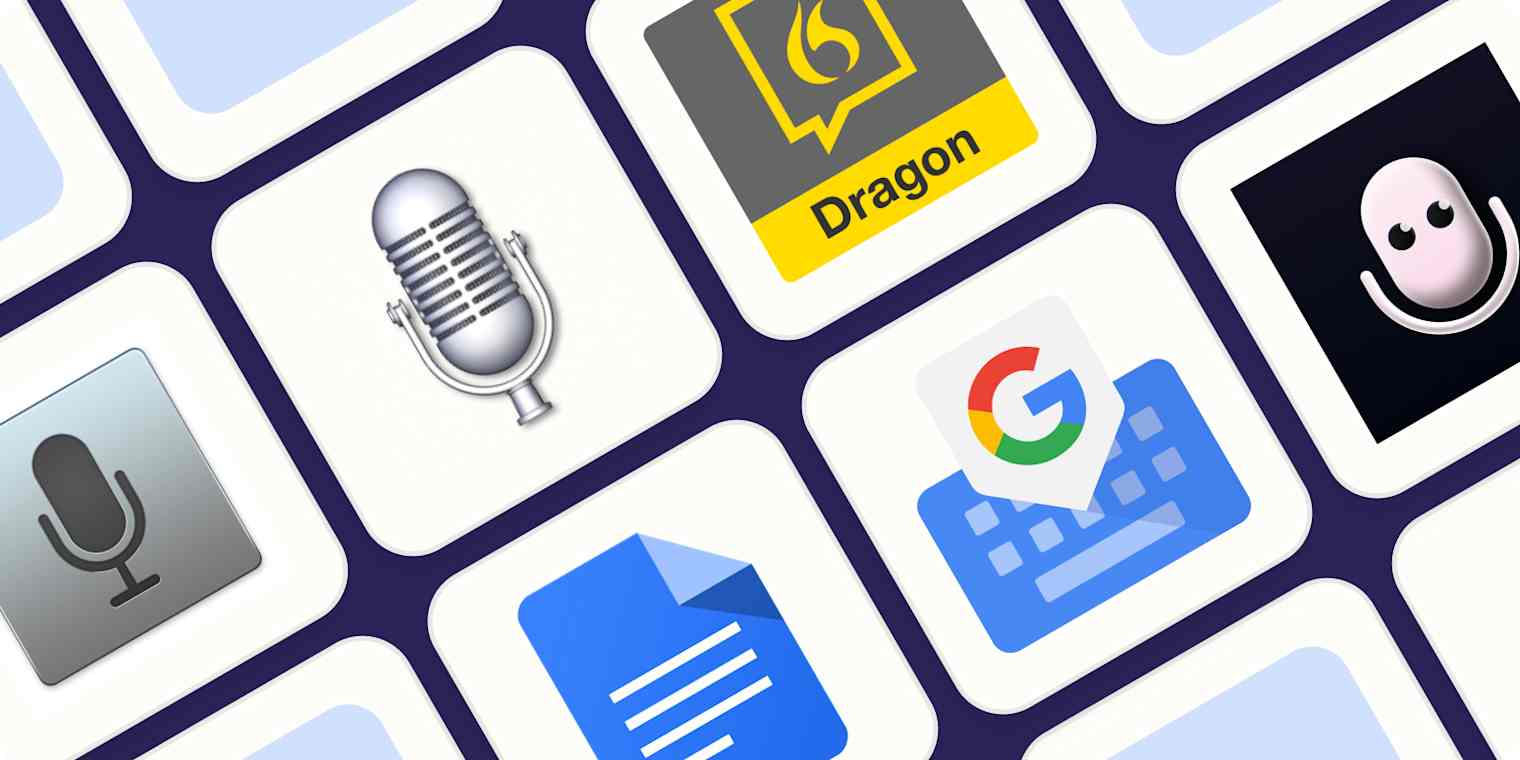 If you are also comparing medical transcription software, treat it as a neighboring category. Transcription often focuses on converting recorded audio into text, while dictation is usually closer to real-time clinical documentation and EHR entry.
Medical Dictation App
A medical dictation app is built for flexible capture after rounds, between appointments, or away from your main workstation. It is useful for short summaries, referral notes, quick SOAP drafts, and mobile documentation. The tradeoff is that mobile convenience does not always equal deep EHR integration.
Medical Speech Recognition Software
Medical speech recognition software is the engine that converts spoken clinical language into text. You may also see it described as medical voice recognition software. It matters most when accuracy is difficult: specialist vocabulary, medication names, abbreviations, accents, or noisy rooms. If transcription errors are your biggest problem, compare recognition quality before extra features.
AI Medical Scribe
 An AI medical scribe listens to the patient encounter and creates a draft note. This can save more time than dictation, but it also requires careful review. You still need to confirm accuracy and make sure the final note reflects your judgment.
The best AI medical dictation software should make that review easier, not hide uncertainty behind a polished note.
What to Check Before You Choose
Accuracy is important, but a demo transcript is not enough. The tool has to fit your real documentation flow.
Check these areas first:
- Specialty vocabulary and drug names
- EHR or EMR compatibility
- Browser, desktop, and mobile support
- Templates, macros, and voice commands
- Audio retention and transcript storage
- BAA availability if you need one
- Whether PHI is used for model training
- How much copy-paste work remains
EHR fit is often the deciding factor. If a tool creates clean text but leaves you moving it across tabs, documents, emails, and forms, the time savings shrink quickly.
Privacy also deserves more than a quick "HIPAA compliant" label. Ask where audio is processed, how long transcripts are kept, who can access them, and whether data can be deleted. If you plan to connect AI tools across email, documents, browser tasks, and calendars, the security question becomes broader. MyClaw's guide to AI agent security is useful if you are evaluating that larger layer.
What Most Tool Comparisons Miss
 Most medical dictation software comparisons focus on the note itself: accuracy, speed, EHR support, pricing, and device support. Those matter, but they do not cover the full workload around documentation.
After a note is created, you may still need to:
- Send a referral message
- Prepare patient instructions
- Follow up on lab results
- Route tasks to staff
- Update a calendar or task list
- Organize files and attachments
- Summarize context for another team member
This is why the best tool is not always the one with the longest feature list. If your time disappears after the note, you are dealing with workflow automation, not only dictation. For a broader breakdown of that category, see MyClaw's guide to workflow automation software.
When Dictation Is Not Enough
Dictation is enough when the job is simple: speak the note, review it, sign it, and move on. It is especially useful if you prefer to control your own language.
You may need more than dictation when the same manual steps keep appearing after every note. Maybe you dictate faster now, but still create follow-up emails by hand. Maybe your staff copies details between the EHR, inbox, scheduling tool, and shared documents.
Traditional automation tools can help when the workflow is predictable. If you are comparing that route, this guide to Zapier alternatives explains rule-based tools, open-source options, and newer AI automation products.
But clinical admin work is often more nuanced than "when X happens, do Y." A referral draft may need details from a note, a document, and a prior message. A follow-up may need the right tone, context, and human review. That is where a private AI agent can be useful.
Beyond Dictation: Automating the Work After the Note
 This is where MyClaw can enter the conversation, but only in the right role. MyClaw should not be positioned as a replacement for medical dictation software or compared as a direct alternative to Dragon, Freed, Suki, DeepScribe, or other clinical documentation tools.
The stronger role is different: MyClaw can support the work around the note. As a managed OpenClaw environment, it can help teams run a private assistant for document workflows, email triage, browser tasks, scheduling support, and repeatable admin work.
Think of the stack this way:
| Layer | Role |
|---|---|
| Dictation tool | Turns your speech into note text |
| AI scribe | Drafts visit notes from encounters |
| Private AI agent | Helps with context-heavy work after the note |
If you are still choosing the broader agent layer, MyClaw's guide to an AI agent platform explains how agents differ from chatbots and simple automation tools.
For healthcare-related workflows, you still need to be careful. MyClaw should not make medical decisions, send patient communication without review, or handle PHI unless your compliance, access, and data-handling requirements are fully reviewed. Used carefully, it belongs in the operational layer: preparing drafts, organizing context, and supporting staff workflows.
If you want a product-specific overview before comparing managed OpenClaw with a DIY setup, read this MyClaw review.
Final Checklist Before You Commit
Before choosing a tool, write down the real bottleneck in one sentence.
- "I need to stop typing so much." Choose dictation.
- "I need notes drafted from visits." Compare AI scribes.
- "I need better clinical term accuracy." Compare speech recognition.
- "I need mobile note capture." Choose a medical dictation app.
- "I need help after the note is done." Consider workflow automation or a private AI agent.
The best setup may combine tools: a dedicated dictation product for clinical notes, plus a separate private assistant for nonclinical admin work around documents, inboxes, scheduling, and task follow-up.
FAQ
What Is the Best Medical Dictation Software for Doctors?
The best choice depends on your workflow. If you want controlled speech-to-text, choose a strong medical dictation platform. If you want automatic note drafts, compare AI scribes. If the work after the note is the real issue, evaluate workflow automation.
Is a Medical Dictation App Enough for a Small Clinic?
It can be enough if you mainly need mobile note capture or faster EHR input. If your clinic also struggles with referrals, inboxes, follow-ups, and scheduling, a dictation app may only solve part of the problem.
What Is the Difference Between Medical Dictation Software and Medical Speech Recognition Software?
Medical speech recognition software converts spoken clinical language into text. Medical dictation software is the product or workflow that uses that technology to help you create notes and reports.
Can MyClaw Replace Medical Dictation Software?
No. MyClaw is better understood as a private AI agent layer for work around notes, documents, email, scheduling, and repeated admin tasks. Use dedicated medical dictation or AI scribe tools for clinical note creation.
Is Medical Dictation Software HIPAA Compliant?
Some medical dictation tools are built for HIPAA-regulated workflows, but you should verify the details before using any product with PHI. A HIPAA compliant medical dictation software should offer clear terms around BAA availability, audio and transcript storage, training data, deletion, and access control.
Conclusion
Choosing the best medical dictation software is really about choosing the right layer of help. Dictation helps when you need faster text entry. A medical dictation app helps when you document on the move. Medical speech recognition software helps when terminology accuracy matters. AI scribes help when visit notes take over your evenings.
And if the real burden is what happens after the note, look beyond dictation. That is where workflow automation and private AI agents like MyClaw become worth evaluating.
Skip the setup. Get OpenClaw running now.
MyClaw gives you a fully managed OpenClaw (Clawdbot) instance — always online, zero DevOps. Plans from $19/mo.