Best Zapier Alternatives in 2026: Workflow Tools, Competitors, and AI Agents
Your first automation probably does not need much: a form creates a lead, a payment sends a receipt, or a new row triggers a Slack alert. Zapier is still good at that kind of work.
The harder part starts when the workflow grows. You may need branching, lower execution costs, self-hosting, custom code, or AI that can reason through context. That is when comparing Zapier alternatives becomes useful, because the best choice depends on the work you want to automate.
This guide compares the best Zapier competitors by use case, then looks at where AI automation tools and agent workflows change the decision.
Quick Answer: The Best Zapier Alternative Depends on the Workflow
There is no single best option for every team. Use the workflow shape as your first filter.
| Need | Best Fit |
|---|---|
| Easier visual workflow building | Make |
| Self-hosted automation and custom logic | n8n |
| Developer-first API workflows | Pipedream |
| Microsoft 365 automation | Power Automate |
| Enterprise integration and governance | Workato |
| Open-source lightweight automation | Activepieces |
| Simple personal applets | IFTTT |
| AI agent work with context and tools | OpenClaw-style agent runtime |
If your work is predictable, a traditional workflow builder is usually enough. If the task changes depending on context, you may need AI workflow automation or an agent that can inspect information before acting. For a broader map, see this guide to workflow automation software.
Why You Might Switch From Zapier
The common reasons are simple: Zapier can get expensive as task volume grows, complex Zaps can be hard to debug, and you may want more control over code, hosting, permissions, or AI behavior. Free Zapier alternatives can help, but if you self-host, you still own setup, updates, logs, security, and troubleshooting.
Best Zapier Competitors for Traditional Workflow Automation
These tools are the strongest starting points if you mainly want app-to-app automation, visual workflows, API orchestration, or enterprise integration.
Make: Best for Visual Automation and Branching
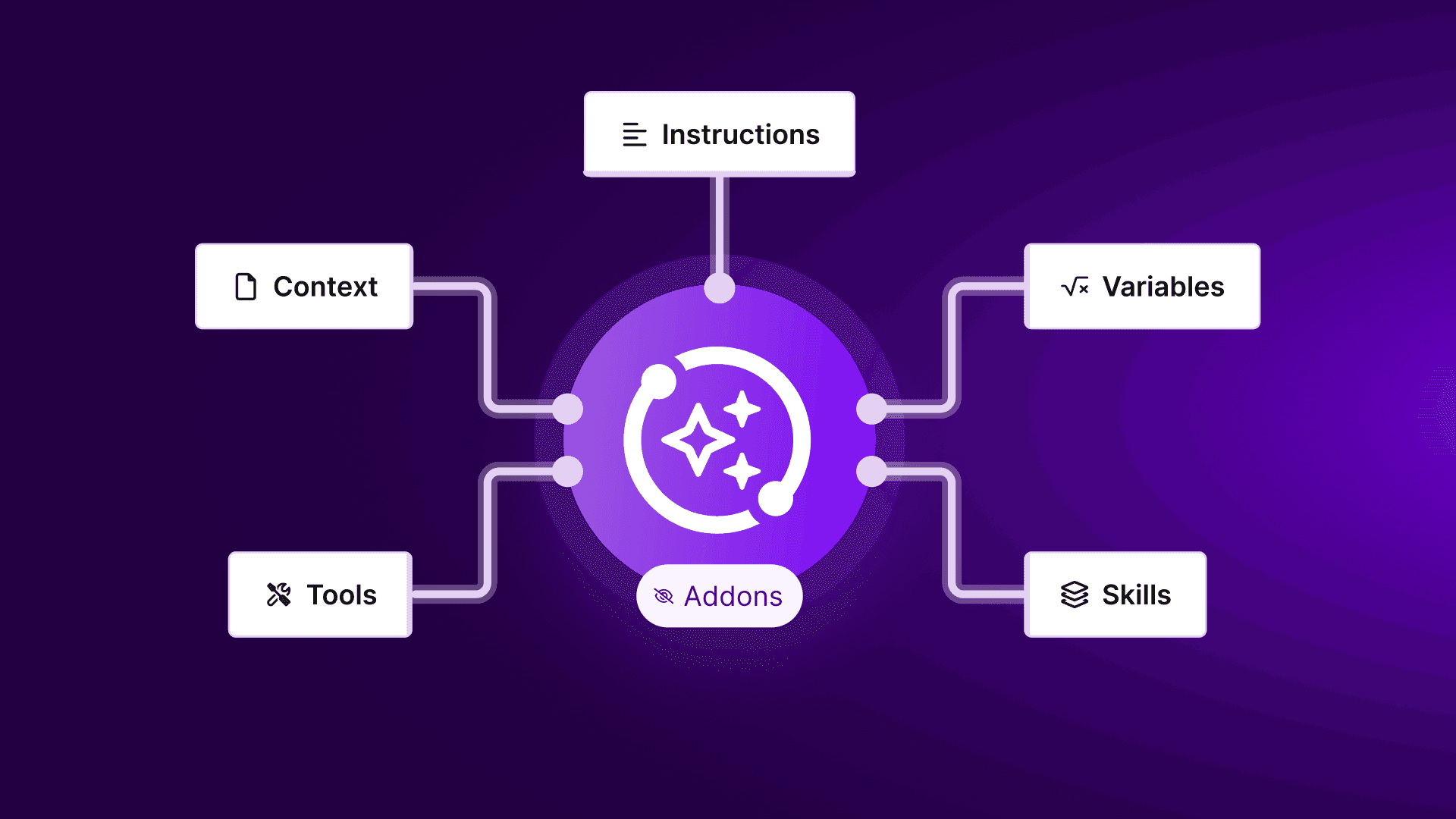 Make is one of the strongest Zapier alternatives if you want to see how data moves through a workflow. Its scenario builder is useful for routers, filters, iterators, transformations, and multi-step paths that would feel cramped in a linear Zap. Choose it for marketing operations, ecommerce flows, lead routing, approvals, and content workflows. If your main use case is publishing and repurposing content, this guide to social media automation shows where workflow tools and AI agents can both help.
Pros:
✅: Visual builder makes complex flows easier to understand.
✅: Strong branching, filtering, and data transformation.
✅: Often more cost-effective for multi-step workflows.
Cons:
❌: Large scenarios can still become hard to maintain.
❌: Debugging takes practice when many modules are involved.
❌: Less control than self-hosted automation tools.
n8n: Best Open Source Zapier Alternative for Technical Teams
 n8n is the best open source Zapier alternative if you want more control. You can self-host it, connect APIs, add code steps, build custom nodes, and design workflows that go beyond trigger-action logic. The tradeoff is ownership: hosting, updates, credentials, failed runs, and workflow design are your responsibility. If you are comparing n8n with agent-style automation, this OpenClaw vs n8n comparison breaks down fixed workflows vs AI agent work.
Pros:
✅: Self-hostable with strong technical control.
✅: Flexible for APIs, custom logic, and code steps.
✅: Good fit for open-source and privacy-conscious teams.
Cons:
❌: Requires more setup and maintenance.
❌: Less beginner-friendly than Zapier or Make.
❌: You own credential security and infrastructure reliability.
Pipedream: Best for Developers and API-Heavy Workflows
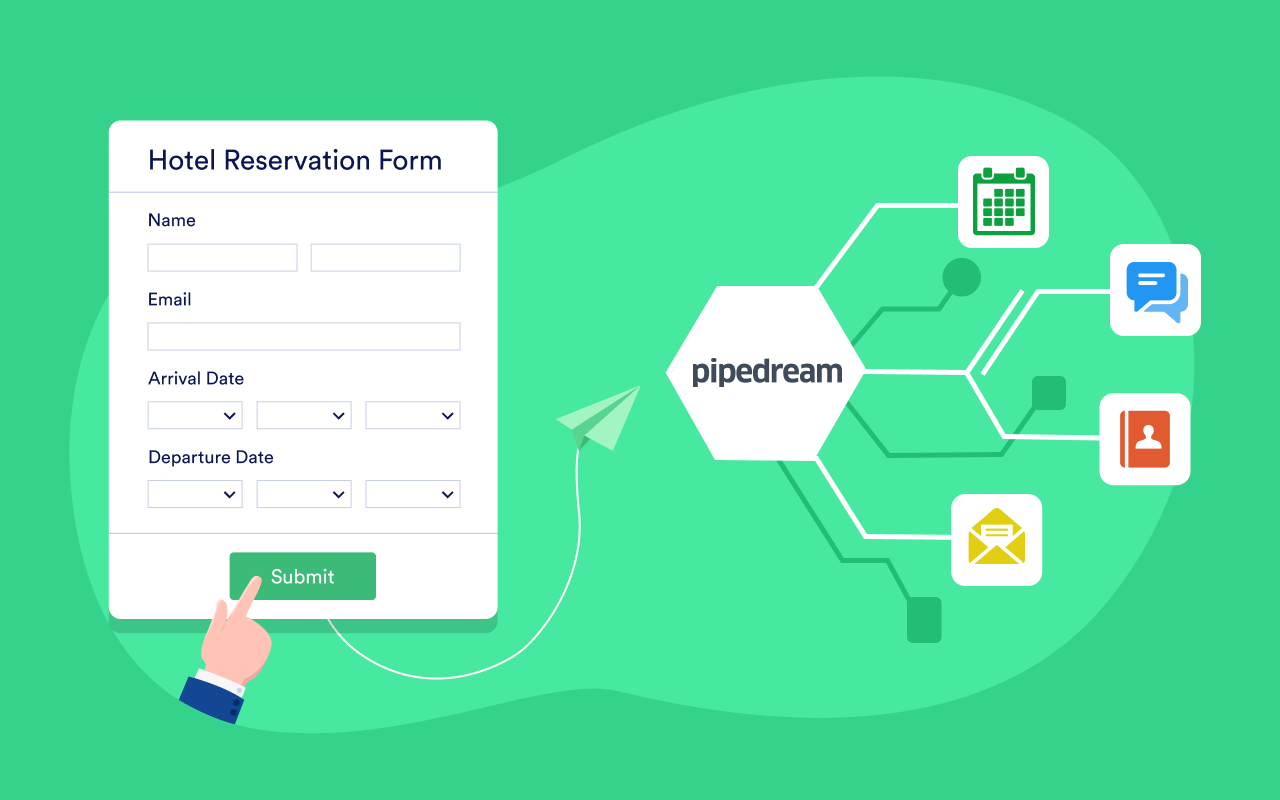 Pipedream is a better fit when your automation lives close to APIs. It supports webhooks, code, event-driven workflows, and developer-friendly integrations. Use it for internal tools, backend operations, data pipelines, alerts, and enrichment.
Pros:
✅: Excellent for API-first automation.
✅: Lets developers use code where no-code tools feel limited.
✅: Strong for webhooks, events, and backend workflows.
Cons:
❌: Not ideal for non-technical users.
❌: Less visual than Make for business process mapping.
❌: Requires API knowledge to get the most value.
Microsoft Power Automate: Best for Microsoft 365 Teams
 Power Automate makes the most sense if your company already runs on Microsoft 365. It connects Outlook, Teams, SharePoint, Excel, Dynamics, Power Apps, and Power BI. Choose it for approvals, document routing, internal requests, and Microsoft-heavy operations.
Pros:
✅: Deep Microsoft 365 integration.
✅: Strong for approvals, documents, and internal workflows.
✅: Supports both cloud flows and desktop automation.
Cons:
❌: Less compelling outside the Microsoft ecosystem.
❌: Can feel heavy for simple SaaS workflows.
❌: Licensing and flow limits may take time to understand.
Workato: Best for Enterprise Automation
 Workato is built for larger teams that need governance, cross-department automation, security controls, and enterprise integrations. Use it for revenue operations, HR, finance, IT service management, and processes that span several systems.
Pros:
✅: Strong enterprise governance and security controls.
✅: Good for cross-department business processes.
✅: Handles complex integrations across large systems.
Cons:
❌: Usually too much for small teams.
❌: Enterprise pricing can be high.
❌: Implementation may take longer than lightweight tools.
Activepieces: Best for Lightweight Open-Source Automation
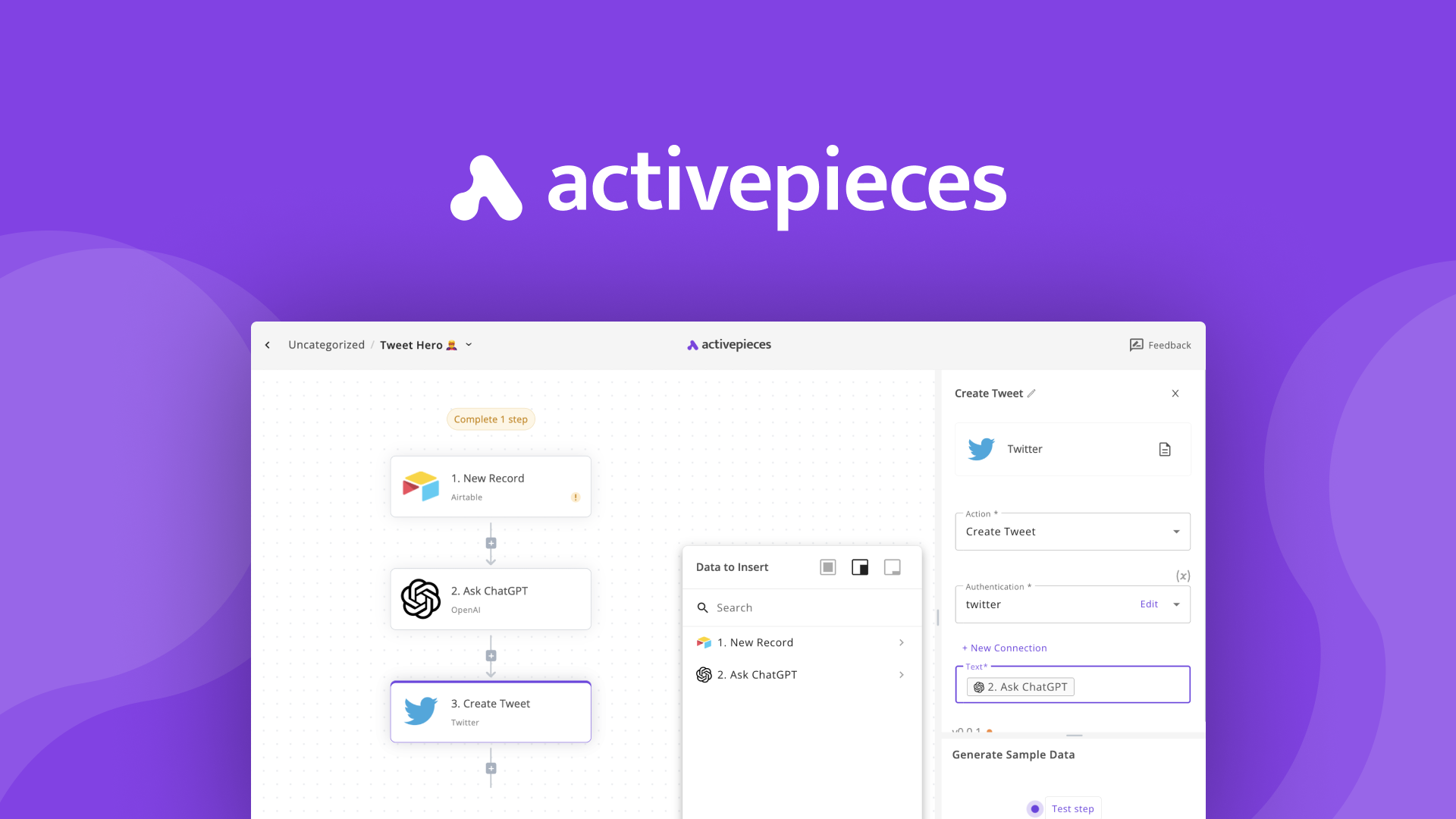 Activepieces is worth considering if you want an open-source, lightweight automation tool with a modern interface. It is not as deep as Zapier or n8n, but it can work well for smaller teams and straightforward workflows.
Pros:
✅: Open-source and easy to start with.
✅: Useful for simple business automations.
✅: Can be cost-effective for smaller workflows.
Cons:
❌: Smaller integration depth than Zapier.
❌: Less mature for advanced workflow operations.
❌: Not ideal for enterprise governance.
IFTTT: Best for Personal Applets and Smart Home Workflows
 IFTTT is better for personal applets, smart home automations, and simple consumer workflows. It is not the tool you choose for complex business operations, but it is still useful when the job is small and clear.
Pros:
✅: Very easy for simple personal automations.
✅: Good for consumer apps and smart devices.
✅: Fast to set up for basic trigger-action tasks.
Cons:
❌: Not built for complex business workflows.
❌: Smaller integration depth than Zapier.
❌: Less suitable for advanced routing, logs, and governance.
How to Compare Alternatives to Zapier
Before you switch, compare alternatives to Zapier against the actual work you need to run. A cheaper pricing page does not always mean a cheaper workflow.
Integrations Are Not the Whole Story
Zapier has broad app coverage, but app count is only one part of the decision. Check exact triggers and actions, field mapping, webhooks, rate limits, retries, and failed-run inspection.
Compare Real Cost in Zapier vs. Make vs. n8n
 The real cost includes subscription fees, task volume, API calls, model usage, hosting, maintenance, debugging, and failure recovery. This matters when you compare Zapier vs Make vs n8n.
Decide If You Want Self-Hosted Automation Tools
No-code tools are faster at the start. Self-hosted automation tools give you more control later. If your team can handle APIs, code, and infrastructure, n8n or Pipedream may be worth it.
Check Security, Logs, and Approvals
Any automation that touches email, customer records, payments, production systems, or private files needs boundaries. Look for scoped credentials, logs, alerts, approvals, and a simple pause button.
When AI Workflow Automation Needs More Than Another Workflow Builder
Traditional workflow tools are best when the path is known in advance. AI automation tools become more useful when the task needs context and judgment.
Fixed Workflows Work Best When the Path is Known
If the workflow is "when this happens, do that," use a workflow builder. Examples include form submission to CRM, lead alert to Slack, invoice to spreadsheet, support ticket to project task, or calendar event to reminder. These automations should run the same way every time.
AI Agent Workflow Automation Helps When the Work Needs Context
AI agent workflow automation is different. You may need a system to read an email thread, understand the request, check a file, browse a website, summarize messy input, draft a reply, and ask for approval.
That is why a Zapier AI agent alternative is not always another workflow builder. Sometimes the better category is an AI agent platform: a runtime where an assistant can use tools, remember context, and work through a goal. This guide to choosing an AI agent platform covers that shift in more detail.
Good agent use cases include inbox triage, research summaries, weekly reporting, coding help, file organization, response drafts, and monitoring workflows. For example, a workflow can collect competitor signals, but an agent can help interpret them. This guide to brand tracking tools shows how that kind of monitoring work is becoming more automated.
Managed OpenClaw Hosting Is for Always-On Agent Work
 MyClaw is managed OpenClaw hosting for a private, always-on AI assistant. It is not trying to replace Zapier's app directory or win every simple trigger-action use case.
It makes more sense when you want OpenClaw-style agent work without maintaining the runtime yourself. Instead of setting up servers, Docker, updates, backups, and uptime monitoring, you get a dedicated environment for an assistant that can use tools and stay available over time.
Use MyClaw when the job is less "connect app A to app B" and more "give an assistant a goal, let it inspect the context, then move the work forward."
Pros:
✅: Private, always-on OpenClaw assistant.
✅: Better fit for context-heavy AI agent work.
✅: Removes the server setup and maintenance burden.
Cons:
❌: Not a direct replacement for Zapier's app directory.
Which Zapier Alternative Should You Choose?
Choose based on the work, not the loudest product claim.
Choose Zapier or Make for broad SaaS connections, fast setup, and predictable workflows.
Choose n8n or Pipedream when you need APIs, custom logic, code steps, webhooks, self-hosting, or deeper control.
Choose an AI agent runtime when the task needs reasoning, memory, browser access, file context, drafting, or multi-step follow-through. MyClaw is one managed path if you want a private OpenClaw assistant without turning maintenance into a separate project.
FAQ
What Is the Best Zapier Alternative?
Make is strong for visual workflows, n8n for self-hosted control, Pipedream for developers, Power Automate for Microsoft teams, and Workato for enterprise automation. If the work needs context and judgment, an AI agent runtime may fit better.
Are Free Zapier Alternatives Worth It?
Yes. Some tools offer free tiers, and some open-source tools can be self-hosted. Just include your own time in the cost: setup, hosting, updates, security, logs, and debugging.
When Do You Need a Zapier AI Agents Alternative?
You need a Zapier AI agents alternative when automation needs context, tools, browsing, research, drafting, or judgment. It is not a drop-in replacement for every app integration.
Can MyClaw Replace Zapier?
MyClaw can replace some personal or agent-style automations, but it is not a universal Zapier clone. Use Zapier-style tools for predictable app connections. Use MyClaw for private, always-on OpenClaw agent work.
Conclusion
The best Zapier alternatives depend on the shape of your workflow. Use Make for visual no-code automation, n8n for open-source control, Pipedream for API-heavy work, Power Automate for Microsoft 365, and Workato for enterprise processes.
If your work is moving beyond fixed steps into AI automation, the category changes. You may need an agent that can understand context, use tools, and keep working over time. For that kind of workflow, MyClaw gives you a managed way to run OpenClaw privately without taking on the server work yourself.
Skip the setup. Get OpenClaw running now.
MyClaw gives you a fully managed OpenClaw (Clawdbot) instance — always online, zero DevOps. Plans from $19/mo.