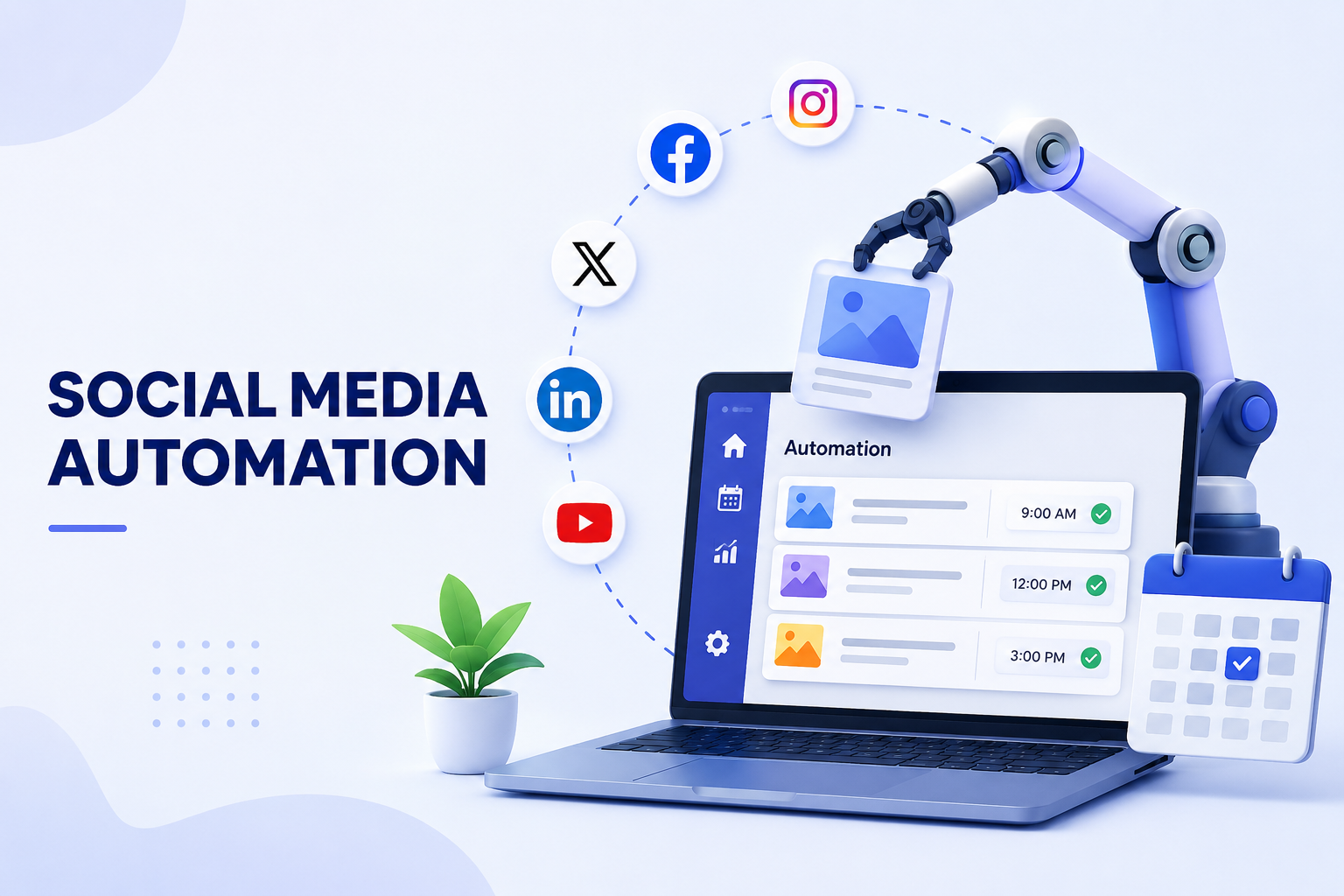
Social Media Automation: Tools, Workflows, and AI Agents That Save Time
Managing social media gets heavy fast. Soon you are rewriting the same idea for LinkedIn, X, Instagram, TikTok, Facebook, and maybe a newsletter too. You are checking comments, watching competitors, pulling reports, and trying to keep next week's content from going empty.
Social media automation helps you remove the repeatable parts of that work. Used well, it does not make your brand sound robotic. It gives you a better system for planning, drafting, publishing, reviewing, and learning from your content while keeping judgment in human hands.
What Is Social Media Automation?
Social media automation is the use of software, rules, workflows, or AI to handle recurring social media tasks with less manual effort. That can be as simple as scheduling posts in advance, or as advanced as turning a product update into platform-specific drafts, sending them for approval, publishing them, and summarizing performance.
The point is not to remove you from the process. The point is to stop spending your best hours on copy-pasting, reformatting, exporting reports, and checking the same dashboards every day.
The Simple Definition
At a practical level, social media automation can help you:
- Schedule and publish posts across channels.
- Repurpose long-form content into short posts.
- Tag or route comments and messages.
- Generate first drafts for captions and campaign ideas.
- Create recurring reports.
- Trigger workflows when a post, lead, reply, or update appears.
 This is also where the difference between ordinary AI output and agent-style work matters. This guide to agentic AI vs generative AI explains why a system that can plan and use tools is different from a model that only generates text.
What It Should Not Do
Good automation is not fake engagement. It should not mass-follow accounts, auto-like random posts, blast copied DMs, or publish sensitive content without review. Those tactics create brand risk and usually poor results.
Use automation to support better work, not to imitate real relationships at scale.
What Can You Automate on Social Media?
The safest place to start is with work that is repetitive, structured, and easy to review.
Scheduling and Publishing
This is the most common use case for social media automation tools. You create a queue, assign posts to channels, choose times, and let the tool publish on schedule.
This works well for campaign posts, evergreen content, product reminders, event promotions, and weekly recurring themes. It also helps you avoid logging into every platform just to post the same update in slightly different formats.
 The best social media automation tools also make it easy to preview posts before they go live, so you can catch broken links, awkward formatting, or channel-specific copy that does not fit.
Content Repurposing
A single source can become many pieces of social content. A blog post can become a LinkedIn carousel outline, an X thread, Instagram captions, a TikTok script, and a newsletter blurb.
Automation can prepare those drafts faster, but the best results still need editing. Each platform has its own pace and expectations. Use automation to create options, then choose and refine the ones that sound like you.
Inbox, Comments, and Reporting
You can automate message tagging, comment alerts, common reply drafts, support routing, and weekly performance reports. If your social channels also receive customer questions, the same principles apply as customer service automation: classify the issue, draft a response, and escalate anything sensitive. This guide to an AI customer service agent covers this review pattern in more depth.
For reports, automation can summarize top posts, engagement changes, channel growth, and next actions without rebuilding the same spreadsheet every Friday.
Social Media Automation Tools vs. Social Management Tools
The terms sound similar, but they are not always the same. If you choose the wrong category, you may pay for a large platform when you only need a scheduler, or force a simple scheduler to run a team workflow.
When comparing social media automation tools, start with the job you need done. Some tools are built for publishing speed, while others are better for approvals, inbox management, reporting, or cross-app workflows.
| Category | Best For | Common Features |
|---|---|---|
| Social media automation tools | Repeating tasks and publishing workflows | Scheduling, auto-posting, RSS triggers, basic replies, reporting exports |
| Social management tools | Managing teams, brands, and channels in one place | Content calendar, approvals, social inbox, analytics, roles, permissions |
| Workflow automation tools | Connecting social tasks to other apps | Triggers, webhooks, CRM updates, spreadsheet syncs, notifications |
| AI agent workflows | Research, drafting, summarizing, and multi-step execution | Source monitoring, content drafts, report summaries, task handoffs |
When a Scheduler Is Enough
If your main problem is "we have content, but we forget to post it," a scheduler is enough. You need a calendar, queues, platform connections, and maybe a way to preview posts before they go live.
When You Need Social Management Tools
If you manage multiple brands, clients, teammates, approvals, or inboxes, social management tools make more sense. These are often also called social media management tools. You are not only publishing posts. You are coordinating people, comments, permissions, reports, and brand consistency.
When You Need Workflow Automation
If your social media work starts outside the social platform, workflow automation becomes more important. A new blog post might trigger draft creation. A webinar signup might trigger a reminder. A product changelog might become social copy. This comparison of workflow automation software gives more context.
Build a Better Social Media Marketing Automation Workflow
Strong social media marketing automation starts before the post is written. If you only automate publishing, you still have to manually find ideas, rewrite content, approve drafts, track results, and decide what comes next.
 The real value of social media marketing automation is connecting those steps into one repeatable process, not just sending posts to a queue.
Start With Inputs, Not Posts
Your inputs are the raw material for your social content. They might include:
- Blog posts and product updates.
- Customer questions and support tickets.
- Competitor announcements.
- Reddit, X, LinkedIn, or forum discussions.
- Sales call notes and objections.
- Newsletter topics.
- Analytics from previous campaigns.
When you organize those inputs, automation becomes more useful. Instead of asking, "What should we post today?" you can turn real signals into usable content ideas.
This matters beyond social media too. Sales, marketing, and support workflows often share the same sources. This article on tools to automate sales workflow shows how similar logic can support lead research, follow-ups, and CRM work.
Add Review Before Publishing
The safest pattern is simple: AI drafts, humans approve. Automation can suggest angles, write first drafts, adapt tone, and format content for each platform. You still decide whether the message is accurate and appropriate.
This is especially important for regulated industries, public complaints, pricing claims, crisis moments, and customer-specific replies.
Close the Loop With Reports
A useful workflow does not end when the post goes live. It should feed performance back into planning.
At the end of each week, your system should help answer:
- Which topics got real engagement?
- Which platforms performed best?
- Which formats underperformed?
- Which comments or questions should become future content?
- What should be tested next week?
If you already use tools like n8n or are comparing agent workflows with automation builders, this OpenClaw vs n8n comparison is useful context.
How AI Agents Extend Social Media Automation
Traditional tools are good at executing known steps. They publish a scheduled post, route a message, export analytics, or trigger a notification. That is useful, but it still depends on you to prepare the strategy, collect source material, write copy, and decide what changed.
AI agents extend social media automation by helping with the work around the post. They can monitor sources, summarize changes, draft options, compare angles, organize approvals, and prepare reports.
 This is where MyClaw fits naturally. It gives you a private OpenClaw instance that can stay online and run agent-style workflows without you managing the infrastructure. It is not meant to replace every scheduler or social inbox. It is more useful as the layer that keeps the surrounding work moving.
For example, you could use an always-on agent workflow to:
- Monitor competitor pages, Reddit threads, X conversations, and product updates.
- Summarize useful angles each morning.
- Draft posts for LinkedIn, X, and Instagram in different tones.
- Send drafts to you or your team for approval.
- Hand approved content to your publishing workflow.
- Summarize weekly performance and suggest next week's topics.
That is closer to having an operations assistant for your social media process.
What Should Stay Human?
Some parts of social media should not be fully automated. Your positioning, taste, campaign judgment, crisis responses, and sensitive replies still need human ownership.
Keep these areas human-led:
- Brand voice and final creative direction.
- Replies to angry customers or public complaints.
- Legal, financial, medical, or compliance-sensitive claims.
- Influencer or partner relationships.
- Campaign strategy and audience positioning.
- Any content that could damage trust if it is wrong.
You can still use automation around these tasks. An AI system can summarize a complaint, pull context, and draft a careful reply. A person should make the final call before anything public goes out.
The best rule is simple: automate preparation, organization, and reporting first.
Conclusion
Social media automation works best when it gives you more time for work that needs judgment. A scheduler can help you publish consistently. Social management tools can coordinate posts, approvals, inboxes, and analytics. Workflow tools can connect social tasks to the rest of your business. AI agents can help with research, drafting, monitoring, reporting, and coordination.
You do not need to automate everything. Start with one repeatable process, add review points, and improve it over time. If you want a private OpenClaw agent to support back-office social media workflows 24/7 without running your own infrastructure, MyClaw gives you a practical way to start.
省掉配置,立即运行 OpenClaw。
MyClaw 提供全托管的 OpenClaw(Clawdbot)实例 —— 始终在线,零运维。$19/月起。