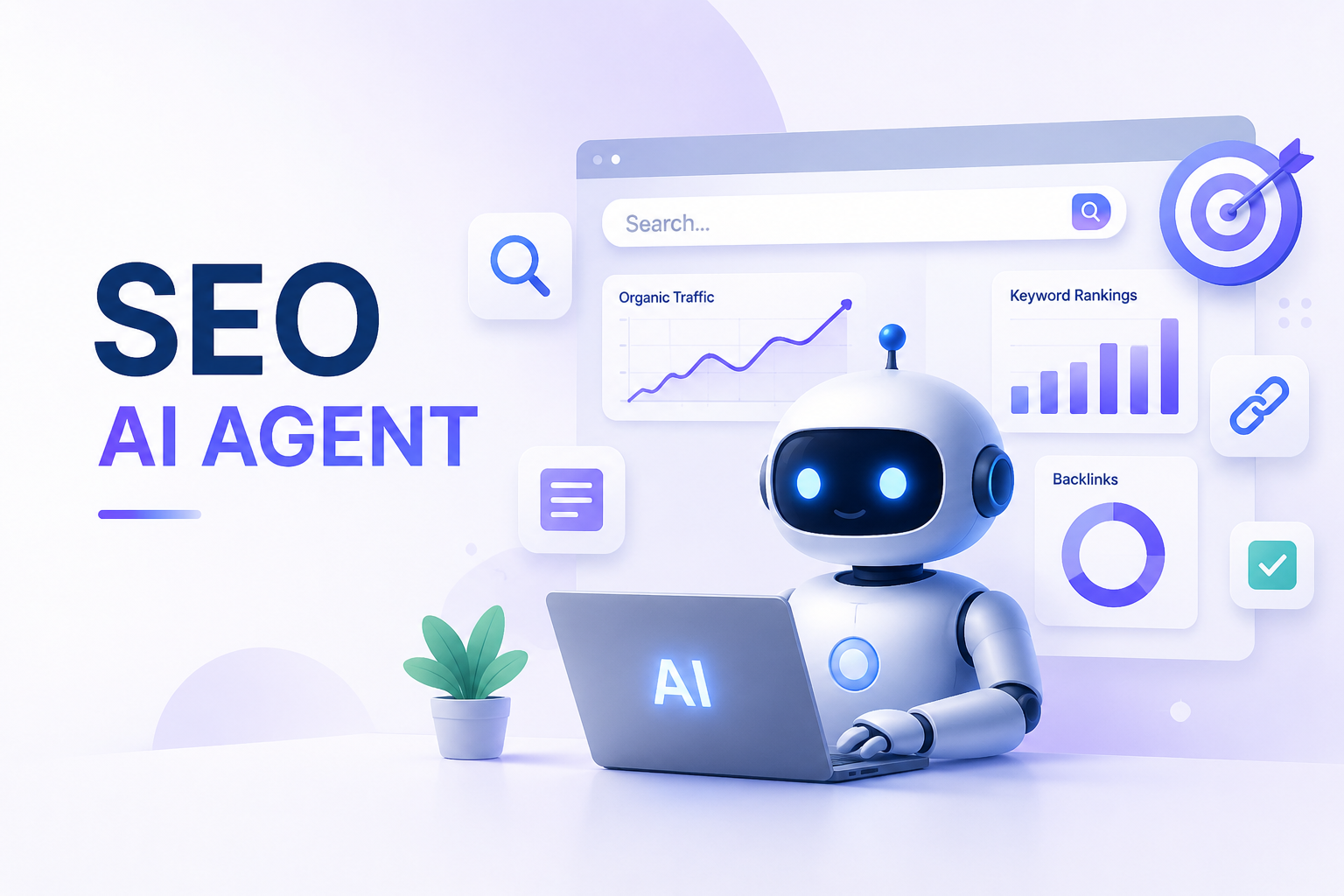
SEO AI Agent: What It Is, What It Can Do, and How to Build One

By Nathan Cole
MyClaw Editorial
MyClaw
Get OpenClaw running now
See how hosting, automation, payments, support, and OpenClaw operations come together in one managed product experience.
AI Takeaway
- An SEO AI agent is more than an AI writer. It can research SERPs, read analytics, inspect pages, prepare recommendations, and keep checking results after the first draft is done.
- The best starting point is recurring SEO work. Daily GSC checks, weekly content gap reports, competitor monitoring, internal link reviews, and refresh queues are safer than fully automated publishing.
- A useful agent connects signals. Rankings, Google Search Console, GA4, crawl data, competitor pages, and content quality need to become one clear next step, not five separate reports.
- Guardrails matter. SEO changes affect traffic, revenue, and brand trust, so publishing, redirects, metadata, and technical edits should stay reviewable.
- Private agents make sense when the workflow is custom. If your SEO process depends on private analytics, client data, browser checks, memory, and scheduled tasks, a dedicated agent runtime can be more useful than another closed dashboard.
What an AI SEO Agent Actually Does
An AI SEO agent moves through an SEO workflow instead of answering one prompt at a time. It can look at search data, inspect pages, compare competitors, draft recommendations, and remember what changed last week.
That makes it different from a normal AI writing tool or a lightweight content assistant. A writer produces a draft from a keyword. An agent can check whether the keyword is worth targeting, review the live SERP, suggest a structure, prepare the draft, and later check whether the page gained impressions.
| Stage | What the agent does |
|---|---|
| Discover | Finds ranking drops, keyword opportunities, content gaps, or technical issues |
| Decide | Filters what matters and explains the likely impact |
| Prepare | Creates briefs, metadata, internal link ideas, schema notes, or refresh plans |
| Measure | Checks whether the change improved traffic, clicks, CTR, or visibility |
This is why the difference between a chatbot and an agent matters. If that distinction still feels blurry, this breakdown of AI agent vs chatbot is a useful place to start.
What AI-Powered SEO Agents Can Automate
The best early use cases are not flashy. They are the repetitive checks that are easy to forget and annoying to do manually.
Search Performance Monitoring
A practical AI agent for GSC and GA4 can check Google Search Console every morning, compare clicks, impressions, CTR, and average position, then summarize only meaningful changes:
- A page gained impressions but lost CTR, so the title may need work.
- A ranking page dropped after newer competitors added missing subtopics.
- A landing page is getting impressions for a query that deserves its own section.
The value is not pulling the data. The value is knowing which change deserves attention.
SERP and Competitor Research
An agent with browser access can open ranking pages, compare headings, inspect examples, and identify what the SERP is rewarding. This is especially useful for tool lists, comparison pages, templates, and “best X” queries.
For live page inspection, browser automation becomes part of the SEO stack. The same ideas behind best web scraping tools apply here: APIs are useful when pages are simple, while browser agents help when pages are dynamic or hard to parse cleanly.
Content Refresh and Quality Control
 A good agent should improve existing pages before it tries to create dozens of new ones. It can find outdated screenshots, weak titles, missing FAQs, broken internal links, thin sections, and pages that no longer match the current SERP.
It can also run a quality gate before a draft goes live:
- Does the page answer the main intent quickly?
- Are claims supported by examples or data?
- Is the title written for clicks, not just keywords?
- Are internal links relevant?
- Is schema appropriate for the page type?
Reporting and Next-Step Planning
Weekly reporting is another strong fit for AI agent SEO work. The best report is not “traffic went up 8%.” It is “these three pages created most of the gain, this page is decaying, and these two fixes are the highest-leverage next steps.”
Where SEO AI Agents Go Wrong
The most common failure is optimizing for output volume. Publishing more AI content does not help if the content is generic, poorly checked, or disconnected from search intent.
The second failure is treating every SEO tool as a separate input. A rank tracker might show one thing, GSC another, and GA4 something else. The agent only becomes useful when it connects those signals into one recommendation.
The third failure is skipping approval. Redirects, title changes, canonical tags, schema, internal links, and page rewrites should all have a review path. A strong agent protects your attention so judgment is spent on the right decisions.
SaaS AI SEO Agent vs. Self-Hosted SEO AI Agent
A SaaS AI SEO agent is usually the fastest way to start, especially for content briefs, article generation, keyword clustering, or fixed reports.
A self-hosted or dedicated agent makes more sense when the workflow is yours: private analytics, client accounts, custom approval rules, multiple tools, and memory across projects.
| Choose a SaaS SEO agent when... | Choose a private SEO agent when... |
|---|---|
| You want a ready-made content workflow | You want custom workflows across several tools |
| Your data can stay inside a third-party platform | You need tighter control over analytics or client data |
| The process is mostly the same every week | The agent needs memory, context, and custom rules |
This is close to the broader automation decision. If the path is fixed, workflow software works well. If the work needs judgment and context, agent workflows become more useful. The same split shows up in workflow automation software, where rules-based automation and AI agent workflows solve different problems.
A Practical SEO AI Agent Workflow
Start small. A useful SEO AI agent workflow should make your next SEO decision clearer before it tries to automate the whole process. The first version should monitor, analyze, and prepare work for review, not publish content automatically.
Step 1: Give the Agent Reliable Data
Connect the sources that matter: Google Search Console, GA4, rank tracking, crawl exports, target pages, competitor URLs, and your content calendar. This is where an AI agent for GSC and GA4 becomes more useful than another dashboard export.
Step 2: Define Recurring Checks
Create a few recurring jobs:
- Daily: check GSC for unusual gains or drops.
- Weekly: find pages losing clicks and suggest refresh priorities.
- Weekly: compare one target topic against current ranking pages.
- Monthly: review internal links, schema, and outdated pages.
Step 3: Build a Review Queue
Ask the agent to prepare recommendations in a queue: title updates, meta descriptions, brief changes, internal link suggestions, schema fixes, and pages worth refreshing. The agent prepares; you approve.
Step 4: Save What the Agent Learns
Memory is where an agent becomes more useful than a script. It should remember brand rules, rejected ideas, important pages, previous experiments, report preferences, and SEO constraints.
How to Run This Kind of Agent Without Becoming a Sysadmin
A prompt is not enough for this setup. You need an agent runtime: a place where the agent can stay online, use tools, keep memory, run scheduled checks, and work through multiple steps.
OpenClaw is a natural fit because it is built around an always-on assistant, skills, memory, tool access, chat-based control, and scheduled tasks. For SEO, that means browser access, search tools, analytics workflows, and recurring jobs can live in one agent.
 The skills layer matters. You might start with search, browser, Gmail, GitHub, GSC, GA4, or reporting-related skills, then add more only when the workflow actually needs them. This guide to best OpenClaw skills is a helpful map for deciding what belongs in the first setup.
MyClaw makes that easier by hosting OpenClaw for you. The point is not to replace every SEO platform; it is to give you a private, always-on agent environment without maintaining a server.
How to Build an OpenClaw SEO Agent with MyClaw
Step 1: Start a Private OpenClaw Instance
Choose a MyClaw plan and launch a dedicated OpenClaw instance. This gives the agent a stable home where it can stay online, keep memory, and run tasks even when you are not chatting with it.
MyClaw gives you a fully managed OpenClaw (Clawdbot) instance — always online, zero DevOps. Plans from $19/mo.
Get StartedStep 2: Add SEO Data and Browser Skills
Connect the tools the agent needs for decisions. Start with Google Search Console, GA4, browser access, and a search or SEO data source. If publishing is involved, add your CMS or file workflow later. Keep the first version read-only where possible.
Step 3: Create Recurring SEO Workflows
Set up a few simple Cron or heartbeat tasks for the SEO AI agent workflow:
- Daily GSC anomaly check
- Weekly content gap report
- Monthly refresh list for decaying pages
Ask the agent to send recommendations into a review queue. You approve titles, briefs, internal links, schema changes, and page edits before anything goes live.
Who Should Build an SEO AI Agent
An AI-powered SEO agent is a good fit if you already know what good SEO looks like but want less manual checking. It works well for technical marketers, founders, agencies, consultants, and small teams managing multiple pages or sites.
It is a poor fit if the goal is a magic ranking button. The agent will not replace strategy, taste, or editorial judgment. It is better as an operator: always watching, organizing messy signals, and preparing work.
If you are comparing ways to run OpenClaw, the best OpenClaw hosting guide covers the managed, VPS, and self-hosted tradeoffs.
Conclusion
An SEO AI agent is useful when it does more than write. The real value is connecting search data, analytics, SERP research, content quality, technical checks, and recurring monitoring into one workflow.
For simple content production, a focused SaaS tool may be enough. But if you want a private agent that can keep memory, run on a schedule, inspect pages, connect tools, and adapt to your process, building on an agent runtime is the stronger direction. OpenClaw provides that foundation, and MyClaw makes it practical to run without handling the infrastructure yourself.
Skip the setup. Get OpenClaw running now.
MyClaw gives you a fully managed OpenClaw (Clawdbot) instance — always online, zero DevOps. Plans from $19/mo.