AI Customer Service Agent: What It Can Automate and When to Keep Humans Involved
Customer support rarely stays simple. One customer asks a shipping question. Another wants a refund. Someone else reports a bug, adds screenshots, and expects your team to understand the whole history.
An AI customer service agent can help with that pressure, but only if you use it for the right kind of work. The goal is not to force every customer into an AI conversation. The goal is to answer predictable questions faster, remove repetitive tasks, and give human agents better context when a case needs judgment.
What an AI Customer Service Agent Actually Does
An AI customer service agent uses your company knowledge, customer context, workflow rules, and connected tools to help resolve support requests. A weak version only replies. A stronger version can understand intent, find the right source, suggest next steps, and take approved actions.
Most customer service AI agents help with three layers of work:
- Answering: using help docs, product pages, policies, and past tickets to answer common questions.
- Assisting: summarizing threads, drafting replies, classifying tickets, and suggesting next steps.
- Acting: checking records, creating tasks, updating tags, routing cases, or triggering approved workflows.
That third layer is where the category becomes more than a support widget. This guide to agentic AI vs generative AI explains why agents are about follow-through, not just content generation.
You do not need full autonomy on day one. The safest path is to start with low-risk assistance, measure quality, then expand permissions slowly.
AI Agent vs. Chatbot: The Difference That Matters
 A chatbot is usually built to respond. It can follow a script, search an FAQ, qualify a lead, or route a visitor to the right team. That is still useful when the problem is narrow and predictable.
An AI agent is built to work through a goal. It can use context, call tools, remember instructions, and continue across steps. That matters because real support questions often include missing details, account history, policy exceptions, and follow-up work.
Agents are not always better. They are more powerful, so they need stronger boundaries. If the job involves messy context, internal tools, and follow-up tasks, AI agents for customer service become more useful.
For a deeper category comparison, see this guide to AI agent vs chatbot.
Start With Support Workflows You Can Safely Automate
The best first use cases are usually repetitive and easy to review. That is where you get speed without giving the agent too much control.
Start with work like this:
- answering setup questions from your documentation
- explaining shipping, billing, cancellation, and refund policies
- summarizing long support threads for a human agent
- tagging tickets by intent, urgency, or product area
- routing bug reports or repeated issues
- drafting replies for human approval
Be more careful with anything that changes money, access, account state, or private customer data. Refunds, cancellations, password resets, compliance questions, and angry escalations should usually start in review mode.
If you are mapping support into a broader operations process, compare this with other types of workflow automation software. Some workflows only need fixed triggers and rules. Others need an agent that can interpret messy input before deciding what to do next.
What to Check Before Choosing an AI Customer Service Agent
A polished demo can hide operational problems. Before you pick a tool, check how it will behave inside your real support process.
| Area | What to Ask |
|---|---|
| Knowledge | Can it use your docs, policies, and past tickets without inventing answers? |
| Channels | Does it work where customers contact you: email, chat, Slack, WhatsApp, Telegram, or helpdesk? |
| Integrations | Can it connect to your actual systems, or only one platform? |
| Handoff | Can it escalate with the full conversation history and suggested next steps? |
| Permissions | Can you limit what the agent can see and do? |
| Logs | Can you review answers, sources, and actions? |
| Pricing | Are you paying per seat, conversation, resolution, LLM usage, or hosting? |
Knowledge quality matters more than model hype. If your docs are outdated or contradictory, even a strong model will struggle. Data access also needs care: a real support agent may touch customer emails, invoices, order records, or private account details. You want least-privilege permissions, approval rules, and audit logs.
Choose the Right Type of AI Customer Service Agent
If your team already runs support inside Zendesk, Intercom, Salesforce, Gorgias, or another helpdesk, a built-in AI product may be the easiest path. Those platforms are strong when you need ticketing, reporting, routing, macros, workforce tools, and AI inside a standard support operation.
But that is not the only valid setup. You may want a private agent if your support work is spread across inboxes, docs, internal tools, scripts, browsers, and messaging apps. This is common for technical SaaS teams, agencies, developer products, and small teams where customer support blends into operations, product feedback, engineering, and sales follow-up.
Here is a simple way to view the product landscape:
| Product | Best For | Notes |
|---|---|---|
| Zendesk AI agents | Teams already using Zendesk | Helpdesk-native ticket automation. |
| Intercom Fin | SaaS support and live chat | Best when conversations already run in Intercom. |
| Salesforce Agentforce Service Agent | Enterprise service teams | CRM-heavy service workflows. |
| Gorgias AI Agent | E-commerce brands | Commerce support with order and customer data. |
| Zowie AI Agent | Retail and ecommerce automation | High-volume e-commerce support. |
| Chatwoot | Open-source support desk | Self-hostable support platform. |
| OpenClaw with MyClaw | Private, flexible agent workflows | Custom support across docs, inboxes, scripts, and tools. |
The decision is really about control and convenience. Helpdesk AI is easier when your process already lives inside a helpdesk. A private agent is more interesting when you need custom context, flexible tool use, or workflows that cross multiple systems. The OpenClaw vs n8n guide is useful if you are comparing structured workflows with flexible agents.
Run a Private OpenClaw Support Agent Without Maintaining Servers
OpenClaw is interesting for support because it is not tied to one customer service platform. You can shape an agent around your docs, inboxes, internal tools, message channels, and recurring tasks. That makes it useful when you want a support assistant that can do more than sit inside a website chat box.
A private OpenClaw-based support workflow might:
- check new support emails each morning
- summarize urgent issues for your team
- draft replies from your docs and policies
- post product bugs into Slack or Telegram
- ask for approval before anything sensitive is sent
The hard part is keeping the agent online, updated, isolated, and reliable. A laptop setup may be fine for experiments, but support automation needs uptime. It is not useful if the agent disappears when your machine sleeps or an update breaks the environment.
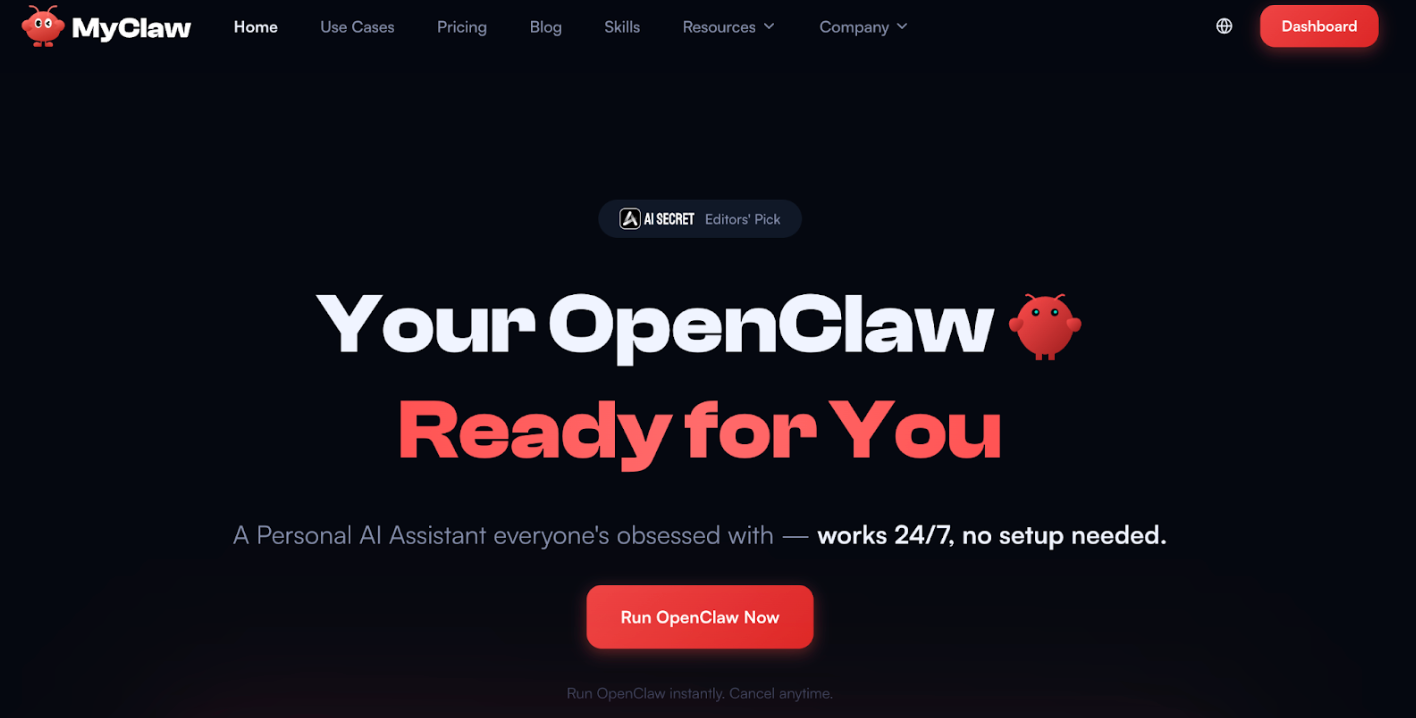 This is where MyClaw becomes practical. MyClaw provides managed OpenClaw hosting, so you can run a private, always-on OpenClaw agent without handling VPS setup, Docker maintenance, server updates, or day-to-day infrastructure work yourself.
If you are comparing managed hosting with VPS or local setups, this guide to best OpenClaw hosting breaks down the tradeoffs by cost, control, and maintenance.
A Simple Rollout Plan
Do not launch an autonomous support agent across every channel at once. Start small, measure results, and expand only when the agent proves useful.
Week 1: Prepare the knowledge base.
Collect docs, policies, FAQs, onboarding material, and strong past replies. Remove outdated information before connecting it.
Week 2: Run internal tests.
Ask real customer questions, including vague requests and edge cases. Track where it answers well and where it should escalate.
Week 3: Use draft mode.
Let the agent summarize tickets, suggest tags, and draft replies. Your team still approves the response.
Week 4: Automate narrow, low-risk work.
Allow direct automation only for clear, reversible tasks. Keep human approval for refunds, account changes, legal questions, and security issues.
The best AI customer service agents remove repetitive work so your team can spend more time on judgment and complex problem-solving.
Common Questions About AI Customer Service Agents
Can an AI Customer Service Agent Replace Human Support?
It can reduce repetitive work, but it should not replace human support completely. You still need people for judgment, disputes, sensitive account issues, and important customer relationships.
What Is the Best First Workflow to Automate?
Start with FAQ answers, ticket summaries, routing, tagging, and draft replies. These give you fast wins without giving the agent too much power too early.
Are AI Customer Service Agents Safe With Customer Data?
Yes, if you set permissions, logs, approval rules, and data boundaries correctly. Treat them like any system that can access private customer information.
Conclusion
An AI customer service agent is useful when it helps customers get accurate answers faster and helps your team resolve support work with less repetition. If you need standard helpdesk automation, a support platform may be the right choice. If you need a private, flexible agent that works across docs, inboxes, internal tools, and recurring workflows, OpenClaw is worth considering. And if you want that private agent to stay online without maintaining the infrastructure yourself, MyClaw gives you a managed way to run it.
Hoppa över konfigurationen. Få OpenClaw igång nu.
MyClaw ger dig en fullt hanterad OpenClaw (Clawdbot)-instans — alltid online, ingen DevOps. Abonnemang från $19/mån.