
AI Real Estate Agent: What It Can Do, How It Works, and Where It Fails
AI Takeaway: Before you choose an AI real estate agent, you need to know what it can safely automate and where human judgment still matters. This article answers five practical questions:
- What can AI actually do for buyer leads, seller leads, appointments, and CRM updates?
- How can AI real estate appointments work without double-booking or confusing clients?
- Where does AI for real estate leads save time, and where does it create risk?
- Should you buy a dedicated real estate AI tool or build a custom workflow?
- What should stay under human review around pricing, financing, contracts, Fair Housing, and property claims?
Real estate work has a follow-up problem. A lead comes in while you are driving to a showing. A buyer asks for a tour late at night. A seller wants an update while you are between calls. None of these moments is hard by itself, but they are easy to miss.
That is where an AI real estate agent can help. It can respond quickly, ask qualifying questions, organize lead details, draft replies, and keep your pipeline cleaner. The catch is that real estate is local, regulated, and trust-heavy. Use AI for speed and structure while keeping judgment with you.
What Is an AI Real Estate Agent?
An AI real estate agent is software that helps with communication and operations around real estate work. It can qualify leads, draft responses, answer basic property questions from approved data, book appointments, update a CRM, and remind you what needs follow-up.
It is not the same thing as a licensed real estate agent. A real estate AI agent should not independently give legal advice, make financing recommendations, promise a price, interpret contract language, or make sensitive housing recommendations.
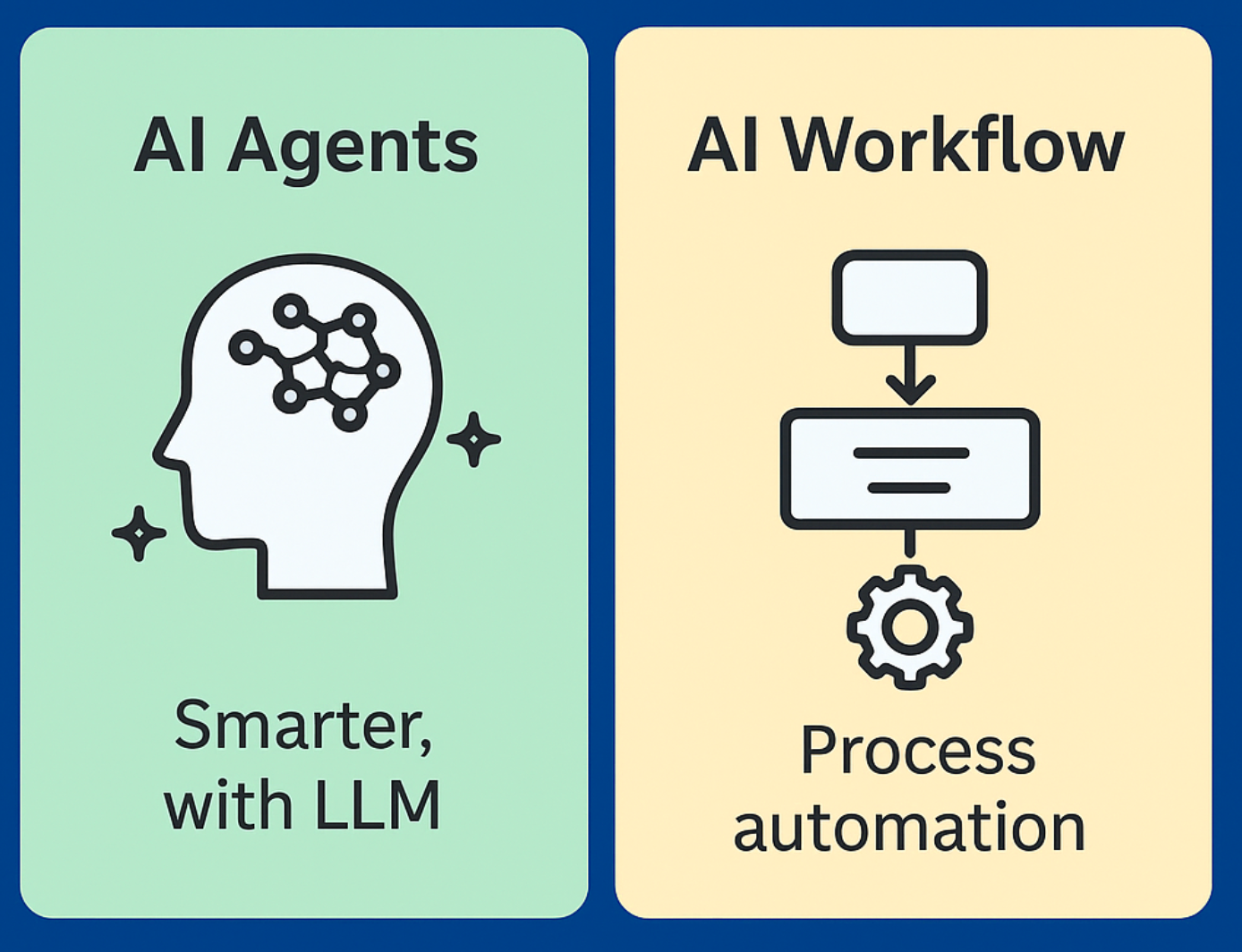
The practical distinction is simple: a chatbot replies, while an agent can take steps across tools. If you are still sorting out that broader category difference, this guide to AI agent vs chatbot is useful because real estate makes it obvious. A website bot may answer a question. An agent workflow can check an approved source, draft a reply, update the CRM, and create a showing task.
What an AI Real Estate Agent Can Actually Do
 The best use cases are repetitive and time-sensitive. If you are comparing this against broader agent software, the key question is whether you need a single real estate tool or a more flexible AI agent platform that can connect multiple workflows.
Qualify Buyer and Seller Leads
AI can collect budget, area, property type, financing status, timeline, must-have features, and urgency. For seller leads, it can ask about property condition, reason for selling, and expected timeline.
Book and Confirm Appointments
AI real estate appointments work only when scheduling rules are clear. The agent needs calendar availability, showing windows, buffer time, confirmation messages, and rescheduling logic. Without those rules, you get a fast system that creates slow problems.
Update CRM and Trigger Follow-Ups
 AI for real estate leads becomes valuable when it turns messy inbound messages into structured records: name, contact, property interest, timeline, next task, and follow-up date. It can also draft the next reply, so you are not starting from a blank screen.
Draft Listing and Client Messages
AI is strong at repetitive writing: listing descriptions, open house follow-ups, seller updates, buyer recaps, and old-lead reactivation messages. The best outputs come from real constraints: facts, audience, tone, and forbidden claims.
A Practical Workflow for Real Estate Leads
Most weak AI setups start with the tool instead of the workflow. Before choosing software, map the path from "new lead" to "next useful action."
| Stage | What AI Can Do | What You Should Review |
|---|---|---|
| Lead arrives | Extract contact info, source, property, timeline | Whether the lead is real and urgent |
| Qualification | Ask budget, area, timeline, financing status | Sensitive questions and tone |
| Routing | Mark hot, warm, or cold | High-value prospects and edge cases |
| Appointment | Suggest or confirm available times | Showing rules and access limits |
| CRM update | Add notes, fields, tasks, reminders | Data accuracy |
| Follow-up | Draft email or SMS replies | Price, financing, legal, or property claims |
If you already use automation tools, this may look familiar. The difference is that real estate conversations are messy. A clean form submission is easy; an email like "Can I see this Saturday if the schools are good and the seller is flexible?" needs interpretation. That is where AI sits between fixed automation and human judgment. For more on that split, see workflow automation software.
A good first workflow is simple: watch new lead emails or forms, extract fields, score the lead, draft the next reply, create a CRM task, and send you a daily summary. That is modest, but it removes the tiny delays that kill momentum.
Mini Test: Chatbot vs. Agent Workflow
Use 40 sample inputs across buyer leads, appointment requests, listing questions, and cold follow-up scenarios.
| Test | What Worked | What Failed |
|---|---|---|
| Buyer lead extraction | Budget, location, and timeline were usually captured well | Financing nuance was often vague |
| Appointment requests | Clear time windows were easy to handle | Rescheduling and timezone conflicts needed rules |
| Listing questions | AI answered well from supplied facts | It guessed when facts were missing |
| Cold follow-up drafts | Replies were polite and usable | Tone became generic without CRM history |
I tried letting AI draft instant replies for every new lead. Response time dropped from hours to seconds, and the replies were usually better than a rushed manual response. The downside was that vague leads exposed the system. When a buyer asked about availability, pricing flexibility, or neighborhood details not included in the data, the AI sounded too confident.
 The better setup was to let AI classify the lead, ask one missing question, and draft the next response. Pricing, property condition, financing, availability, and legal language stayed in human review.
AI Real Estate Agents and Tools Worth Knowing
You will see several kinds of AI real estate agents in the market. They solve different parts of the workflow, so compare them by job instead of by the word "agent."
| Tool Type | What It Usually Does | Best Fit |
|---|---|---|
| Voice and call agents | Answer missed calls, qualify leads, book callbacks | Agents who lose phone leads after hours |
| Website chat agents | Answer property questions and capture visitor info | Brokerage sites and listing landing pages |
| CRM AI assistants | Draft follow-ups, summarize contacts, update lead fields | Teams already living inside a CRM |
| Appointment agents | Suggest showing times, confirm visits, send reminders | Agents with repeatable showing rules |
| Custom hosted agents | Connect email, calendar, CRM, browser tasks, and reports | Teams that need private or unusual workflows |
For example, a voice agent is useful if your main problem is missed calls. A CRM assistant is better if your follow-up history is messy. A custom hosted agent makes more sense when the job crosses several tools and you want more control over data, approvals, and workflow logic.
Buy a Real Estate AI Tool or Build Your Own Workflow?
| Option | Best For | Pros | Cons |
|---|---|---|---|
| Vertical real estate AI software | Solo agents who want speed | Fast setup, scripts, CRM templates | Less flexible, vendor lock-in |
| CRM automation plus Zapier or Make | Teams with fixed processes | Cheap, familiar, quick to launch | Weak when conversations get messy |
| Custom hosted AI agent | Brokerages, agencies, technical teams | More control, private workflows, custom tools | Needs setup and monitoring |
| Human-only workflow | Complex or high-trust deals | Judgment, negotiation, relationship | Slow response and missed follow-up |
If your workflow is simple, buy a vertical tool. There is no need to build a custom system just to send first replies and book simple calls.
If your workflow crosses email, calendar, CRM, browser tasks, documents, and internal rules, you may need more control. The question shifts from "Which tool has the nicest demo?" to "Where will this agent run, what can it access, and how do I review what it did?"
How to Turn Real Estate AI Into a Repeatable Agent System
A prompt helps once. A repeatable agent system helps every week.
To get there, you need more than a reply generator. You need a setup that can watch inputs, use approved tools, follow rules, remember context, and stop when human review is required.
A practical setup needs lead source access, CRM or spreadsheet sync, calendar rules, approved property data, message templates, escalation rules, logs, and daily or weekly summaries.
 This is where MyClaw can fit naturally. MyClaw is not a dedicated real estate CRM, and it should not be positioned as one. It is a managed OpenClaw environment for running a private, always-on agent without maintaining the full infrastructure yourself.
For example, you could run an OpenClaw workflow that watches lead emails, extracts details, drafts replies, updates a spreadsheet or CRM, and gives you a morning summary. If you want that path without managing uptime and setup, this guide to best OpenClaw hosting explains the hosting tradeoff.
What Can Go Wrong With Real Estate AI Agents?
Bad Data Creates Bad Replies
If your listing data is stale, the AI may confidently repeat stale information. If school, HOA, tax, availability, or property condition data is missing, the AI may overstep. A safe rule is simple: if the fact is not in the approved source, the AI should say it needs to check.
Appointment Automation Needs Guardrails
Booking sounds simple until you account for travel time, access instructions, occupied homes, seller preferences, and last-minute changes. Let AI suggest times, but keep the rules explicit.
Compliance and Permissions Matter
Be careful with fair housing, financing advice, legal advice, property condition claims, pricing claims, and anything that sounds like a guarantee. Any agent that reads customer data, writes to a CRM, or sends messages needs limits. Before connecting sensitive systems, review AI agent security.
Human Review Is Still a Feature
Human review is not a weakness. Let AI handle drafts, summaries, field extraction, and reminders. Keep judgment with the professional.
Conclusion
An AI real estate agent is most useful when you treat it as a workflow system. It should help you respond faster, qualify leads, organize CRM data, draft follow-ups, and manage appointments without replacing your judgment.
Start with new lead response, appointment requests, or daily pipeline summaries. Add more automation only after you trust the inputs, outputs, and review process. If your needs grow beyond a fixed real estate tool, a hosted OpenClaw workflow through MyClaw can give you a flexible way to run a private, always-on agent around your existing systems.
Pule a configuração. Rode o OpenClaw agora.
MyClaw oferece uma instância totalmente gerenciada do OpenClaw (Clawdbot) — sempre online, zero DevOps. Planos a partir de $19/mês.