OpenClaw Feishu Skills: Best Ways to Connect OpenClaw With Feishu
As more teams look for ways to bring AI into daily collaboration, interest in OpenClaw Feishu setups has grown quickly. Some users search for an OpenClaw Feishu plugin, others look for an OpenClaw Feishu skill, and many simply want the best OpenClaw Feishu integration for their workflow. In practice, these searches usually point to the same core goal: connecting OpenClaw to Feishu so AI can work inside the tools people already use.
The good news is that there is no single “right” way to do it. The best setup depends on how much control you want, how technical your environment is, and what kind of work you want OpenClaw to handle inside Feishu. For some teams, the official plugin is the fastest and most natural option. For others, a webhook-based skill gives more flexibility and fits self-hosted environments better. This guide covers the most practical ways to connect OpenClaw with Feishu and helps you choose the setup that matches your needs.
Use the Official OpenClaw Feishu Plugin for Native Feishu Workflows
For most users, the simplest starting point is the OpenClaw Feishu plugin. This approach is designed for people who want OpenClaw to work inside Feishu with a more native experience and less custom configuration.
Install the OpenClaw Feishu Official Plugin
The official plugin route is usually the most direct way to get started with OpenClaw Feishu integration. Instead of building your own bridge from scratch, you connect OpenClaw through the supported Feishu plugin flow and configure the required permissions in Feishu.
This setup is often the best fit for users who want OpenClaw to send and receive messages, interact with Feishu workspaces, and operate more like a practical assistant inside the platform. It also reduces the amount of custom infrastructure you need to maintain compared with a more manual setup.
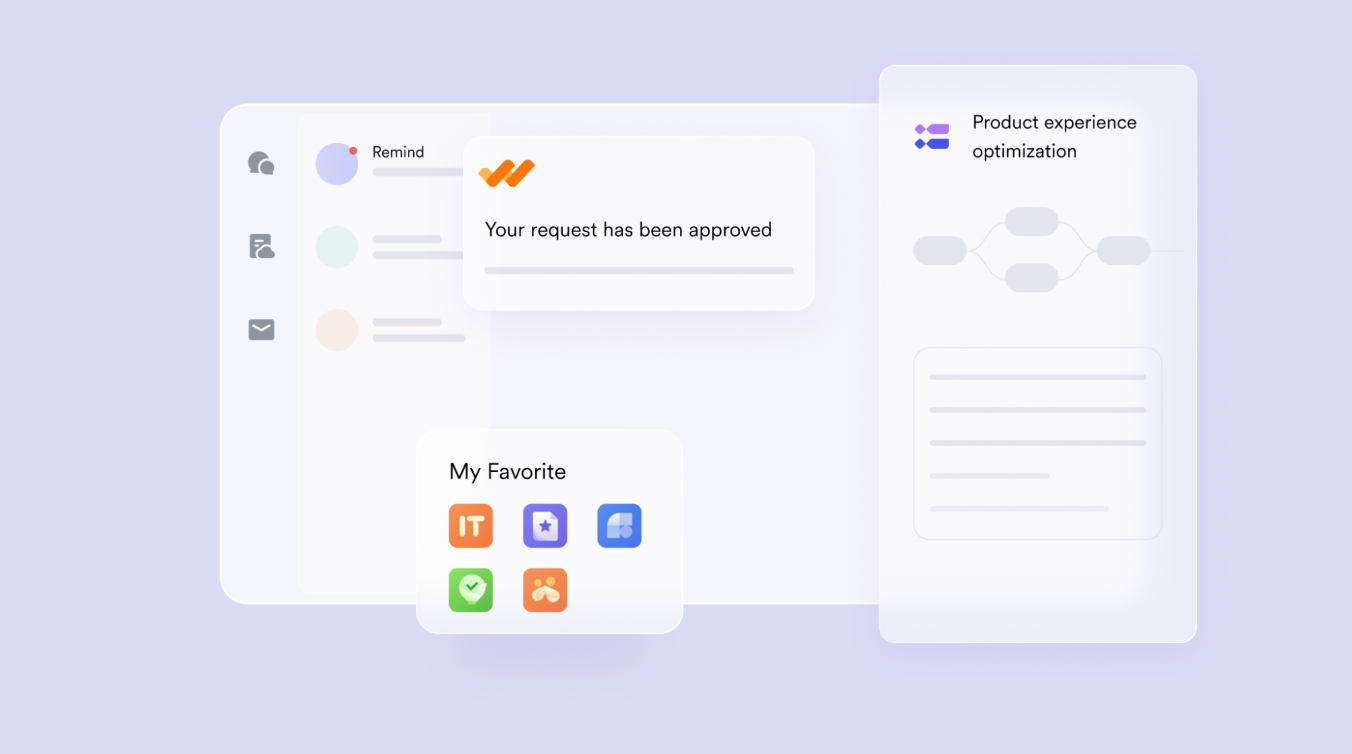 For many people searching for the OpenClaw Feishu plugin, this is exactly what they are looking for: a straightforward way to get OpenClaw working in Feishu without turning the project into a systems integration task.
OpenClaw Feishu Integration Setup in 2026
If you want a simple OpenClaw Feishu integration in 2026, the easiest path is still the official plugin route. For most users, this is the fastest way to turn OpenClaw Feishu from an idea into a working setup inside daily team workflows.
Start by installing the official OpenClaw Feishu plugin:
openclaw plugins install @openclaw/feishu
Then add Feishu as a channel in OpenClaw:
openclaw channels add
When prompted, choose Feishu and paste your App ID and App Secret from the Feishu Open Platform. If you are setting up a new app, create an enterprise app first, copy the credentials, enable bot capability, and turn on event subscription with long connection mode. In most standard setups, OpenClaw uses Feishu’s WebSocket-based event flow, so you do not need to expose a public webhook URL just to receive messages.
Once the channel is configured, start or check the gateway:
openclaw gateway status
openclaw logs --follow
After that, send a test message to the bot in Feishu. In many default setups, OpenClaw will return a pairing code for first-time approval. Once pairing is approved, your OpenClaw Feishu plugin setup is ready for direct messages, team knowledge access, and other native Feishu workflows. If you want the simplest version of an OpenClaw Feishu skill, this is usually the best place to start.
Connect Docs and Team Data
One of the biggest reasons to use an OpenClaw Feishu plugin is access to context. Once connected properly, OpenClaw can work with Feishu chats, documents, schedules, and other team information depending on the permissions and features enabled in your environment.
That matters because most AI tools become more useful when they can do more than answer isolated prompts. A well-configured OpenClaw Feishu integration can help users retrieve internal knowledge, summarize discussions, support project coordination, and turn Feishu into a more useful working interface for AI.
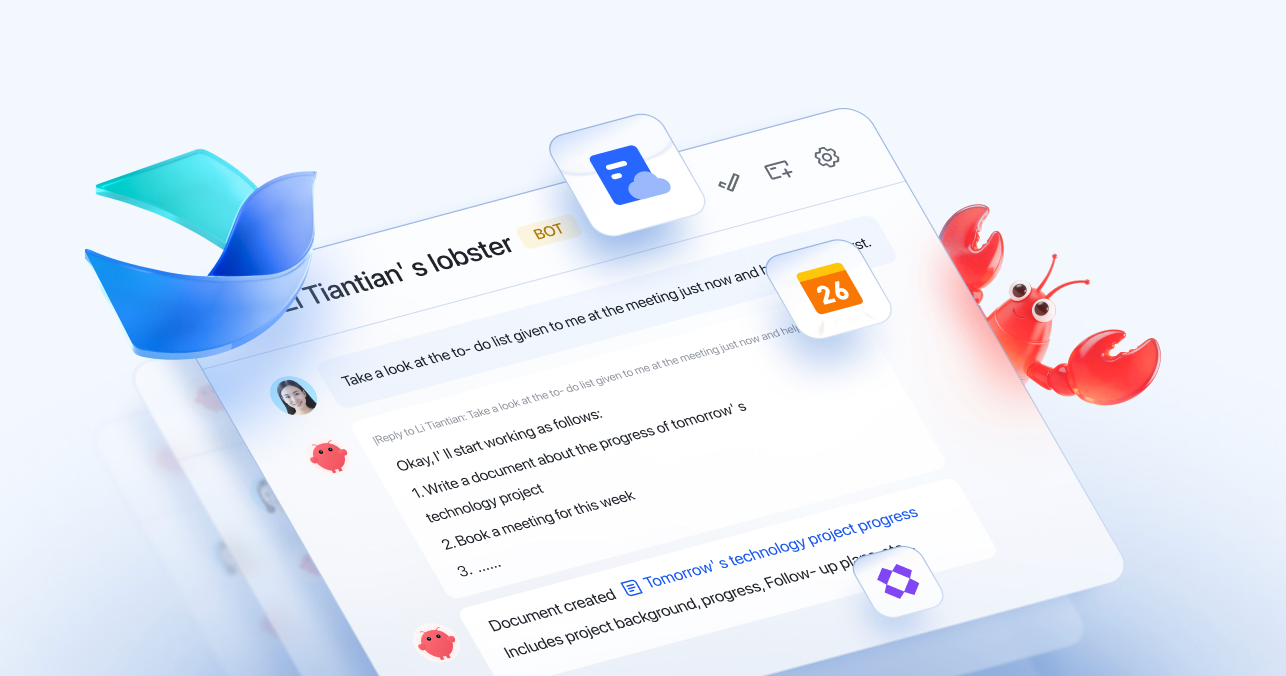 This is where the “skill” side also becomes important. Even if users search for an OpenClaw Feishu skill, what they often want is not a narrow add-on but a practical setup that lets OpenClaw understand work context inside Feishu. For teams that care more about getting this outcome quickly than managing every layer themselves, simpler managed OpenClaw hosting like myclaw.ai may also be worth considering.
When to Choose This Setup
Choose the official plugin if your priority is ease of adoption, a more native user experience, and standard collaboration features. It is a strong option for teams that want to move quickly, reduce setup friction, and give users a familiar interface. In short, if your main goal is to use OpenClaw inside Feishu for everyday work, the official plugin is usually the best first step.
Use a Webhook-Based Feishu Skill for a More Flexible Self-Hosted Setup
Connect Feishu With Webhooks
A webhook-based OpenClaw Feishu integration works by letting Feishu events flow into a bridge or service layer that passes requests to OpenClaw. This setup usually takes more effort than the official plugin, but it gives you more control over how messages are received, processed, and routed.
This is why some users specifically look for an OpenClaw Feishu skill rather than a plugin. They may want a custom environment, more control over event handling, or a setup that works better with OpenClaw hosting in a broader self-hosted stack.
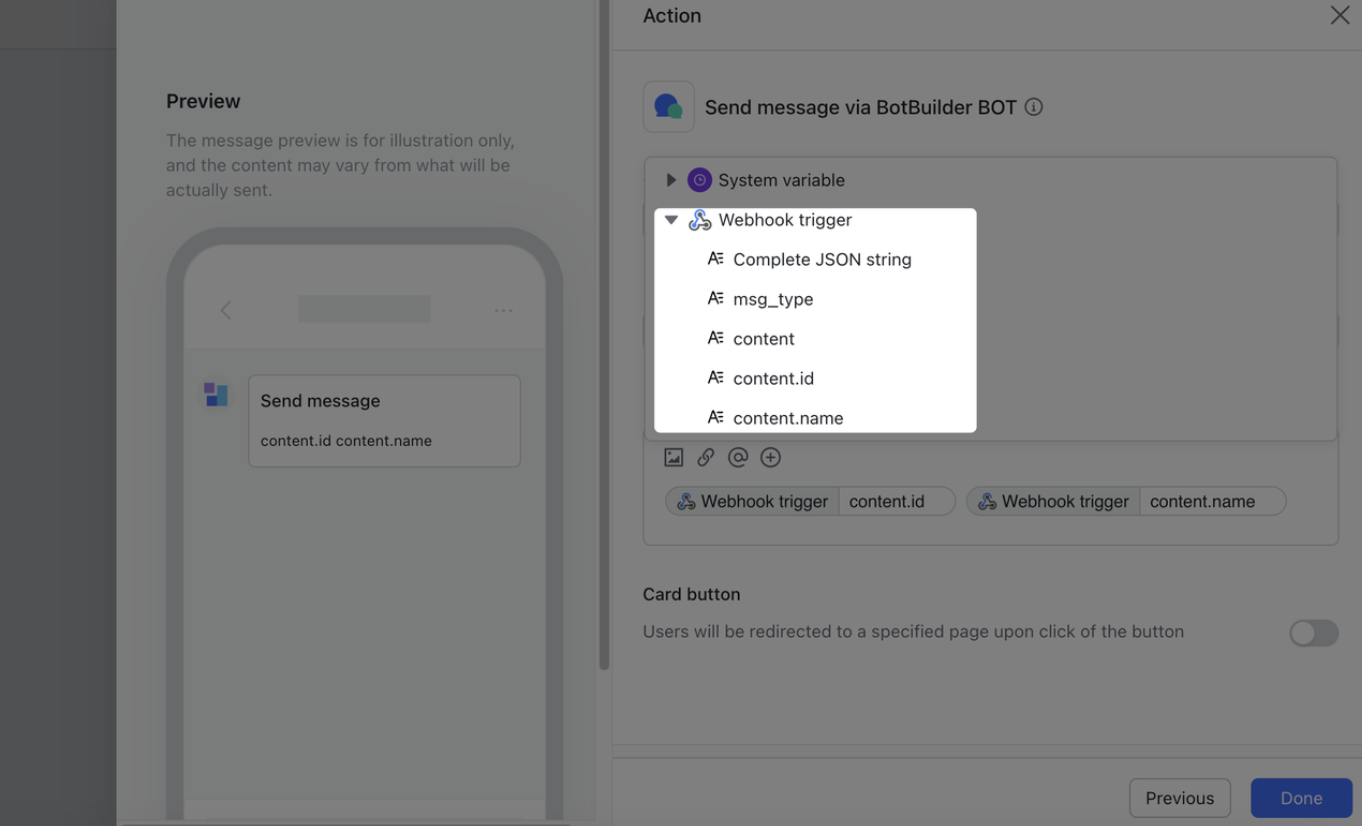 For technically comfortable users, this method can be powerful. You can tune triggers, define custom behaviors, and decide how OpenClaw responds in different contexts instead of relying entirely on a default plugin flow.
Route Chats to OpenClaw
A webhook-based setup is especially useful when you want to route direct messages, group chats, or specific Feishu events to different OpenClaw agents or workflows. This gives you a more modular way to build automation.
For example, one workflow may handle internal Q&A, another may summarize meetings, and another may respond only when the bot is mentioned in selected channels. This is where an OpenClaw Feishu skill becomes more than a simple connector. It starts to function like an operational layer between Feishu activity and OpenClaw reasoning.
This flexibility is often missing from simple setup guides, which is why users comparing OpenClaw Feishu, OpenClaw Feishu plugin, and OpenClaw Feishu skill should understand that the skill-based route is often about control, not just connection.
Also read >> OpenClaw vs. Claude Cowork: Which One Is Better for Real-World Automation
When to Choose This Setup
Choose a webhook-based skill if you want a self-hosted architecture, custom triggers, or more granular control over permissions and message routing. It is better suited to advanced users, internal tooling teams, and organizations that want to shape the integration around their own workflow logic. The tradeoff is complexity. A custom OpenClaw Feishu integration gives you flexibility, but it also creates more setup and maintenance work.
Choose the Right OpenClaw Feishu Setup for Your Workflow
The best OpenClaw Feishu setup depends less on product labels and more on the kind of work you want to automate.
For Chat and Knowledge Tasks
If your main use case is chat-based productivity, knowledge retrieval, and document-related support, start with the official plugin. It is the most natural fit for teams that want OpenClaw to operate inside Feishu with minimal overhead.
This approach works well for internal Q&A, document summarization, chat assistance, and helping users access team information faster. If that sounds like your goal, the OpenClaw Feishu plugin is probably enough.
For Custom Feishu Workflows
If your goal is to build custom automations, route different message types to different agents, or shape the behavior around your own infrastructure, a webhook-based OpenClaw Feishu skill is the better fit.
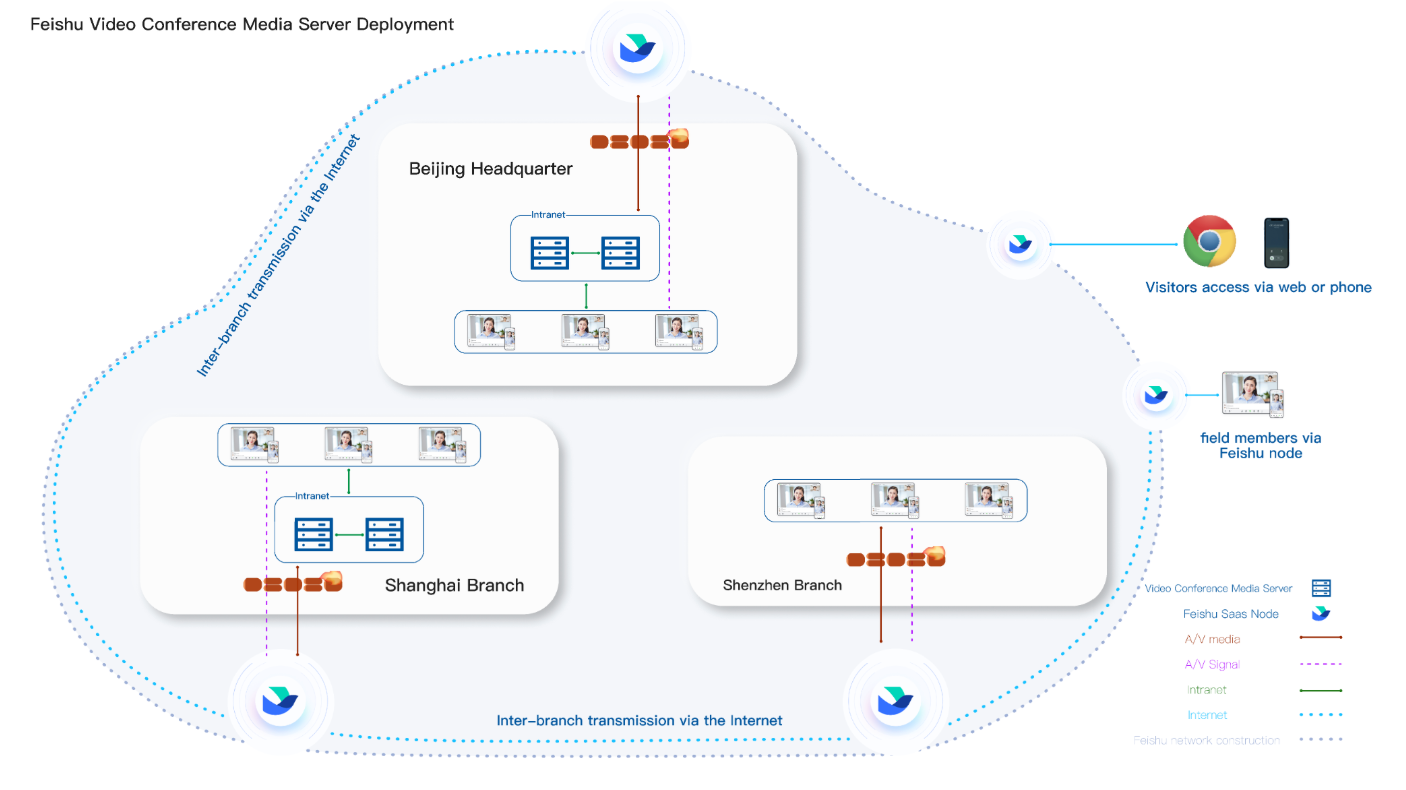 This option makes more sense when Feishu is not just your chat interface but also a trigger layer for workflows, internal systems, or specialized operational tasks. In that case, a more flexible OpenClaw Feishu integration is worth the extra effort.
For Faster Setup With Less Maintenance
Not every team wants to self-host, manage permissions in depth, and maintain a custom stack just to get AI working inside Feishu. Some want the result, not the engineering project.
If your team wants Feishu-connected AI workflows without taking on too much setup and maintenance, it may be worth looking at a simpler option such as MyClaw. That can be a better fit for teams that value speed, usability, and lower operational overhead over maximum configuration flexibility.
Frequently Asked Questions About OpenClaw Feishu Skills
Q: Do you need the official plugin to use OpenClaw with Feishu?
A: No. You can also build an OpenClaw Feishu integration with webhooks or custom tooling. However, the official plugin is often the easiest way to get started if you want a native and lower-friction setup.
Q: Is a Webhook-based Feishu skill better for self-hosted OpenClaw setups?
A: Usually, yes. A webhook-based OpenClaw Feishu skill is often better for self-hosted users because it gives more control over infrastructure, triggers, and routing. The tradeoff is that it takes more technical work to run and maintain.
Q: Which OpenClaw Feishu setup is best for teams that want less complexity?
A: Teams that want less complexity should usually start with the official OpenClaw Feishu plugin or consider a simpler managed option if they want to reduce setup and maintenance even further.
Conclusion
There is no single best OpenClaw Feishu setup for everyone. The right choice depends on whether you value simplicity, flexibility, or operational speed. If you want the most native experience, start with the OpenClaw Feishu plugin. If you want deeper control, a webhook-based OpenClaw Feishu skill may be the better route. And if your team wants a practical OpenClaw Feishu integration without taking on too much technical overhead, a simpler platform such as MyClaw may be the more efficient choice.
Skip the setup. Get OpenClaw running now.
MyClaw gives you a fully managed OpenClaw (Clawdbot) instance — always online, zero DevOps. Plans from $19/mo.