
OpenClaw vs. Claude Cowork: Which One Is Better for Real-World Automation
If you are comparing OpenClaw and Claude Cowork, you are probably looking for more than a chatbot. You want an AI agent that can help with real work, whether that means desktop tasks, automation, messaging, or long-running workflows. While some users also search for OpenClaw vs. Claude or OpenClaw vs. Claude Code, Claude Cowork is the closer match when the topic is real-world AI agents.
In this guide, we compare OpenClaw and Claude Cowork across automation, control, security, setup, and daily usability, then look at the easiest path for users who want OpenClaw without the self-hosting burden.
Quick Answer: OpenClaw or Claude Cowork?
If you want a desktop AI agent for local tasks in a more controlled, session-based setup, Claude Cowork is the better fit. It is easier to start with and requires less setup.
If you want a more flexible agent for always-on automation and broader workflows, OpenClaw has the edge. It is more powerful but also more complex to deploy and maintain.
 In short, Claude Cowork is simpler, while OpenClaw is more customizable.
What is Claude Cowork?
Claude Cowork is Anthropic’s desktop-style AI agent experience for users who want help with real tasks, not just chat. Instead of acting like a traditional chatbot, it is designed to work more like an assistant that can handle multi-step actions in a local environment.
 Its main strength is controlled task execution. Claude Cowork is a better fit for users who want an AI agent for desktop tasks, files, and structured workflows without dealing with the complexity of self-hosting OpenClaw or searching for an OpenClaw hosting solution. Compared with OpenClaw, it is usually easier to approach, but it is also less flexible if your goal is always-on automation across tools, platforms, and ongoing routines.
What is OpenClaw?
OpenClaw is an open-source AI agent built for broader automation. Unlike a more desktop-centered tool like Claude Cowork, OpenClaw is often used for long-running workflows, cross-platform tasks, and always-on assistant use cases.
 Its biggest advantage is flexibility. OpenClaw can be adapted to different tools, models, and automation flows, which makes it appealing to users who want more than a session-based desktop agent. The tradeoff is complexity. Compared with Claude Cowork, OpenClaw usually requires more setup, more maintenance, and more attention to security, especially if you choose to self-host it.
OpenClaw vs. Claude Cowork: One-on-one Comparison
Always-on Automation
OpenClaw is the stronger choice if you want an AI agent that supports longer-running or more persistent automation. Claude Cowork is better suited to active, session-based work on your desktop.
Desktop & Local File Tasks
Claude Cowork is a better fit for users focused on desktop actions and local file workflows. It feels more direct for task execution in a local environment, while OpenClaw is often used for broader automation beyond the desktop.
Also read >> OpenClaw or Traditional Hosting: Which Delivers Better Performance?
Messaging & Cross-platform Workflows
OpenClaw has the advantage if you want an agent that can fit into wider workflows across tools and platforms. Claude Cowork is less focused on messaging-first or cross-platform automation.
Memory & Persistence
OpenClaw is generally the better match for users who want a more persistent agent experience. Claude Cowork is better understood as a task agent you use in a more limited working session.
Security & Control
 Claude Cowork is usually easier to control because the setup is more contained. OpenClaw can offer more flexibility, but that flexibility also creates more responsibility around configuration and security.
Setup & Maintenance
Claude Cowork is easier to get started with. OpenClaw can be more powerful, but self-hosting adds deployment, maintenance, and security overhead that many users underestimate.
Who Should Choose Claude Cowork: Claude Cowork is a better fit for users who want an AI agent for desktop tasks, local file work, and structured day-to-day assistance without dealing with a complicated setup. It makes more sense if you value simplicity, faster onboarding, and a more controlled environment.
Who Should Choose OpenClaw: OpenClaw is a better fit for users who want more flexibility, more customization, and more potential for always-on automation across different workflows and platforms. It is the stronger choice if you want an agent that can go beyond desktop sessions and support broader automation logic.
That said, OpenClaw becomes much more complicated if you choose the self-hosting route. Setup, maintenance, updates, and security can quickly turn into extra work, which is why many users like the idea of OpenClaw more than the actual self-managed experience.
If You Want to Use OpenClaw Without Self-Hosting Burden
For many users comparing OpenClaw vs. Claude CoWork, the real issue is not just features. It is whether the extra flexibility of OpenClaw is worth the time and complexity of self-hosting. That is where MyClaw fits in.
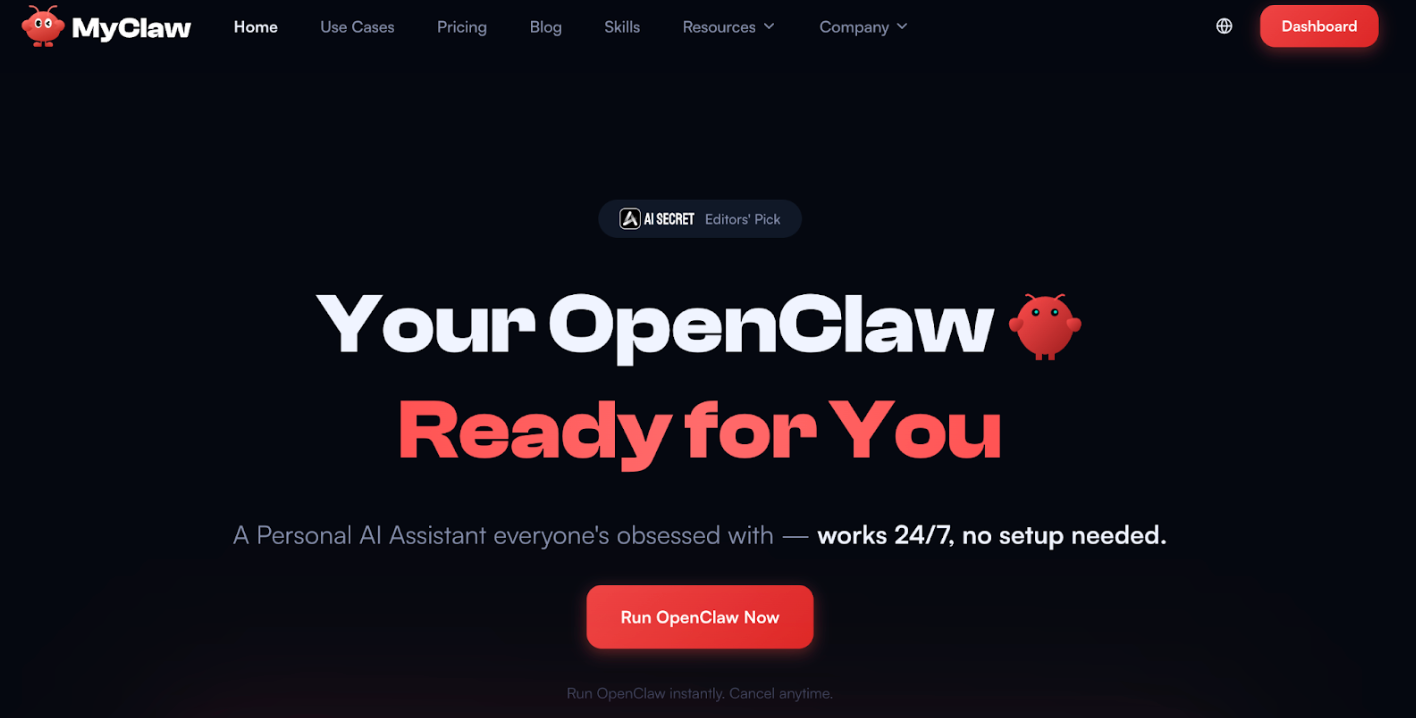 MyClaw is built for users who like the idea of OpenClaw but do not want to handle deployment, updates, infrastructure, and security on their own. If Claude Cowork feels too limited for always-on automation, but self-hosting OpenClaw feels too heavy, MyClaw gives you a more practical middle ground.
What Makes MyClaw the Best OpenClaw Hosting
-
Removes the biggest barrier to adoption: Instead of spending time on setup and maintenance, you can focus on actually using OpenClaw for automation.
-
Better fit for users who want OpenClaw-style workflows without the operational burden: That makes it especially relevant for people searching not only OpenClaw vs. Claude Cowork but also OpenClaw vs. Claude and OpenClaw vs. Claude code, where the real decision is often about usability, not just raw capability.
-
Also makes OpenClaw more accessible for users who want faster onboarding: Rather than building everything from scratch, you can start with a managed environment and get to real-world workflows much faster.
How to Use OpenClaw in 3 Steps
Step 1: Visit myclaw.ai and choose your plan.
Step 2: Connect the tools and workflows you want to automate.
Step 3: Start using OpenClaw now.
Conclusion
In the OpenClaw vs. Claude Cowork comparison, the best choice depends on what kind of AI agent you actually want. Claude Cowork is better for users who want a simpler desktop-focused experience with less setup. OpenClaw is better for users who want more flexibility, more persistence, and broader automation potential.
The tradeoff is complexity. OpenClaw can do more, but self-hosting it is not the best fit for everyone. That is why many users looking at OpenClaw vs. Claude or OpenClaw vs. Claude code are really looking for the easiest way to get OpenClaw-style automation in practice. If that is your goal, myclaw.ai is the more straightforward path.
Skip the setup. Get OpenClaw running now.
MyClaw gives you a fully managed OpenClaw (Clawdbot) instance — always online, zero DevOps. Plans from $19/mo.