Melhores 5 Serviços de Hospedagem OpenClaw: Opções Gerenciadas e Provedores Comparados
Encontrando a configuração correta de hospedagem OpenClaw pode economizar horas de manutenção e tornar seu assistente muito mais confiável. Em 2026, os usuários não estão mais comparando apenas uma forma de executar o OpenClaw. Eles estão avaliando servidores auto-hospedados, plataformas gerenciadas e novos provedores de hospedagem OpenClaw que prometem implantação mais fácil e melhor tempo de atividade.
Este guia analisa as melhores opções de serviço de hospedagem OpenClaw para diferentes necessidades, orçamentos e níveis de habilidade. Se você quer hospedagem gerenciada OpenClaw simples ou opções de hospedagem OpenClaw mais flexíveis, esta comparação o ajudará a entender as compensações, comparar os pontos fortes dos provedores e escolher uma configuração que se adeque ao seu plano real de uso do OpenClaw.
Hospedagem OpenClaw—O que é e Por que Você Precisa
A hospedagem OpenClaw refere-se a qualquer configuração que mantenha o OpenClaw em execução em uma máquina remota em vez do seu computador pessoal. Essa máquina pode ser uma instância de nuvem gerenciada, uma VPS auto-hospedada ou um servidor dedicado configurado para acesso sempre ligado. A principal razão pela qual as pessoas procuram hospedagem OpenClaw é a confiabilidade. Um laptop local pode dormir, desconectar ou ter dificuldades em sessões longas, enquanto uma configuração hospedada pode ficar online para Telegram, Discord, WhatsApp ou fluxos de trabalho baseados em navegador o tempo todo.
Para muitos usuários, a verdadeira questão não é se precisam de hospedagem, mas qual tipo de serviço de hospedagem OpenClaw faz sentido. Alguns querem a simplicidade de um serviço de hospedagem gerenciada OpenClaw, enquanto outros preferem infraestrutura de menor custo e mais controle. À medida que mais provedores de hospedagem OpenClaw entram no mercado, a configuração correta depende do seu orçamento, conforto técnico, necessidades de tempo de atividade e de quanto serviço de manutenção você está disposto a lidar por conta própria.
Diferentes Opções de Hospedagem OpenClaw para Escolher
Não há uma única melhor maneira de hospedar o OpenClaw, porque usuários diferentes se preocupam com compensações diferentes. As principais opções de hospedagem OpenClaw geralmente se dividem em três grupos: hospedagem gerenciada, implantação VPS auto-hospedada e configurações de servidor doméstico ou híbridas.
Hospedagem Gerenciada OpenClaw para Configuração Rápida
Este é o caminho mais fácil para iniciantes ou equipes ocupadas. Um serviço de hospedagem gerenciada OpenClaw lida com configuração, atualizações, tempo de atividade e a maior parte do trabalho do lado do servidor para você. Custa mais do que infraestrutura bruta, mas reduz a sobrecarga técnica.
VPS Auto-Hospedada para Mais Controle
Uma VPS oferece mais flexibilidade em configuração, custos e dimensionamento. Esta opção atrai usuários técnicos que querem personalizar sua stack, mas também significa que você é responsável pela implantação, manutenção e solução de problemas.
Leia também >> OpenClaw ou Hospedagem Tradicional: Qual Oferece Melhor Desempenho
Opções de Hospedagem OpenClaw Servidor Doméstico e Híbrida
Alguns usuários executam o OpenClaw em uma máquina doméstica ou combinam ferramentas locais com um servidor remoto. Essas configurações podem funcionar bem, mas geralmente requerem mais gerenciamento prático e são menos previsíveis para uso 24/7.
Análise dos 5 Principais Provedores de Hospedagem OpenClaw [Prós e Contras]
1. MyClaw - Melhor em Geral para Uso Privado e Sempre Ativo
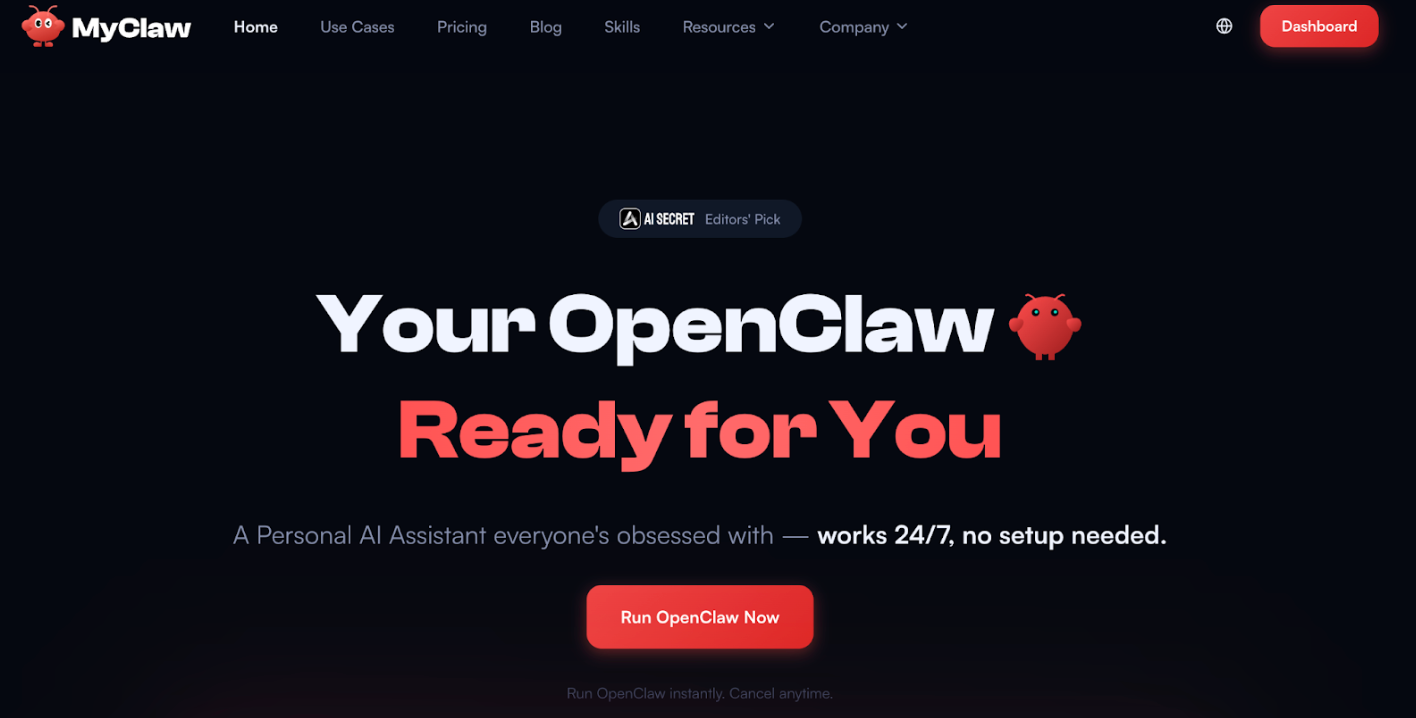
MyClaw é a melhor escolha em geral para usuários que querem hospedagem OpenClaw sem gastar tempo em configuração, patches ou manutenção de servidor. Seu principal atrativo é a simplicidade: todos os planos incluem uma instância dedicada do OpenClaw, tempo de atividade 24/7, atualizações automáticas, acesso criptografado e backups diários. Isso torna uma opção forte para pessoas que querem um serviço de hospedagem gerenciada OpenClaw que se sinta privado e estável em vez de barato e básico.
Comparado com provedores de hospedagem OpenClaw de menor custo, MyClaw está menos focado em preços de barganha e mais focado em uma experiência polida e gerenciada. O preço público começa em $16 por mês para um plano leve, depois sobe para usuários que precisam de mais computação e armazenamento. Isso o coloca acima de hosts de orçamento de nível básico, mas a compensação é menos trabalho operacional e uma configuração padrão mais premium. Para a maioria dos usuários não técnicos, esse equilíbrio torna MyClaw uma das opções de hospedagem OpenClaw mais fáceis de recomendar.
Recursos Principais:
- Instância privada dedicada
- Tempo de atividade 24/7
- Atualizações automáticas
- Acesso criptografado
- Backups diários
- Planos a partir de $16/mês
Prós:
✅ Forte posicionamento de privacidade
✅ Configuração simples
✅ Boa confiabilidade padrão
✅ Camadas de recurso claras
Contras:
❌ Não é o serviço de hospedagem OpenClaw mais barato
2. OpenClaw Launch - Melhor Amigável ao Orçamento para Implantação Rápida
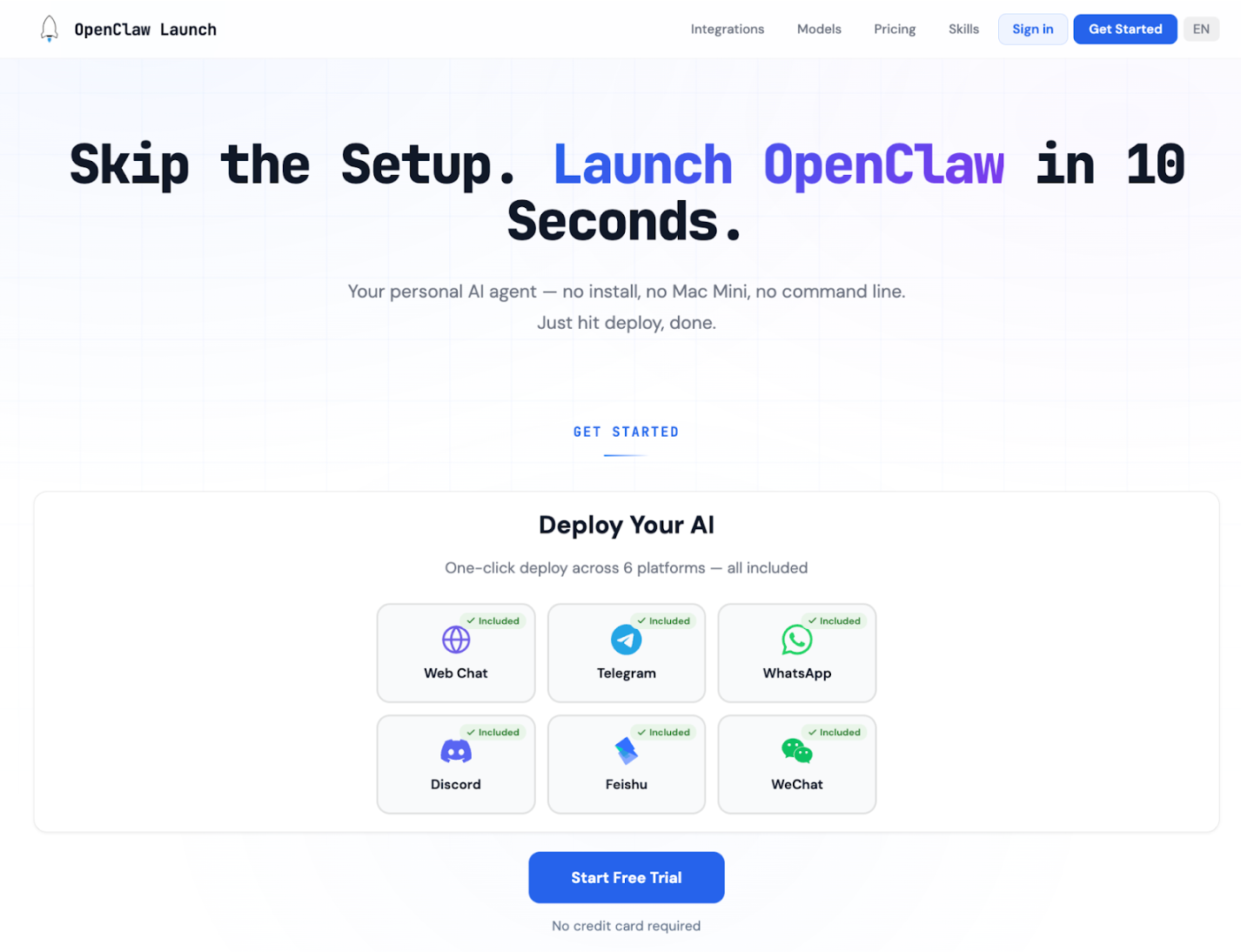
OpenClaw Launch é uma das formas mais acessíveis de colocar hospedagem OpenClaw gerenciada online rapidamente. Seu recurso mais notável é velocidade: a plataforma diz que os usuários podem configurar uma instância em um editor visual e implantar em menos de 10 segundos. Também inclui SSL automático, monitoramento baseado em navegador, suporte para Telegram e Discord, e acesso a uma grande biblioteca de habilidades, o que oferece mais ferramentas integradas do que muitas páginas de hospedagem simples.
Este provedor é especialmente atrativo se o orçamento importa mais do que o controle profundo da infraestrutura. O preço público começa em $3 no primeiro mês do plano Lite, depois $6 por mês após isso, tornando um dos pontos de entrada mais baixos entre provedores de hospedagem OpenClaw. A compensação é que parece mais simplificado do que personalizável, então usuários avançados podem eventualmente superá-lo.
Recursos Principais:
- Implantação em menos de 10 segundos
- SSL automático
- Dashboard integrado
- Suporte para Telegram e Discord
- 3.200+ habilidades
- Plano Lite a partir de $3 no primeiro mês
Prós:
✅ Custo inicial muito baixo
✅ Configuração rápida
✅ Boa experiência para iniciantes
✅ Monitoramento integrado
Contras:
❌ Mais leve do que opções de VPS dedicada
❌ Menos ênfase em isolamento e controle profundo de servidor
3. OpenClaw Hosting - Melhor para Flexibilidade Traga Seu Próprio Servidor
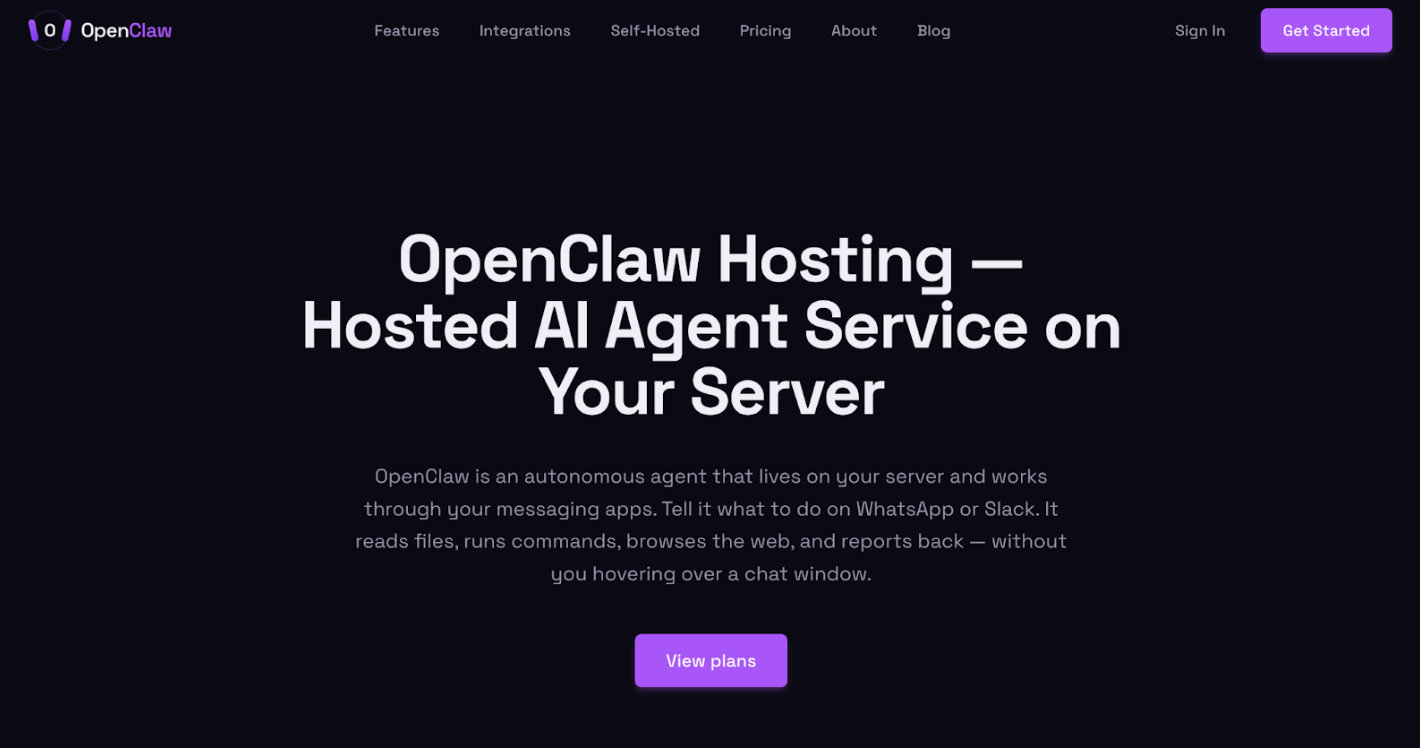
OpenClaw Hosting é uma opção melhor para usuários que já têm acesso a uma VPS ou servidor dedicado e querem ajuda com implantação em vez de um ambiente gerenciado totalmente incluído. Em vez de vender uma stack hospedada completa com infraestrutura incluída, ela se concentra em um modelo traga-seu-próprio-servidor. Isso o torna diferente de provedores como MyClaw ou ClawHosters, que empacotam hospedagem e gerenciamento juntos.
Esta opção é atrativa para usuários que querem mais controle sobre onde o OpenClaw é executado enquanto ainda evitam uma configuração totalmente manual. De acordo com seu posicionamento público, o serviço ajuda com instalação, atualizações, monitoramento e backups em seu próprio servidor. Isso oferece aos usuários muitos dos benefícios da hospedagem gerenciada OpenClaw sem abrir mão de tanto controle de infraestrutura. A principal desvantagem é que não é tão pronto para usar quanto provedores que incluem o servidor em si, então é uma opção mais forte para usuários que já entendem escolhas básicas de infraestrutura.
Recursos Principais:
- Seu próprio servidor
- Acesso root completo
- Atualizações gerenciadas
- Monitoramento de saúde
- Orquestração de backup
- UI do Dashboard
Prós:
✅ Mais flexibilidade do que hosts gerenciados tudo-em-um
✅ Útil para usuários com servidor existente
✅ Carga operacional mais leve do que DIY completo
Contras:
❌ Menos amigável para iniciantes do que provedores de hospedagem OpenClaw totalmente gerenciados
❌ Requer trazer e gerenciar o ambiente de servidor base
4. OpenClaw Servers - Melhor para Hospedagem OpenClaw Segura e Endurecida
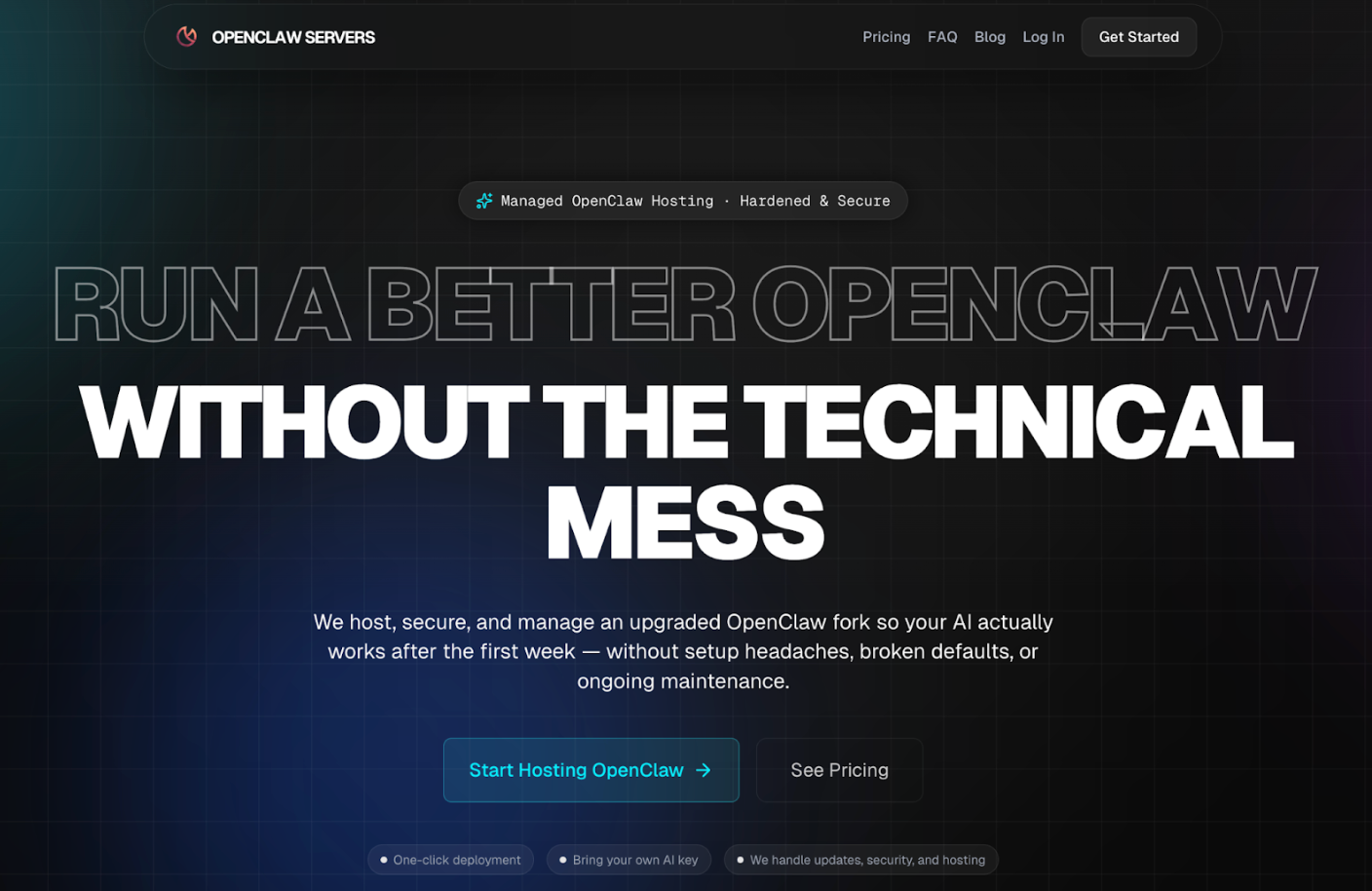
OpenClaw Servers se destaca porque não é apenas hospedar OpenClaw vanilla em um servidor. Seu principal diferencial é um fork endurecido com padrões mais fortes, atualizações gerenciadas, memória avançada ativada, recursos de auto-melhoria, navegadores isolados e faturamento BYOK em vez de créditos de IA marcados. Isso o torna um dos provedores de hospedagem OpenClaw mais opinativos nesta categoria.
Para usuários que se preocupam com risco de segurança OpenClaw e estabilidade operacional de longo prazo, esse posicionamento é atrativo. O plano de entrada começa em $29 por mês, com camadas mais altas para cargas de trabalho mais pesadas e até mesmo um plano gerenciado com atendimento dedicado. A desvantagem é que este serviço pode parecer mais especializado do que hosts amigáveis para iniciantes convencionais. É provavelmente uma opção melhor para usuários que já sabem por que padrões endurecidos e ajuste operacional importam.
Recursos Principais:
- Fork OpenClaw endurecido
- Atualizações gerenciadas
- Memória avançada
- Navegadores isolados
- Faturamento BYOK
- Planos a partir de $29/mês
Prós:
✅ Configuração focada em segurança
✅ Padrões mais fortes
✅ Sem markup de crédito de IA
✅ Apropriado para cargas de trabalho mais pesadas
Contras:
❌ Preço inicial mais alto do que hosts de orçamento
❌ Abordagem de plataforma mais opinativa
❌ Alguns benefícios importam mais para usuários avançados
5. ClawHosters - Melhor Hospedagem Gerenciada para Configuração Sem Manutenção
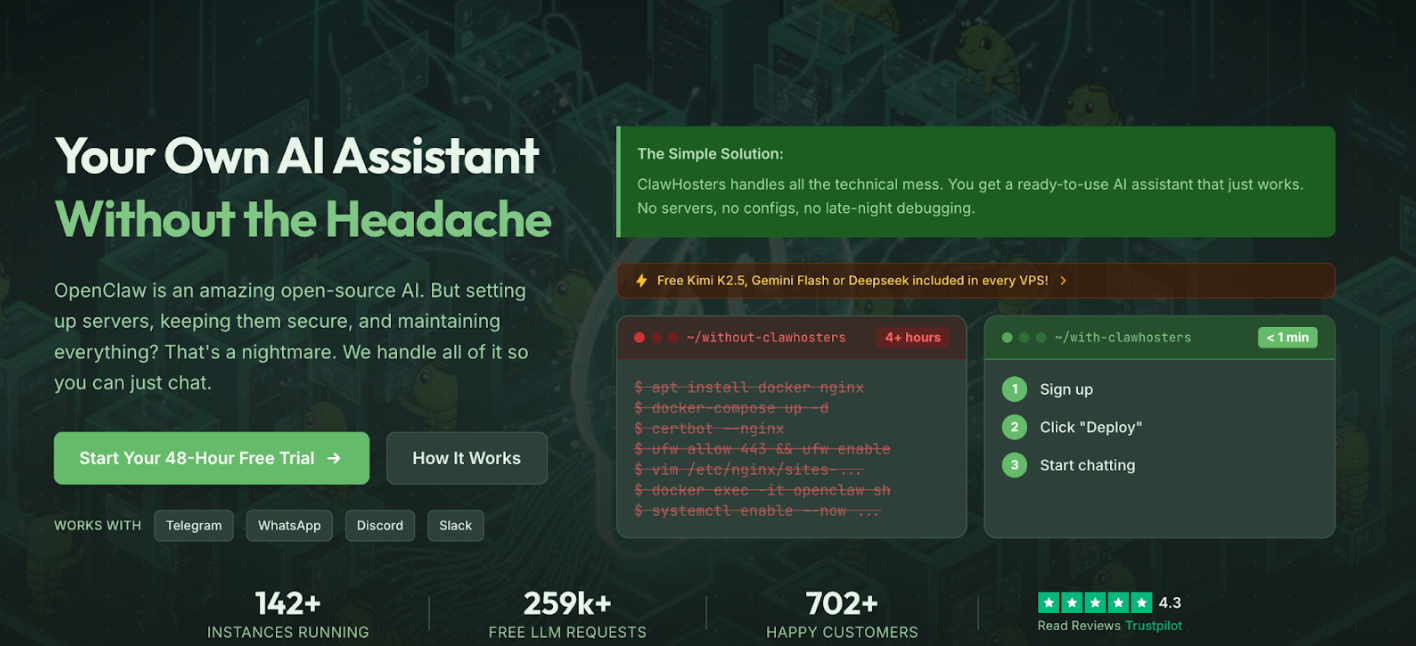
ClawHosters é construído para usuários que querem hospedagem gerenciada OpenClaw com o mínimo de atrito possível. Sua mensagem é direta: inscreva-se, implante e comece a conversar. O serviço inclui OpenClaw pré-configurado, atualizações automáticas, suporte para Telegram, WhatsApp, Discord e Slack, mais um teste gratuito de 48 horas. Uma diferença notável é que cada plano inclui opções de IA gratuitas, o que pode reduzir a barreira para pessoas que não querem configurar chaves de API no primeiro dia.
O preço começa em €19 por mês, então não é a opção absolutamente mais barata, mas empacota muito no plano base, incluindo hospedagem sempre ativa e posicionamento sem manutenção. Para iniciantes comparando opções de hospedagem OpenClaw, ClawHosters é um dos serviços mais fáceis de entender. A principal compensação é que usuários que procuram infraestrutura altamente personalizada podem encontrar a plataforma mais focada em conveniência do que orientada para usuários avançados.
Recursos Principais:
- OpenClaw pré-configurado
- Atualizações automáticas
- IA gratuita incluída
- Teste gratuito de 48 horas
- Suporte multi-canal
- Planos a partir de €19/mês
Prós:
✅ Muito amigável para iniciantes
✅ Baixo atrito de configuração, inclui acesso a IA
✅ Suporte amplo para aplicativos de mensagens
Contras:
❌ Menos atrativo para usuários que querem controle total de infraestrutura
❌ O preço é mais alto do que opções de entrada ultra-orçamento
Passos Fáceis para Usar MyClaw para Implantar Hospedagem OpenClaw Agora
Passo 1: Visite MyClaw e Escolha um Plano
Escolha um plano com base em com que frequência você espera usar o OpenClaw e quanto computação você precisa.
Passo 2: Configure seu OpenClaw com MyClaw
Após o registro, MyClaw provisiona sua instância hospedada do OpenClaw, prepara o ambiente e lida com a configuração técnica em segundo plano.
Passo 3: Comece a Criar!
Após sua instância estar pronta, você pode conectar seus canais preferidos, começar a usar seu assistente e deixar MyClaw gerenciar o tempo de atividade, atualizações e manutenção.
FAQ sobre Hospedagem OpenClaw
P: Qual é a melhor hospedagem openclaw gerenciada em 2026?
Para a maioria dos usuários, MyClaw.ai é uma das melhores opções de hospedagem gerenciada OpenClaw em 2026 porque oferece uma instância privada, tempo de atividade 24/7 e uma experiência sem configuração. Se você quer alternativas de menor custo, OpenClaw Launch e ClawHosters também valem a pena comparar. Esta é uma conclusão baseada em posicionamento público atual e conjuntos de recursos, não um vencedor universal para cada caso de uso.
P: Qual é a melhor opção de hospedagem OpenClaw para iniciantes?
Para a maioria dos iniciantes, hospedagem gerenciada é a opção mais fácil porque remove configuração de servidor e manutenção. Serviços como MyClaw ou ClawHosters geralmente são mais simples do que auto-hospedagem em uma VPS.
P: Vale a pena hospedagem gerenciada OpenClaw?
Geralmente sim, se você valoriza conveniência, tempo de atividade e menor sobrecarga técnica. Um serviço de hospedagem gerenciada OpenClaw custa mais do que infraestrutura bruta, mas pode economizar tempo e reduzir erros de configuração.
P: Quais são os requisitos mínimos de VPS para hospedagem OpenClaw?
Os requisitos variam, mas muitas configurações de entrada começam ao redor de 2 vCPU, 4 GB de RAM e armazenamento SSD. Fluxos de trabalho mais pesados podem precisar de mais recursos.
P: OpenClaw pode rodar em uma VPS barata ou servidor de camada gratuita?
Às vezes, sim, mas o desempenho e confiabilidade podem ser limitados. Servidores baratos podem funcionar para testes, embora possam ter dificuldades com uso sempre ativo.
P: Quais provedores de hospedagem OpenClaw são melhores para confiabilidade 24/7?
Provedores gerenciados como MyClaw, OpenClaw Servers e ClawHosters geralmente são mais adequados para tempo de atividade estável 24/7 do que configurações auto-hospedadas ad hoc.
Conclusão
A melhor escolha de hospedagem OpenClaw depende do que você mais valoriza. Se você quer o custo mais baixo e flexibilidade máxima, uma VPS auto-hospedada pode ser a melhor opção. Se você quer uma experiência mais limpa com menos manutenção, hospedagem gerenciada OpenClaw geralmente é o caminho mais fácil. Entre os provedores de hospedagem OpenClaw atuais, cada opção atende um tipo de usuário ligeiramente diferente: alguns focam em orçamento, alguns em controle e alguns em conveniência. Para usuários que querem um serviço de hospedagem OpenClaw estável, privado e sempre ativo sem lidar com infraestrutura, MyClaw se destaca como uma das opções gerais mais fortes em 2026.
Pule a configuração. Rode o OpenClaw agora.
MyClaw oferece uma instância totalmente gerenciada do OpenClaw (Clawdbot) — sempre online, zero DevOps. Planos a partir de $19/mês.