Hermes Agent - Detailed Review of a New AI Agent

By Nathan Cole
MyClaw Editorial
MyClaw
Get OpenClaw running now
See how hosting, automation, payments, support, and OpenClaw operations come together in one managed product experience.
Hermes agent is an open-source AI agent from Nous Research built for users who need more than a chat interface. According to the official Hermes site and GitHub repository, Hermes combines persistent memory, 40-plus built-in tools, scheduled automations, and a unified gateway for Telegram, Discord, Slack, WhatsApp, Signal, and the CLI. That is why searches like "Hermes AI" and "Hermes AI agent" often come from people looking for an AI system that can actually run tasks instead of only answering prompts. Hermes also supports multiple model providers and can be installed on Linux, macOS, or WSL2 with a one-line setup, which makes it easier to test in real workflows from coding and research to recurring automation.
Hermes Agent Overview
Hermes agent is an open-source AI agent from Nous Research designed to do more than answer prompts. On the official Hermes site, the core positioning is clear: Hermes is an agent that remembers what it learns, can run across multiple platforms, and can be either self hosted or used through a cloud deployment path. In practice, Hermes agent is built for users who want memory, tools, automation, and more control over how an AI system works in daily workflows.
How Hermes Agent AI Works
Hermes AI agent works through a combination of conversation, memory, tool use, and model routing. According to the official documentation, users can start Hermes from the CLI with the hermes command, configure models with hermes model, enable tools with hermes tools, and set up messaging channels with hermes gateway setup. Hermes also supports both self-hosted and managed usage paths, which means users can start quickly or go deeper with their own infrastructure later.
What Makes Hermes Different from Other AI Agents?
Popular AI agent projects like OpenClaw and NanoClaw have made the category more concrete.
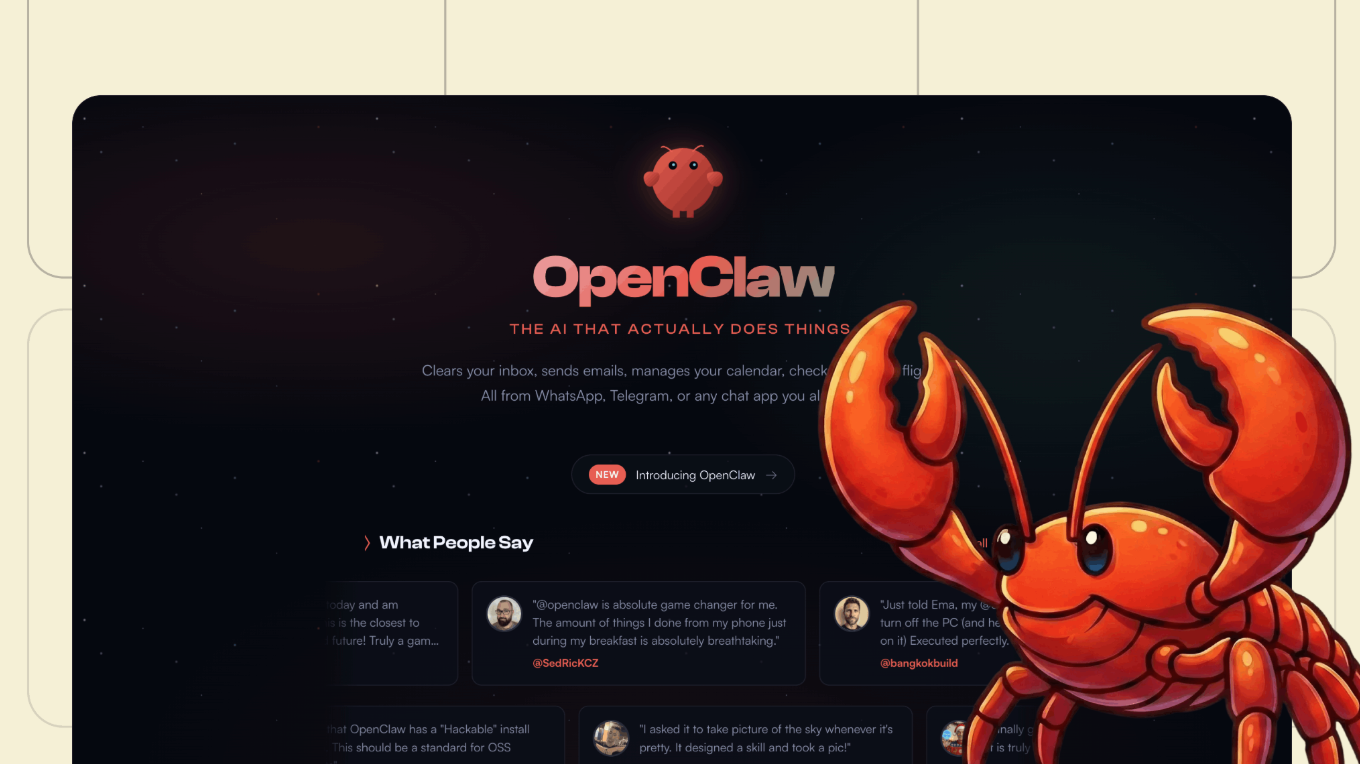
OpenClaw is positioned as a personal AI assistant that works across WhatsApp, Telegram, Slack, and Discord with options for both self-hosting and OpenClaw hosting, making it easier for users to choose between full control and a simpler setup path.
 NanoClaw takes a different angle and emphasizes a much smaller TypeScript core container, isolated agents, WhatsApp-built-in scheduled tasks, and persistent SQLite memory.
Hermes agent stands apart by combining broad platform access with a more flexible agent runtime. According to the official Hermes repository and docs, it supports multiple model providers, a single gateway for Telegram, Discord, Slack, WhatsApp, Signal, and CLI scheduled automations, six terminal backends, and a built-in learning loop that creates and improves skills over time.
That makes Hermes feel less like a lightweight personal assistant and more like a full agent system designed for long-running workflows, memory, and execution across different environments.
Key Features of Hermes Agent
⭐ Persistent Memory Across Sessions
Persistent memory is one of Hermes AI agent’s clearest differentiators. The official memory docs explain that Hermes stores curated memory across sessions through MEMORY.md and USER.md, which keeps track of project facts, environment details, and user preferences. These files are injected into the prompt at session start, so Hermes begins with context already in place. The docs also note that Hermes supports additional external memory providers for deeper long-term memory beyond the built-in system.
⭐ Tool Use and Task Execution
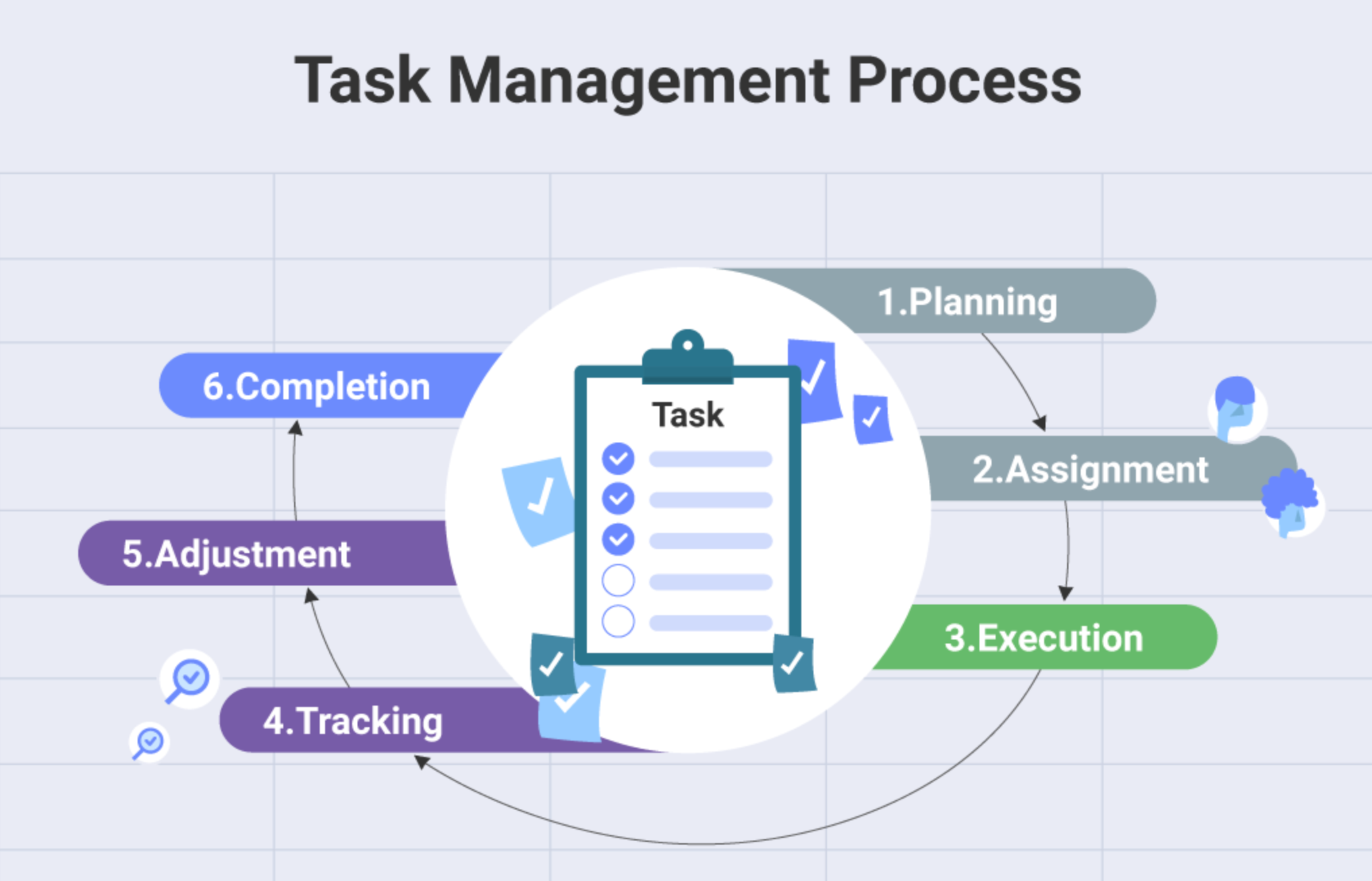 Hermes is not limited to text generation. The official tools documentation describes toolsets that can be enabled or disabled depending on platform and workflow. Common toolsets include web, terminal, file, browser, memory, session search, code execution, delegation, cronjob, and skills. This matters because Hermes AI agent is meant to execute real actions such as running terminal commands, browsing, scheduling recurring tasks, or chaining work across subagents.
⭐ Multi-Platform Access
The Hermes homepage repeatedly highlights cross-platform access as a practical advantage. Officially, agent Hermes can be used through the CLI and through a unified messaging gateway that supports channels such as Telegram, Discord, Slack, and WhatsApp. This makes Hermes more flexible for users who want the same agent available both on desktops and inside communication tools, where work already happens.
⭐ Flexible Model and Provider Support
Hermes agent does not lock users into one model stack. The official provider documentation shows support for a broad list of inference providers, including OpenRouter, Anthropic, OpenAI Codex, GitHub Copilot, Hugging Face, DeepSeek, and several Chinese AI providers, along with self-hosted options such as Ollama and vLLM. Hermes agent also supports fallback models and routing logic, which means users can tune for reliability, cost, or performance instead of depending on a single endpoint.
Also read: Claw Code Alternatives: Which Option Fits Your Coding Workflow Best?
Common Use Cases for Hermes Agent AI
Personal Productivity and Daily Workflows
For personal productivity, agent Hermes agent is positioned as an agent that reduces repeated context resets. The official homepage says Hermes remembers your stack, your workflow, and what already worked. That is relevant for people who revisit the same tasks every day, such as planning, writing, research, and recurring admin work. Instead of starting from zero each session, Hermes can bring previous context forward and keep interactions more consistent.
Developer Tasks and Terminal Work
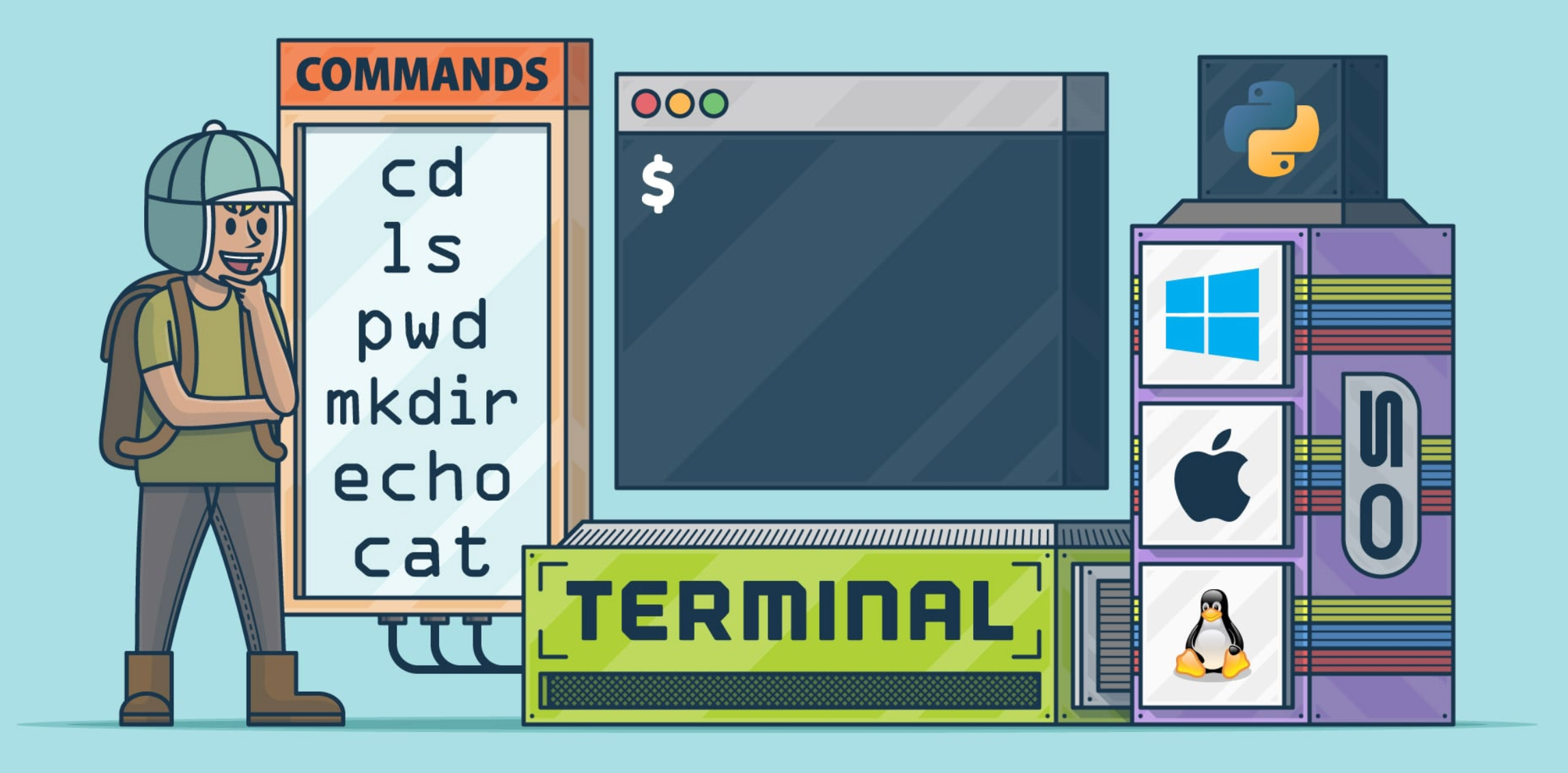 Hermes also targets technical users who require direct control. The official install docs and GitHub repository show that Hermes runs through the CLI and supports terminal-based workflows, configurable tools, and self-hosted deployment. For developers, this means Hermes can fit into coding, debugging, scripting, and infrastructure tasks more naturally than a chat-only assistant. The product is especially relevant for users who want model flexibility, direct access to their environment, and fewer black box limitations.
Scheduled Automation and Repetitive Tasks
Automation is one of the clearest reasons people look at Hermes agent. The official Hermes site explicitly lists cron jobs, subagents, browser automation, terminal access, and memory in one place. That combination makes Hermes useful for recurring tasks such as scheduled checks, repeated research routines, or multi-step workflows that need to run on a predictable basis instead of waiting for manual prompts every time.
Messaging and Cross-Channel Agent Access
Hermes is not limited to one interface. On the official site and in the installation docs, Hermes is presented as a multiplatform agent that can work through the CLI and a messaging gateway. Supported channels mentioned publicly include Telegram, Discord, Slack, and WhatsApp, with setup handled through agent Hermes gateway setup. This makes Hermes easier to access inside the tools people already use, instead of forcing every workflow back into a terminal window.
What to Consider Before Choosing Hermes Agent
⭐️ Setup Complexity and Learning Curve: The official install guide makes setup easier than many open-source projects, especially with a one-line installer for Linux, macOS, and WSL2. It also says the installer handles Python, Node.js, ripgrep, and ffmpeg automatically, with Git as the main prerequisite. Even so, agent Hermes still has a learning curve because users may need to choose providers, configure tools, connect channels, and decide how much of the system they want to manage themselves.
 ⭐️ Maintenance and Configuration Requirements: Hermes provides users real control over providers, tools, memory, and execution paths, but that flexibility comes with configuration work. Self-hosting is a good fit for users who care about privacy, infrastructure control, or custom workflows, yet it also means more ongoing setup and maintenance than a closed-host assistant. Teams evaluating agent Hermes should consider whether they want that level of ownership or whether they mainly want quick deployment.
⭐️ Whether You Need a More Guided Workflow: This is where fit matters more than features. Hermes is a strong choice for users who want an extensible AI agent with memory, tools, and platform flexibility. But some users do not need maximum configurability. They may simply want a product that is easier to adopt, easier to explain across a team, and faster to put into day-to-day use. In those cases, a more guided workflow may be the better option.
Less Learning Curve and Easy to Start to Hermes Agent - MyClaw
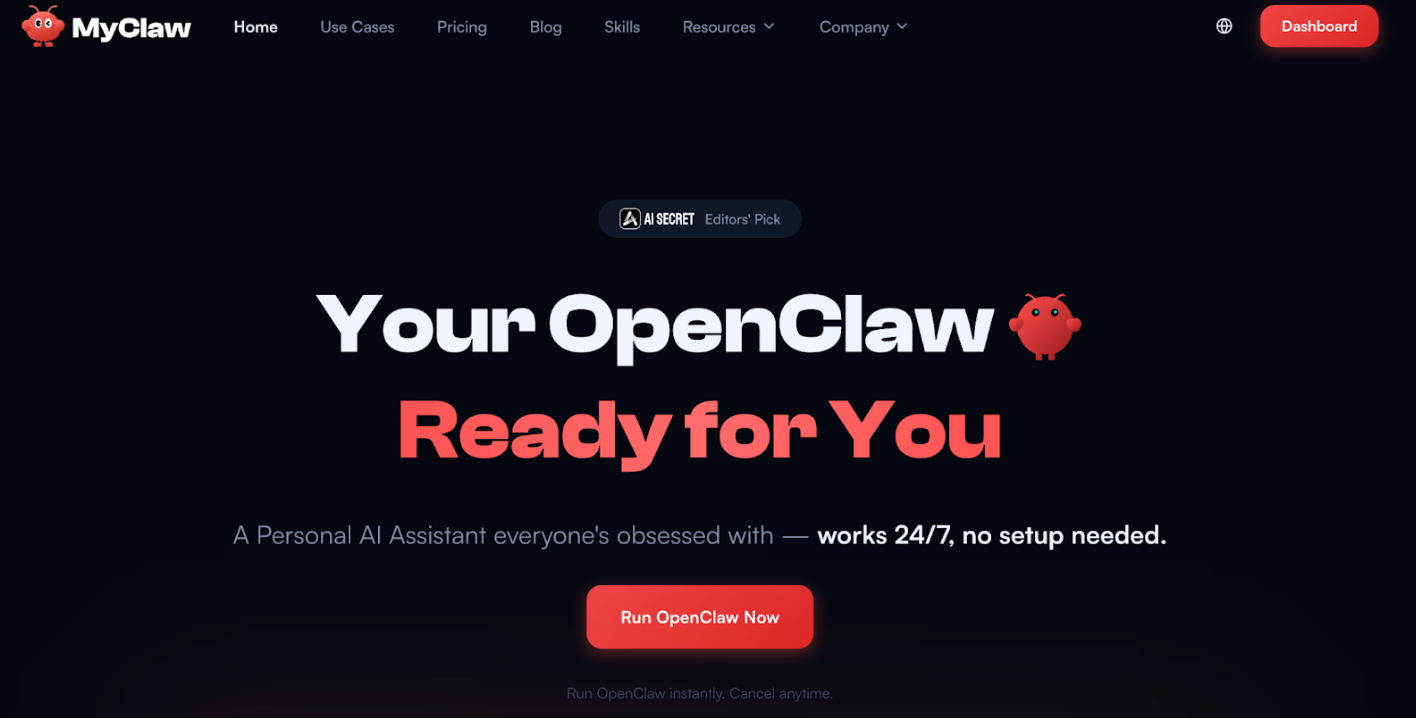 Not every user searching for Hermes AI agent is looking for a highly configurable self-hosted stack. Some are simply trying to find an AI agent they can start using quickly. That is a natural place to introduce MyClaw. If Hermes appeals because of automation and agent-style workflows, but the learning curve feels too technical, MyClaw can be presented as a simpler path for users who want to move faster with less setup and a more guided experience.
Simple Steps to Start
Step 1: Choose a MyClaw plan. Each plan includes a dedicated OpenClaw instance with its CPU RAM and storage allocation.
Step 2: Let MyClaw handle the setup. According to the official site, the instance is provisioned, configured, and kept updated for you.
Step 3: Log in and start using it right away. MyClaw positions the service as managed hosting with no setup checklist, always online access, and daily backups.
FAQ about Hermes Agent
Q: What is a Hermes agent?
Hermes agent AI is an open-source AI agent from Nous Research built around persistent memory, tool use, automation, and multi-platform access.
Q: Is Hermes AI open source?
Yes. The official Hermes site and GitHub repository describe Hermes as open source, and the homepage also notes that the self-hosted version is MIT licensed.
Q: What can Hermes be used for?
Hermes can be used for productivity workflows, developer tasks, scheduled automations, browser-based actions, terminal work, and messaging-based agent access across multiple channels.
Q: Is Hermes agent good for automation?
Yes, automation is one of its strongest official use cases. Hermes publicly highlights cron jobs, subagents, browser automation, terminal access, and memory as part of the same workflow system.
Q: Are there alternatives to Hermes agent AI?
Yes. Users who want less setup, a more guided workflow, or an easier starting point may also compare Hermes with other AI agent products, including MyClaw depending on their needs.
Conclusion
Hermes agent stands out because it combines persistent memory, tools, automation, and multi-platform access in one open-source system. Officially, Hermes is built for users who want more than a prompt box, whether that means terminal workflows, recurring tasks, or cross-channel access through messaging apps. At the same time, Hermes agent is best for people who are comfortable with some setup and configuration. Users who prefer the agent workflow with a gentler learning curve should also consider more guided options alongside Hermes.
Skip the setup. Get OpenClaw running now.
MyClaw gives you a fully managed OpenClaw (Clawdbot) instance — always online, zero DevOps. Plans from $19/mo.