Gemini 3.5 Flash vs Claude Opus 4.7: Which Model Is Better for AI Agents?

By Alex Morgan
MyClaw Editorial
MyClaw
Get OpenClaw running now
See how hosting, automation, payments, support, and OpenClaw operations come together in one managed product experience.
AI Takeaway
- Best overall: Opus 4.7 is stronger for complex, high-stakes work that needs careful reasoning and fewer avoidable misses.
- Best value: Gemini 3.5 Flash is better for fast, repeated tasks like SERP checks, keyword clustering, summaries, and competitor monitoring.
- Best setup for SEO agents: Use Flash to gather and filter; use Opus to decide, audit, brief, and verify.
- Main mistake: Picking one model for every step. Routing work by risk and cost is usually better.
- Simple answer: Flash is the operator. Opus is the reviewer and strategist.
Quick Verdict: Flash for Scale, Opus for Decisions
Gemini 3.5 Flash and Claude Opus 4.7 solve different parts of the same problem. Flash fits speed, volume, and lower-cost repetition. Opus fits work where the answer has to survive real scrutiny.
That matters more for agents than for ordinary chat. An agent may browse pages, read exports, compare competitors, write briefs, create tickets, and run again tomorrow. In that kind of workflow, the best model is not always the biggest model. It is the model that fits the current step.
When Gemini 3.5 Flash Makes More Sense
 Use Gemini 3.5 Flash when the task is frequent, structured, and low-risk:
- Summarizing ranking pages
- Grouping keywords by intent
- Checking competitor pages for changes
- Extracting titles, descriptions, and headings
- Turning raw exports into short digests
If you need to process a lot of inputs before deciding what matters, Flash is the better first pass.
When Opus 4.7 Makes More Sense
 Use Opus 4.7 when the task needs judgment:
- Diagnosing a traffic drop
- Reviewing a technical SEO audit
- Writing a final content brief
- Debugging schema or canonical issues
- Turning messy research into a decision
Opus is not just the expensive option. It is the model to use when a wrong answer creates real cleanup work.
Benchmarks, Pricing, Speed, and Reliability
Benchmarks and API pricing are useful, but they do not tell the whole story. Agent work also includes failed runs, review time, latency, missed details, and outputs that look polished but need to be rebuilt.
| Factor | Gemini 3.5 Flash | Opus 4.7 |
|---|---|---|
| Best use | High-volume first-pass work | Complex final decisions |
| Pricing fit | Better for repeated runs | Better for high-value steps |
| Latency | Faster for routine work | Slower, usually deeper |
| Benchmark fit | Strong for agentic throughput | Strong for reasoning-heavy tasks |
| Risk level | Low to medium | Medium to high |
| SEO fit | Monitoring, clustering, summaries | Audits, strategy, code fixes |
Cheap Output Can Still Be Expensive
Flash can save money when a workflow runs daily or hourly. A SERP monitor, Search Console summary, or competitor tracker can generate many model calls.
But cheap output becomes expensive when it needs heavy review. If a model misses the real cause of a ranking drop, the correction work can cost more than the token savings.
The same pattern shows up in Gemini Spark vs Claude, where background automation, access, privacy, and reasoning depth matter as much as the model name.
Reliability Matters When the Output Becomes Work
Opus 4.7 is more valuable when the answer turns into a ticket, an article brief, an engineering task, or a recommendation someone will act on.
For simple extraction, use the faster model. For the final call, use the model that is less likely to miss the point.
That is why benchmark charts should be treated as a starting point, not the final answer. A model can score well and still be the wrong choice if the workflow needs low latency, low cost, or frequent retries.
The Best Model Depends on the Workflow
A strong comparison starts with the job, not the model. SEO, research, and coding agents usually have two kinds of steps: broad scanning and focused judgment.
SEO Monitoring and SERP Tracking
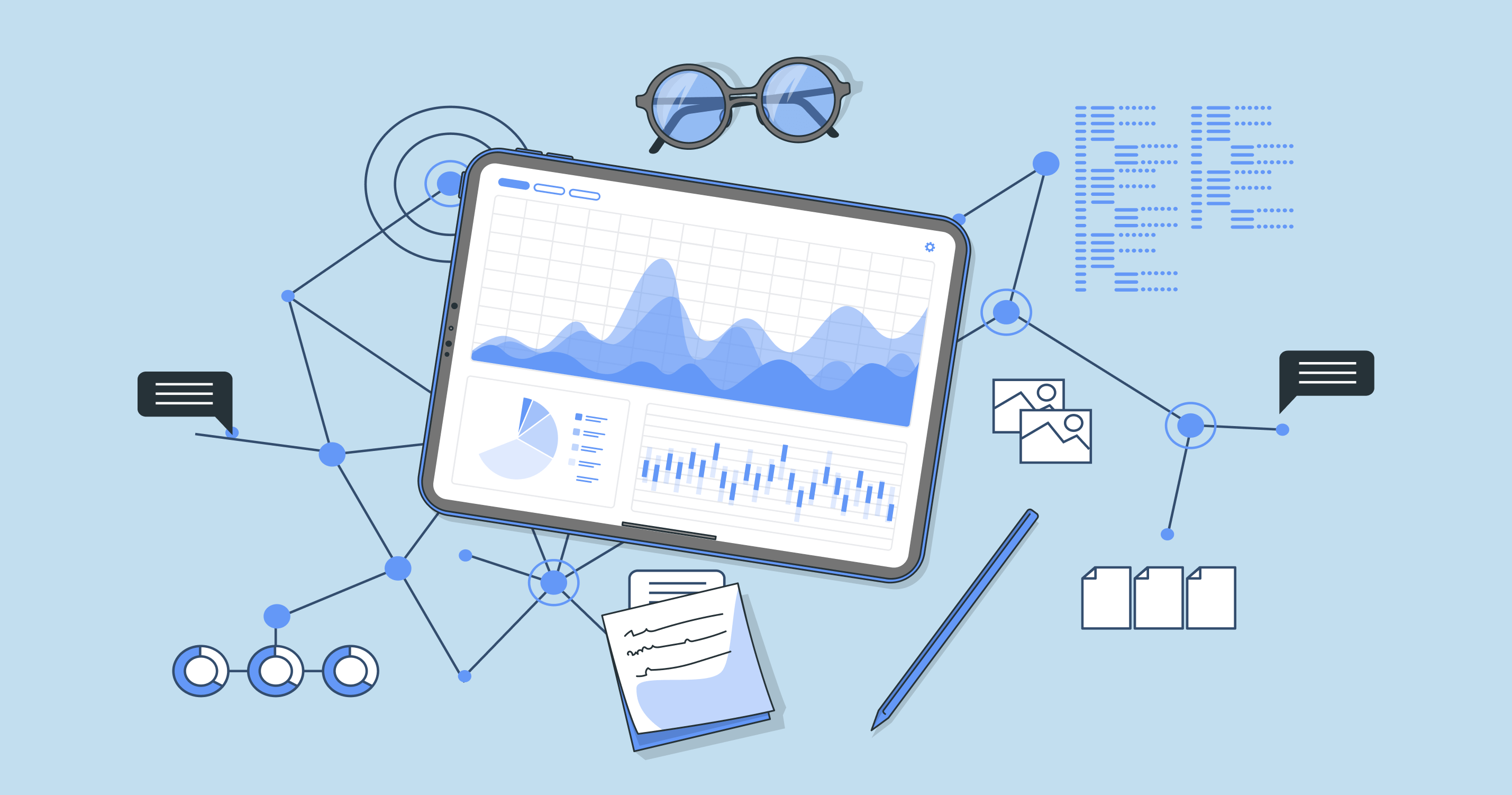 Gemini 3.5 Flash is a strong fit for recurring SEO monitoring. It can scan results, summarize changes, group pages by pattern, and flag anything unusual.
Good Flash tasks:
- Check whether target SERPs changed this week
- Summarize new pages entering the top results
- Compare competitor title tags and meta descriptions
- Detect pricing, docs, or feature-page changes
- Turn raw exports into a short daily digest
Opus should step in when the question becomes: what action should we take?
For the collection side of this workflow, this guide to the best web scraping tools in 2026 covers APIs, browser agents, and AI-ready extraction.
Keyword Research and Content Briefs
Keyword research is a clean routing example. Flash can cluster a large keyword list, label intent, remove duplicates, and summarize ranking pages. Opus can turn the best opportunities into briefs with angle, H2s, internal links, and missing SERP coverage.
The split is simple:
- Flash groups and summarizes.
- Opus reviews and prioritizes.
- Opus writes the final brief.
Technical SEO and Code Fixes
Technical SEO and coding work are where Opus earns its place. Schema issues, canonical bugs, rendering problems, and international routing problems often require reasoning across code, browser behavior, framework conventions, and SEO rules.
Flash can collect evidence. Opus should handle diagnosis.
A Practical Model Routing Strategy
The cleanest setup is not Flash or Opus. It is model routing: Flash first, Opus when it matters.
Step 1: Let Flash Gather and Filter
Use Flash at the edge of the workflow: Search Console summaries, competitor checks, heading extraction, keyword grouping, page shortlists, and other high-volume API calls.
This keeps the expensive model away from work that is mostly collection and cleanup.
Step 2: Let Opus Review and Decide
Use Claude Opus 4.7 for the filtered evidence. It can decide whether a traffic drop is technical, content-related, seasonal, or caused by a SERP change. It can also turn findings into briefs, tickets, or code-level recommendations.
Step 3: Keep Approval for Risky Actions
No model should silently publish pages, change production code, or rewrite high-value content without review. Let the agent prepare the work, then ask for approval before risky actions.
This is also where security matters. If an agent has browser, file, or tool access, the operating environment matters as much as the model. The piece on the AI agent safety crisis explains why isolation and architecture matter before giving agents broad permissions.
Turning Model Choice Into an Always-On Agent
The comparison becomes practical when the models are not trapped inside separate chat windows. Manual testing works for one-off prompts. It breaks down when the job needs to run every morning, remember yesterday's output, open browser tabs, read files, call APIs, and send a report.
That is why the model is only part of the system. The agent also needs tools, memory, scheduling, browser access, and a place to keep running.
What an SEO Agent Should Actually Do
A good SEO agent should:
- Run scheduled checks
- Browse live pages
- Read Search Console or crawler exports
- Compare pages and competitors
- Create content briefs
- Draft tickets
- Send summaries to Slack, Notion, or a shared doc
- Remember your rules and preferred format
Gemini Spark is another sign that 24/7 personal automation is becoming a product category, not just a model feature.
A Simple MyClaw Workflow
 MyClaw hosts OpenClaw as a private, always-on AI assistant, so this routing strategy can run in the background instead of depending on your laptop.
A practical SEO setup:
- Gemini 3.5 Flash checks SERPs, competitor pages, and Search Console exports.
- Flash summarizes changes and flags items worth deeper review.
- Opus 4.7 reviews the important findings and decides the next action.
- The agent sends a weekly action list to Slack, Notion, Linear, or a shared doc.
MyClaw is not replacing Gemini or Claude. It is the hosted workspace where an OpenClaw agent can use the right model at the right step. For a direct platform comparison, see Gemini Spark vs OpenClaw.
What Most Model Comparisons Miss
Most comparisons stop at benchmark tables, pricing, and broad claims like "better for coding" or "better for speed." The missing layer is workflow quality.
Compare Real Tasks
A stronger comparison would run both models through tasks like:
- Audit a page with broken metadata
- Cluster a messy keyword export
- Summarize a week of Search Console movement
- Compare competitor pricing pages
- Write a content brief from live SERP results
- Debug a schema issue in a real codebase
The output should be judged by correctness, missing details, actionability, and review time.
Measure Agent Readiness
Agent readiness is different from raw intelligence. A model used inside an agent needs to follow instructions, use tools, recover from partial failures, avoid loops, and keep context across steps.
Conclusion: Gemini 3.5 Flash vs Opus 4.7 Is a Workflow Decision
Gemini 3.5 Flash vs. Opus 4.7 does not need a single winner. Gemini 3.5 Flash is the better default for fast, repeated, cost-sensitive agent tasks. Opus 4.7 is better for high-stakes reasoning, technical diagnosis, final briefs, and decisions that should not be rushed.
For SEO, research, coding, and browser automation, the strongest setup is a routed workflow: Flash gathers and filters, Opus reasons and verifies, and an always-on agent keeps the process running without manual copy-paste.
Skip the setup. Get OpenClaw running now.
MyClaw gives you a fully managed OpenClaw (Clawdbot) instance — always online, zero DevOps. Plans from $19/mo.