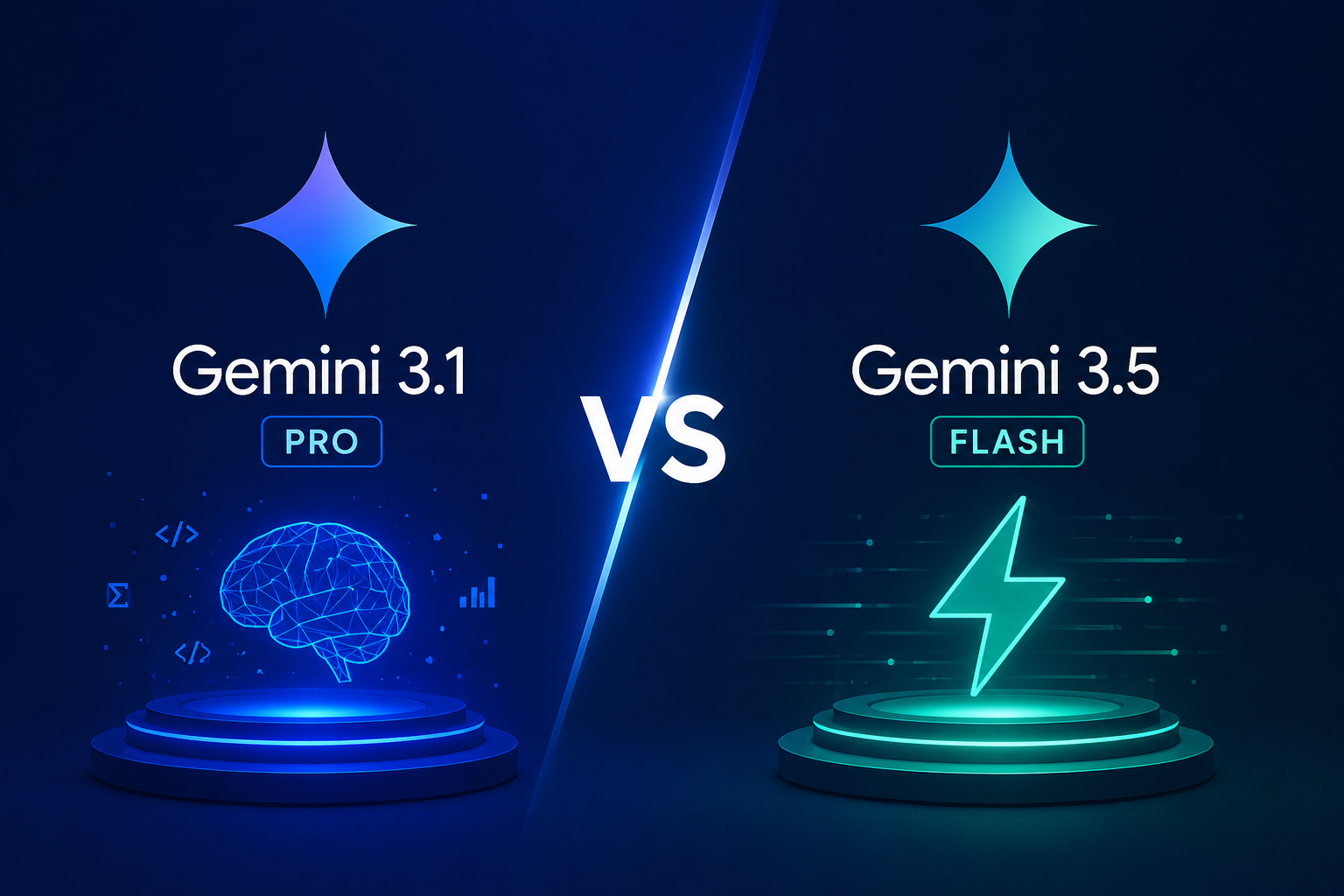
Gemini 3.1 Pro vs. Gemini 3.5 Flash: Which Model Should You Use for AI Agents?

By Alex Morgan
MyClaw Editorial
MyClaw
Get OpenClaw running now
See how hosting, automation, payments, support, and OpenClaw operations come together in one managed product experience.
AI Takeaway:
- Which model is better overall? Gemini 3.1 Pro is still safer for deep reasoning, long research, and high-stakes judgment. Gemini 3.5 Flash is better when speed, tool use, and repeated agent loops matter.
- Is Gemini 3.5 Flash cheaper? Often by token price, but not always by completed task. Agent loops can spend more through tool calls, retries, and long reasoning traces.
- Which one is better for coding agents? Gemini 3.5 Flash is strong for edit-test loops, terminal actions, MCP workflows, and browser control. Gemini 3.1 Pro is better for architecture and final review.
- Should you pick only one? Usually no. Model routing works better: Flash for execution, Pro for review or escalation.
- What matters beyond benchmarks? Real agents also need uptime, permissions, logs, memory, integrations, budget limits, and a safe place to run.
Quick Verdict: Use Flash for Loops, Pro for Judgment
Gemini 3.5 Flash and Gemini 3.1 Pro are close enough that the best Gemini model for AI agents depends less on one benchmark score and more on the job you want the model to do. Put another way, Gemini 3.5 Flash vs Gemini 3.1 Pro is really a workflow question.
 Gemini 3.5 Flash is built for movement. It fits work where an agent needs to inspect something, call a tool, read the result, revise the plan, and keep going.
Gemini 3.1 Pro is still the stronger anchor when the task needs deeper judgment: complex planning, careful code review, long-context synthesis, or decisions where mistakes are expensive.
| Task type | Better default | Why |
|---|---|---|
| Fast tool loops | Gemini 3.5 Flash | Lower latency and strong agentic performance |
| Coding iteration | Gemini 3.5 Flash | Good for edit-test-repeat work |
| Final review | Gemini 3.1 Pro | Better for careful evaluation |
| Long research | Gemini 3.1 Pro | Better when synthesis matters more than speed |
If you are choosing a model for OpenClaw or a similar agent setup, this is part of a broader model decision. The same tradeoffs show up in our guide to the best model for OpenClaw, where model quality is only one piece of the stack.
Gemini 3.1 Pro vs. Gemini 3.5 Flash: What Actually Changed
The important change with Gemini 3.5 Flash is that "Flash" no longer means only cheap and lightweight. Google is positioning it as a fast frontier model for agentic workflows, coding, tool use, multimodal tasks, and long-running processes.
Official Gemini 3.5 Flash materials emphasize agentic coding, MCP-style tool use, UI control, and multimodal performance. Those categories matter because modern agents have to act, observe, correct themselves, and keep moving.
Flash Is Built for Agent Motion
In a real workflow, the model may need to choose a file, call a tool, read logs, revise after a failed step, and decide whether to continue. Gemini 3.5 Flash is attractive because it keeps that loop moving.
Pro Is Still Better for Hard Calls
 Gemini 3.1 Pro remains useful because not every decision should be optimized for speed. Architecture choices, final code review, large research summaries, and sensitive actions benefit from a more careful model.
That is why this comparison should not end with one universal winner. The better answer is to use each model where it fits.
Pricing: Per Token Is Not the Same as Per Task
Many comparisons stop at input and output token prices. That helps, but it can be misleading for agents.
A single prompt is easy to price. An agent workflow is not. The final bill depends on tool calls, long outputs, retries, and summaries across the whole loop.
Why Flash Can Look Cheaper But Still Cost More
Gemini 3.5 Flash can have a lower per-token price than Pro, but behavior matters. If Flash takes more steps or retries more often, the cost gap can shrink. In some workflows, the faster model saves money. In others, a stronger model may finish with fewer corrections.
| Workflow | What to measure |
|---|---|
| Email triage | completed emails, corrected drafts, total tokens |
| Coding agent | test runs, failed attempts, review time |
| Browser task | clicks, retries, mistakes, completion time |
| Research task | source quality, synthesis quality, rewrites |
The budget rule is simple: measure cost per task, not cost per prompt. A cheaper prompt is not useful if it takes more retries to finish the work.
Where Each Model Usually Wins
Flash usually wins when the work is repetitive and tool-heavy: sorting emails, extracting structured data, checking routine errors, renaming files, and running browser tasks.
Pro can be more efficient when one better answer prevents five bad attempts. Complex debugging, business analysis, legal-style reasoning, and large planning tasks often need fewer retries with a stronger model.
If coding workflows are the main use case, this guide to the best AI agent for coding gives more context on how coding agents differ from normal assistants.
Coding, MCP, Browser Control, and Long-Running Agents
Gemini 3.5 Flash becomes most interesting when the task involves tools. A tool-using agent is not just generating text. It is deciding what to do next.
Coding Agents Need Fast Iteration
Coding agents often work in loops: inspect, edit, run, fail, fix, run again. Flash is useful because it can move through those loops quickly, especially on bounded tasks like fixing a failing test or updating a component.
Pro is better when the code decision is less mechanical. If the task involves designing a new module, changing an API boundary, or reviewing whether an implementation is safe, it is worth slowing down.
MCP and Browser Agents Need Guardrails
MCP-style workflows reward models that can choose the next action reliably: search, open a file, call an API, inspect a result, or stop. Flash fits that pattern well.
Browser and computer-use agents add another layer of risk. They can click buttons, submit forms, change settings, or expose private data. Speed is helpful only when the environment has permissions, logs, confirmations, and limits.
What Existing Comparisons Miss About AI Agents
The biggest mistake in model comparisons is treating the model as the whole product. For agents, the model is only the brain. The rest of the system decides whether that brain can do useful work safely.
A real agent needs uptime, file and app access, memory, API key handling, logs, spending limits, review steps, and recovery when something breaks.
This is why OpenClaw changes the comparison. OpenClaw-style assistants can work across apps, files, browsers, and messaging channels, so the operating environment matters as much as the model.
Google's Gemini Spark announcement points in the same direction: the future is not just better chat, but always-on agents that work across a digital workspace. For a deeper comparison of that shift, see Gemini Spark vs OpenClaw, or the more focused overview of Gemini Spark.
Always-On Agents Change the Risk
When an agent works while you are not watching, the stakes change. It may check inboxes, open pull requests, summarize dashboards, or monitor tasks overnight. The question becomes: which setup lets the model act without creating a mess?
How to Test Both Models in a Real Agent Workflow
The best way to compare Gemini 3.5 Flash and Gemini 3.1 Pro is to test them on the work you want automated.
Pick three tasks:
- Sort a messy inbox and draft replies.
- Fix a failing test in a real repo.
- Research a topic, collect sources, and produce a short brief.
Run each task with Flash first, then use Pro as a reviewer or escalation model. Track completion rate, corrections, tool calls, retries, token cost, time, and final quality.
This is also where hosting starts to matter. A local laptop or half-configured VPS can distort the result. The agent may fail because the environment is unstable, not because the model is bad.
Where MyClaw Helps With Real Model Testing
 MyClaw makes this comparison easier because you can test both models inside a private, managed OpenClaw instance instead of setting up a server yourself.
Step 1: Launch your OpenClaw instance. Choose a MyClaw plan, sign in, and use the hosted OpenClaw environment without managing Docker, VPS setup, updates, or uptime.
Step 2: Run the same task with both models. Try a real workflow such as inbox triage, browser research, file cleanup, or a small coding task. Use Gemini 3.5 Flash first, then use Gemini 3.1 Pro for the same task or as a reviewer.
Step 3: Compare the result in context. Look at speed, retries, tool calls, final quality, and how much human correction was needed. Because MyClaw keeps the agent environment stable and always online, the comparison is about the models, not your setup.
If setup effort is part of your decision, this guide to best OpenClaw hosting covers the difference between managed hosting, VPS hosting, and self-hosting.
Recommended Setup: Flash First, Pro When Needed
For most agent workflows, the strongest setup is not one model. It is model routing.
Use Gemini 3.5 Flash for routine tool use, coding loops, browser automation, inbox triage, file operations, extraction, and high-volume background work.
Use Gemini 3.1 Pro for complex reasoning, architecture decisions, long-context synthesis, final review, sensitive actions, and tasks where a mistake would be expensive.
Keep human approval for sending emails, deleting files, merging pull requests, spending money, changing production settings, or accessing sensitive accounts.
A practical agent stack should feel like this: Flash does the legwork, Pro checks the hard calls, and you stay in control of the risky decisions.
Conclusion
Gemini 3.1 Pro vs Gemini 3.5 Flash is not a simple winner-takes-all comparison. Gemini 3.5 Flash is the better default for fast, tool-heavy agent workflows. Gemini 3.1 Pro is better for deep reasoning, careful review, and high-stakes decisions.
If you are building or running an AI agent, the smartest answer is usually both: Flash for motion, Pro for judgment, with model routing between them. Then test them in the real environment, with real tools, real permissions, real logs, and real costs. That is where the difference finally becomes clear.
Skip the setup. Get OpenClaw running now.
MyClaw gives you a fully managed OpenClaw (Clawdbot) instance — always online, zero DevOps. Plans from $19/mo.