Claude Design and the New Design-to-Code Loop
Claude Design is being discussed as another AI design tool, but that framing is too small. What Anthropic launched on April 17, 2026 is a new attempt to bring ideation, brand context, and code handoff into a single workflow.
That is why Claude Design matters. It changes where product work starts: not in a blank Figma file, but in a chat grounded by a design system and aimed at implementation.
What Claude Design Actually Is
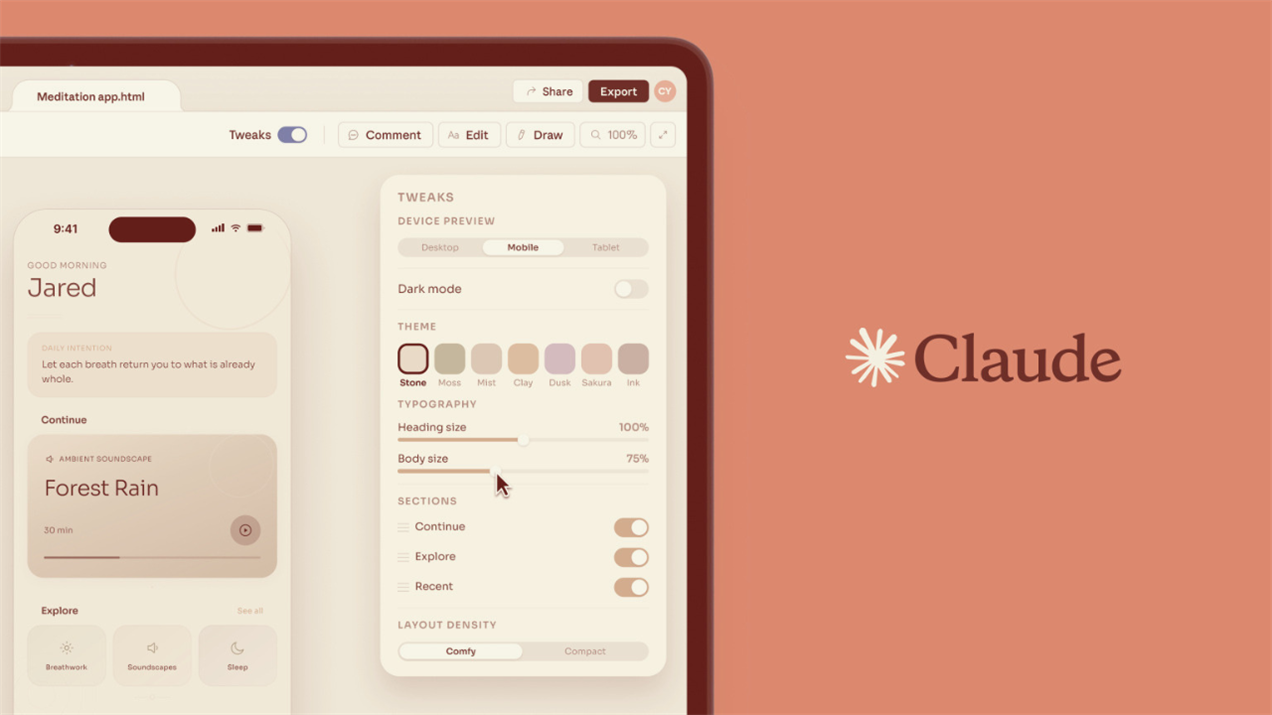
Claude Design is an Anthropic Labs research preview for creating prototypes, slides, one-pagers, landing pages, and early product concepts. Its core loop is simple: describe what you want, review the generated canvas, refine it with chat and inline comments, then export or hand it off to Claude Code.
Two practical details matter immediately. Claude Design currently runs only in the web interface at claude.ai/design, and it has its own weekly quota, separate from regular Claude chat and Claude Code.
That second point affects real usage planning. Anthropic's support docs say Claude Design usage is metered in parallel to chat and coding, not inside them, so design work becomes its own usage layer rather than part of the standard Claude session.
Why Claude Design Feels Different
The most important feature is not the canvas. It is the design system ingestion layer.
 Anthropic says Claude Design can build a reusable system from inputs such as code repositories, slides, screenshots, prototypes, logos, palette files, and typography assets. Claude then extracts reusable components, color rules, typography, and layout patterns. Once published, that system becomes the default foundation for future projects inside the organization.
This is what makes Claude Design AI more interesting than generic AI page generation. Most tools only imitate surface style. Claude Design is trying to retain how a company actually designs.
That brand-aware layer is part of why Claude Design feels closer to an agent workflow than a one-off generator. If you want the broader category view, best AI agents is the most naturally related read.
That also explains why Claude Design vs. Figma is not the cleanest framing. Figma still wins where teams need high-precision production design, mature collaboration, and established file workflows. Claude Design looks strongest earlier in the process, where direction, exploration, and branded first drafts matter more than file-level precision.
How Claude Design Works
Prompting
Claude Design performs better when the prompt names the artifact type, the target audience, the content structure, and the main constraints. Early hands-on testing has pointed to the same pattern: dense prompts outperform vague ones.
Iteration
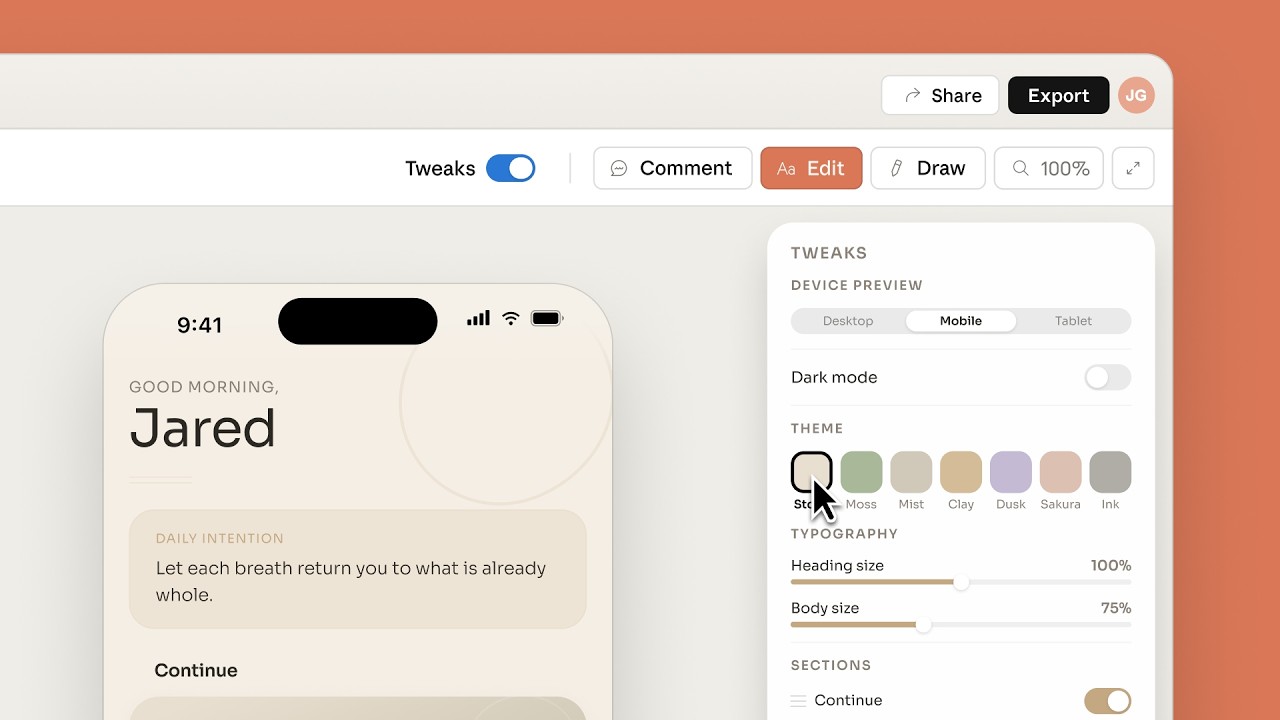
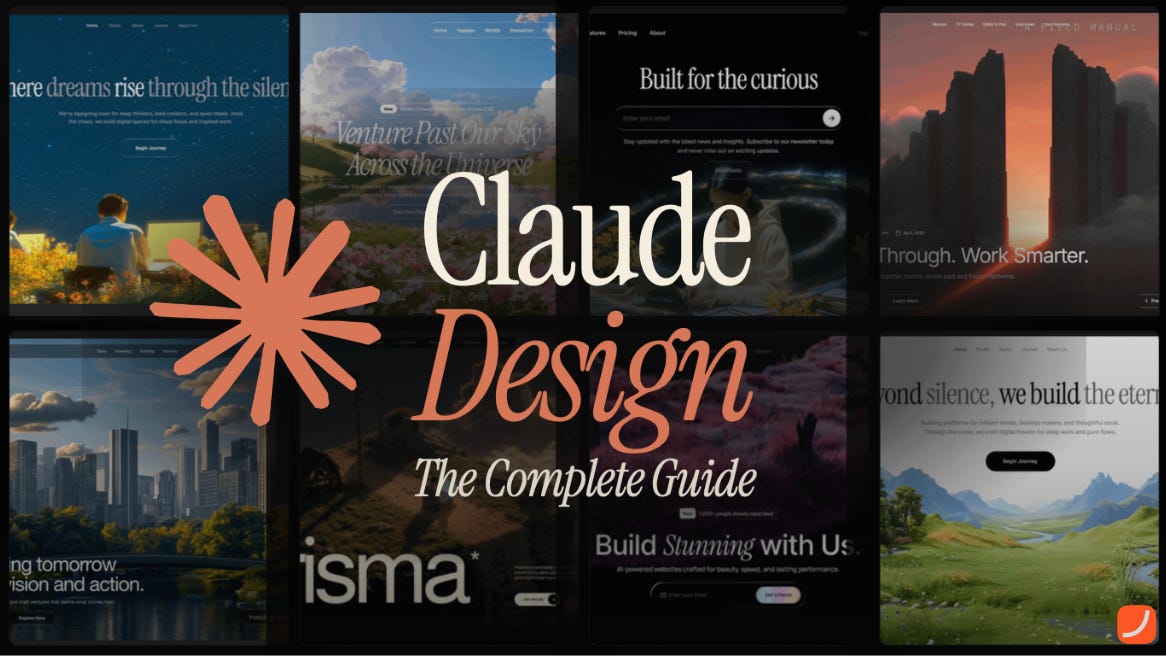 Anthropic recommends using chat for structure, layout direction, and bigger aesthetic changes, and inline comments for local changes like spacing, button treatment, or component swaps. That split lowers the barrier for non-designers. You do not need to think in vectors or Auto Layout first. You can think in feedback.
Export and Handoff
Claude Design currently supports export to .zip, PDF, PPTX, Canva, standalone HTML, and direct Claude Code handoff. This is the strategic center of the product. The Claude Design to Claude Code handoff reflects Anthropic's thesis that design intent should survive the jump into implementation. If you are comparing what that implementation step looks like across coding agents, Codex vs. Claude Code is a useful follow-up.
Where Claude Design Is Strongest
Strongest Use Cases
Claude Design looks strongest in fast product exploration, stakeholder-ready prototypes, landing pages, one-pagers, pitch decks, and internal presentation assets. It is especially useful for founders, PMs, marketers, and engineers who need to move from rough intent to something reviewable quickly.
That is where the product has real leverage. It removes blank-canvas friction, stays closer to brand output when the design system is set up well, and creates a cleaner bridge into code than isolated mockup tools. Early comparisons have landed on the same practical takeaway: Claude Design is strongest at the front end of the workflow, while Figma remains stronger in mature production work.
Where Claude Design Still Falls Short
As of April 21, 2026, Anthropic lists several known issues, including inline comments disappearing before Claude reads them, compact view triggering save errors, very large repositories creating lag or browser issues, and upstream chat errors that may require starting a fresh chat tab. There are also more serious operational limits: no audit logs, no admin-grade usage tracking, and no data residency support at this stage.
That matters for real teams. Once a tool starts ingesting brand assets, product files, and codebases, the question becomes "Can this fit inside our operating model?" That is exactly where AI agent security becomes relevant.
 The usage model is also worth noting. Claude Design uses weekly recurring quotas and supports paid extra usage, which means design work becomes its own budget line. It removes friction in generation, but it adds a second layer of operational planning.
What Happens After Claude Design?
After Claude Design, teams still need to build the approved direction, test and publish it, iterate from feedback, connect it to GitHub, Slack, browser tasks, or internal tooling, and keep execution moving after the first draft.
That is where MyClaw fits naturally. Claude Design is strong at the draft and handoff layer. MyClaw is useful when the next problem becomes persistent execution. A private, managed, always-on OpenClaw environment makes more sense once the work extends beyond one design session and into recurring action. If that is the part you are optimizing for, best OpenClaw hosting is the most practical related read.
A Practical Claude Design Workflow
1. Use Claude Design for Exploration
For most teams, the cleanest stack starts with Claude Design for exploration. This is where you generate the first landing page, flow, or prototype, ground it in your design system or repo, and get alignment quickly.
2. Use Claude Code for Implementation
The next step is Claude Code for implementation. The point here is to hand off the approved direction into the coding workflow, preserve more design intent than a generic spec, and move from concept to build faster. If you are choosing between coding agents around that step, Codex vs. Claude Code is the relevant comparison.
3. Use MyClaw for the Part After the Handoff
 The third step is where MyClaw enters the picture. It keeps an OpenClaw agent running in a private managed environment, connects follow-through work to your tools, and avoids turning the execution layer into a self-hosting side project. That is the natural place for MyClaw in this story: not as a forced replacement for Claude Design, but as the layer that helps the workflow continue once the draft already exists.
Conclusion
Claude Design matters because it changes the start of the workflow. Instead of beginning with a blank design file, teams can start with a prompt, a reusable design system, and a direct path toward code.
Right now, Claude Design looks strongest as a front-end layer for ideation, branded first drafts, and design-to-code handoff. It is still weaker where teams need stronger governance and operational control.
The clearest way to think about it is simple: Claude Design is the new first half of the loop. If your team needs the second half to stay private, persistent, and easier to run, MyClaw is the natural continuation of the Claude Design workflow.
Skip the setup. Get OpenClaw running now.
MyClaw gives you a fully managed OpenClaw (Clawdbot) instance — always online, zero DevOps. Plans from $19/mo.