Best AI Coding Assistants: How to Choose the Right Assistant in 2026
Choosing the best AI coding assistant used to be simple: pick the tool with better autocomplete. In 2026, the choice is wider. Some tools help while you type, some work through your terminal, some handle pull requests, and some can stay available across GitHub, messages, tests, and recurring tasks.
So the better question is not "which tool is the smartest?" It is "which tool fits the way you build software?" Faster edits in an IDE, repo-wide fixes, test generation, PR review, and always-on coding workflows all point to different answers.
Quick Answer: Best AI Coding Assistant by Need
If you want the short version, choose by workflow first:
| Need | Best Fit |
|---|---|
| Daily IDE coding | Cursor or GitHub Copilot |
| Larger codebase changes | Claude Code or Codex |
| Free starting point | Copilot free access, Windsurf, Continue, Cline, or Aider |
| Open-source control | Cline, Aider, Continue, or OpenClaw |
| Always-on coding workflows | OpenClaw with MyClaw |
No single tool wins every category. The right choice depends on whether you need faster writing, deeper codebase work, or an agent that can keep working across tools.
What Makes the Best AI Coding Assistant Today?
The best AI coding assistants reduce real development friction. They help you understand code, change it, verify it, and move faster without making the project harder to maintain.
Use these criteria before comparing tools:
| Factor | What to Check |
|---|---|
| Code quality | Does it follow your project style and avoid shallow fixes? |
| Context | Can it understand multiple files and existing patterns? |
| Workflow | Does it fit your IDE, terminal, GitHub, or chat setup? |
| Verification | Can it help run tests, inspect errors, or explain changes? |
| Cost | Do model limits, API usage, and paid plans make sense? |
Free plans are useful for testing, but the best free AI coding assistant is not always the best daily tool. Heavy coding work can burn through limits quickly when long context, retries, or tool access are involved.
Best AI Coding Assistants by Workflow
Start with your workflow. MyClaw's recent guide to the best AI agent for coding uses the same approach: group tools by how you actually use them.
Best for Daily IDE Coding: Cursor or GitHub Copilot
 Cursor and GitHub Copilot are the easiest choices if most of your work happens inside an editor. Cursor fits an AI-native IDE workflow with inline edits, project-aware chat, and fast refactors. GitHub Copilot fits broad IDE support and GitHub-native habits.
Choose this category if you want:
- autocomplete and inline suggestions
- quick explanations
- small refactors
- help while you are actively coding
- low setup friction
The tradeoff is that IDE assistants work best while you are present. They make you faster, but they do not fully handle delegation, testing, or ongoing repo maintenance.
Best for Larger Codebase Work: Claude Code or Codex
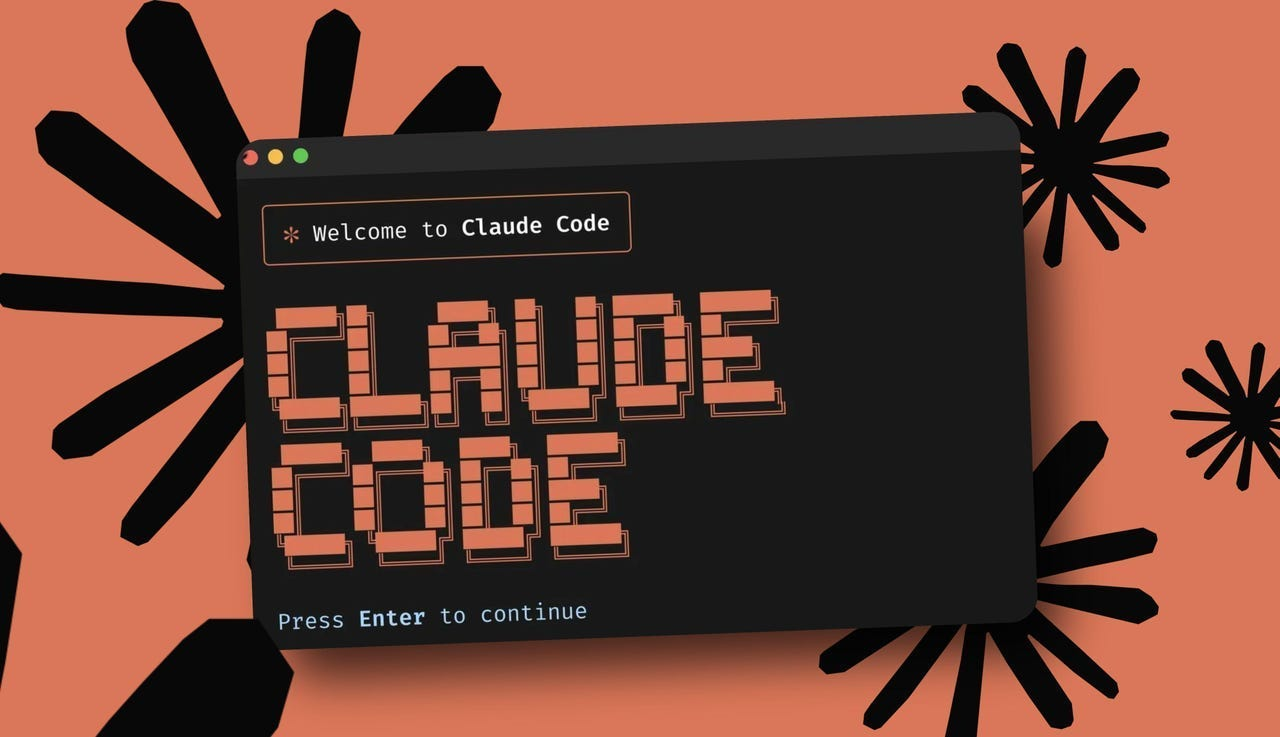 When the task is bigger than a few inline edits, terminal and cloud coding agents become more useful. Claude Code is strong when you want hands-on control in a local environment. Codex is better when the task is already scoped and you want to review the result later.
Use this category when you need:
- multi-file edits
- test generation
- command execution
- repo-wide refactors
- reviewable diffs
You still need to review the output. Agent-written code should not skip tests, review, or product judgment.
Best Free AI Coding Assistant for Beginners
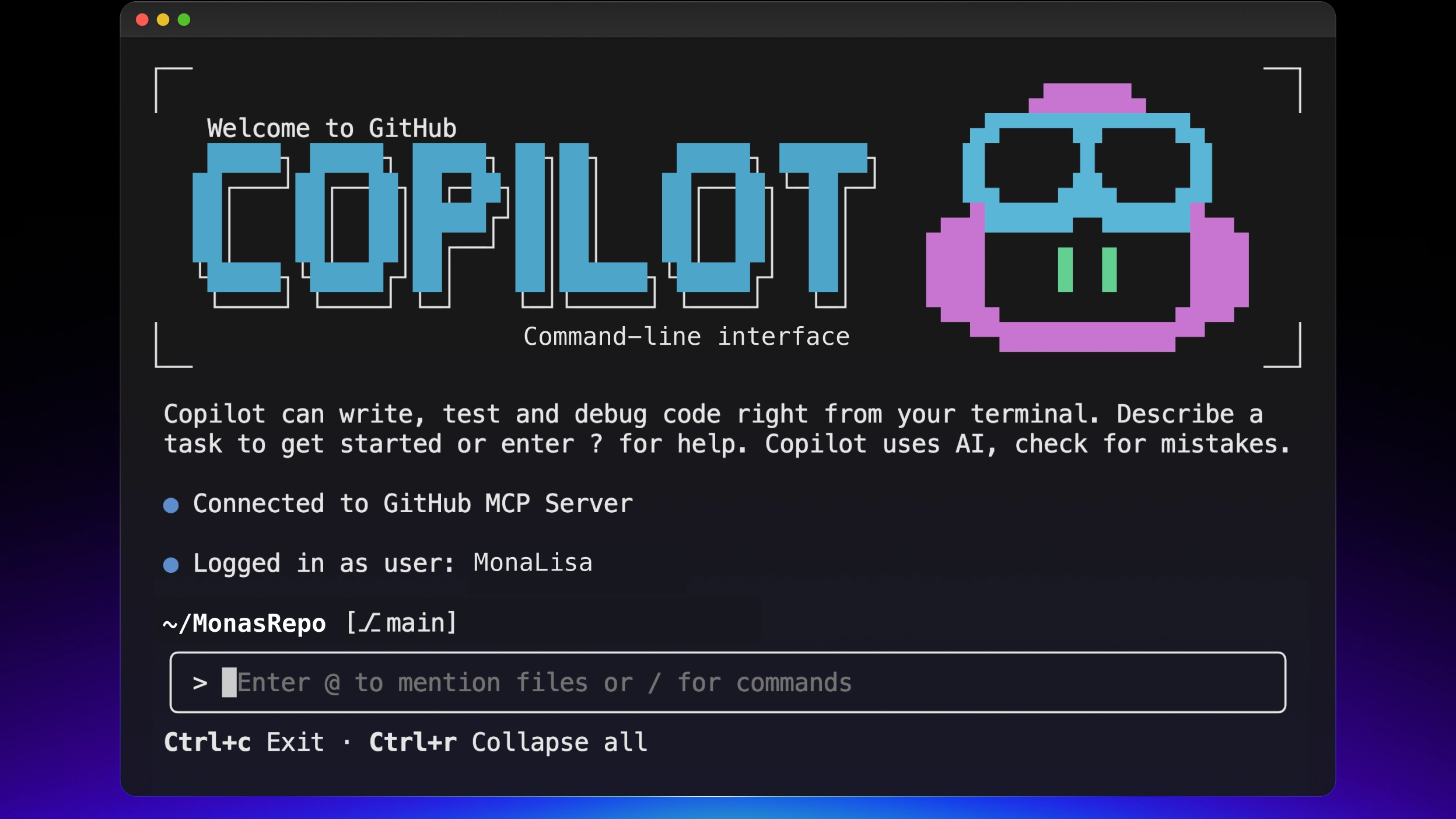 If you are just starting, try the tool that fits your current environment with the least friction. GitHub Copilot free access, Windsurf, Continue, Cline, and Aider are all reasonable options.
Free tools are best for learning:
- how autocomplete feels in real code
- whether chat can explain your project
- how much context the tool can handle
- whether you prefer assistant-style help or agent-style edits
Do not judge the whole category from one free plan. A small demo and a real production task are different worlds.
AI Coding Assistant vs. AI Coding Agent
An assistant helps you write code. An agent helps you complete a coding task.
An assistant might suggest the next line, explain an error, or rewrite a function. An agent can inspect files, run commands, edit code, read errors, and try again. That mirrors the broader shift in MyClaw's guide to agentic AI vs generative AI: one produces an output, while the other works toward a goal.
For coding, the difference looks like this:
| Need | Assistant | Agent |
|---|---|---|
| Write a helper function | Strong fit | Often more than you need |
| Explain an error | Strong fit | Useful if it can inspect the repo |
| Fix a bug across files | Limited | Stronger fit |
| Add tests and run them | Limited | Stronger fit |
| Review a PR | Partial help | Better if connected to GitHub |
| Handle recurring repo tasks | Poor fit | Stronger fit |
You do not need an agent for every task. If you already know what to write, an IDE assistant is faster. If you need investigation, tool use, and iteration, you are moving into agent territory.
When an Always-On Coding Workflow Makes Sense
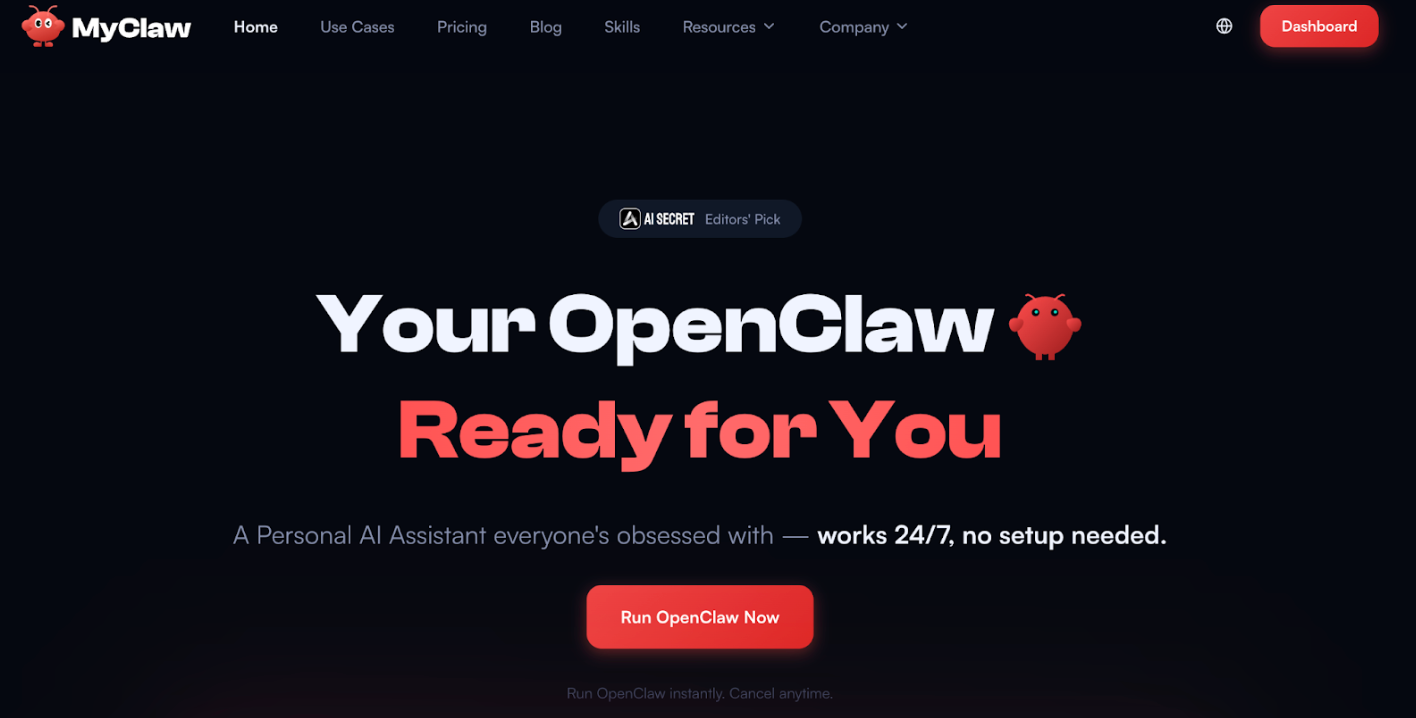 Coding help can become more than "write this while I am in the editor." You may want help with pull request review, issue triage, test generation, documentation checks, or message-driven requests.
That is where OpenClaw-style workflows become useful. OpenClaw is not an autocomplete tool. It is closer to a persistent agent runtime that connects to tools, messages, memory, and repeatable workflows. MyClaw becomes relevant when you want that setup managed for you, with a private always-on environment instead of a server you maintain yourself.
If you only want inline code suggestions, start with Cursor or Copilot instead. MyClaw makes more sense when the problem is uptime, tool access, GitHub workflows, or keeping an OpenClaw agent available beyond one coding session.
This makes sense if you want a coding agent that can:
- stay available outside your IDE
- connect to GitHub-related workflows
- respond through chat channels
- support repeatable coding tasks
- run as part of a broader agent setup
Model choice matters for this kind of workflow. A coding agent that uses tools heavily may need a different model than a simple chat assistant. MyClaw's guide to the best model for OpenClaw is useful if you want to compare model choices by tool use, cost, privacy, and setup effort.
If your setup grows, you may split responsibilities: one agent for repo work, one for research, and one for operations. The OpenClaw multi-agent guide explains how to separate roles, memory, routing, and permissions.
How to Choose the Right AI Coding Assistant for Your Situation
The best coding assistant AI setup is usually a small stack, not one perfect tool.
If you are a solo developer, start with the pain you feel most often. Use Cursor or Copilot for faster daily coding. Add Claude Code, Codex, Cline, or Aider for larger codebase changes. Consider MyClaw and OpenClaw only when your work needs to continue across tools, messages, GitHub tasks, or scheduled workflows.
If you work on a small team, prioritize reviewability. A tool that writes code quickly is useful, but clear diffs, tests, and summaries may matter more. For enterprise teams, the decision is stricter: permission controls, auditability, data boundaries, and security review all matter.
Security, Cost, and Setup Mistakes to Avoid
AI coding tools become more sensitive once they can read private repositories, run commands, write files, or access credentials. Treat them like development infrastructure.
Avoid these mistakes:
- choosing the strongest demo instead of the best workflow fit
- giving repo access before defining what the tool can change
- ignoring model usage costs for long sessions
- trusting generated code without tests or review
- running an always-on agent without permission boundaries
Security matters more for agents than autocomplete because agents can act. Before connecting sensitive systems, review the practical risks in this guide to AI agent security.
Setup is another hidden cost. Open-source tools can be cheaper if you enjoy maintaining them. Managed options can be cheaper if they save hours of deployment, updates, backups, and troubleshooting.
FAQ
What Is the Best AI Coding Assistant?
The best AI coding assistant depends on your workflow. Cursor and GitHub Copilot are strong for daily IDE work. Claude Code, Codex, Cline, and Aider fit deeper codebase changes. OpenClaw with MyClaw makes more sense for always-on coding workflows beyond one editor session.
What Is the Best Free AI Coding Assistant?
The best free AI coding assistant is usually the one that fits your current setup. Try Copilot free access, Windsurf, Continue, Cline, or Aider. Check usage limits before relying on any free plan for serious projects.
Is Cursor Better Than GitHub Copilot?
Cursor is better if you want an AI-native editor. GitHub Copilot is better if you want broad IDE support and tighter GitHub ecosystem fit.
Do AI Coding Assistants Replace Developers?
No. They can speed up implementation, testing, review, and debugging, but you still own product judgment, architecture, security, and final code review.
Conclusion
The best AI coding assistant is the one that matches how you build software. Use an IDE assistant if you want faster daily coding. Use a terminal or cloud coding agent if you need deeper codebase work. Use OpenClaw with MyClaw if your coding workflow is becoming more persistent, connected, and asynchronous.
Start with the friction you feel most often: slow edits, hard refactors, missing tests, PR review, or recurring repo maintenance. Once that is clear, the right tool is much easier to choose.
Salte la configuración. Ejecute OpenClaw ahora.
MyClaw le brinda una instancia completamente gestionada de OpenClaw (Clawdbot) — siempre en línea, cero DevOps. Planes desde $19/mes.