How to Cut Your OpenClaw Token Costs by 80%: Memory, Caching & Model Tricks
OpenClaw is incredible — until you check your API bill. Running Claude Opus 4 or GPT-5 as a 24/7 agent can easily cost $100-500/month in tokens alone. Some power users report burning through $3,000+ monthly.
But here's the thing: most of that spend is waste. With the right techniques, you can cut your token costs by 60-80% without losing capability.
Where Your Tokens Actually Go
Before optimizing, you need to understand the cost structure:
📝 Context loading — Every conversation starts by loading system prompts, memory files, skill instructions, and conversation history. This can be 50-100K tokens before your agent even reads your message
🔄 Tool call overhead — Each tool call includes the full tool schema in the prompt. 20+ tools means thousands of tokens just describing what's available
🧠 Memory bloat — Unmanaged memory files grow endlessly. A 10KB MEMORY.md costs tokens every single message
💬 Conversation history — Long conversations accumulate fast. A 50-message thread can hit 200K tokens of context
Technique 1: Memory Distillation (Save 30-40%)
This is the single biggest win. YouTube creator tutorials on memory distillation have hit 177K+ views because it works.
The concept:
🗂️ Raw daily logs → Write everything to
memory/YYYY-MM-DD.md🧹 Periodic distillation → Every few days, review daily files and extract only what matters into a lean MEMORY.md
🗑️ Archive old dailies → Move files older than 2 weeks to an archive folder your agent doesn't auto-load
The result: your always-loaded memory shrinks from 10-20KB down to 2-3KB. At 4 tokens per word, that's saving 5,000-10,000 tokens per message — multiplied by every interaction, every day.
For even more aggressive optimization, use memory sharding: split MEMORY.md into topic-specific files (contacts, projects, preferences) and only load what's relevant to the current task.
Technique 2: Stateful Local Memory (Save 15-20%)
Power users like Andy Nguyen on X have built local stateful memory systems ByteRover that reduce redundant context loading:
💾 Cache frequently-used context — Project details, API credentials, and workflow states stored in structured files that load selectively
🔍 Semantic search over memory — Instead of loading everything, query only the relevant memory snippets using embedding-based search
📌 Pin critical context — Keep essential information in a tiny always-loaded file, everything else on-demand
The key insight: your agent doesn't need to know everything about your life for every single message. It needs to know what's relevant right now.
Technique 3: Model Mixing (Save 20-40%)
This is the most underutilized strategy. Not every task needs your most expensive model:
🧠 Planning/reasoning → Claude Opus 4 or GPT-5 ($15-75/M tokens)
⚡ Execution/simple tasks → Claude Sonnet 4.5 or GPT-5 Mini ($3-15/M tokens)
💰 Bulk processing → DeepSeek V3 or local models ($0.5-2/M tokens)
Configure your agent to use different models for different task types. Use the expensive model for complex analysis and planning, then hand off execution to a cheaper model. Some setups report 40% cost reduction from model mixing alone.
Technique 4: Prompt Cache Optimization (Save 10-25%)
Most AI providers now offer prompt caching — cached tokens cost 75-90% less than fresh tokens. Maximize your cache hit rate:
📋 Keep system prompts static — Every change invalidates the cache. Lock down your system prompt and use memory files for dynamic content
🔄 Consistent tool ordering — Tools should always appear in the same order in the prompt
📏 Front-load static content — Put unchanging content at the beginning of the prompt where caching is most effective
A well-optimized setup can achieve 50-70% cache hit rates, effectively halving the cost of context loading.
Technique 5: Skill Consolidation (Save 5-15%)
Each installed skill adds to your prompt size. Audit your skills:
🧹 Remove unused skills — If you haven't used a skill in 2 weeks, uninstall it
🔗 Combine related skills — Three separate skills for Twitter, Reddit, and HN searching could be one unified research skill
📦 Use on-demand loading — Configure skills to load only when triggered, not on every message
The Math: Stacking Savings
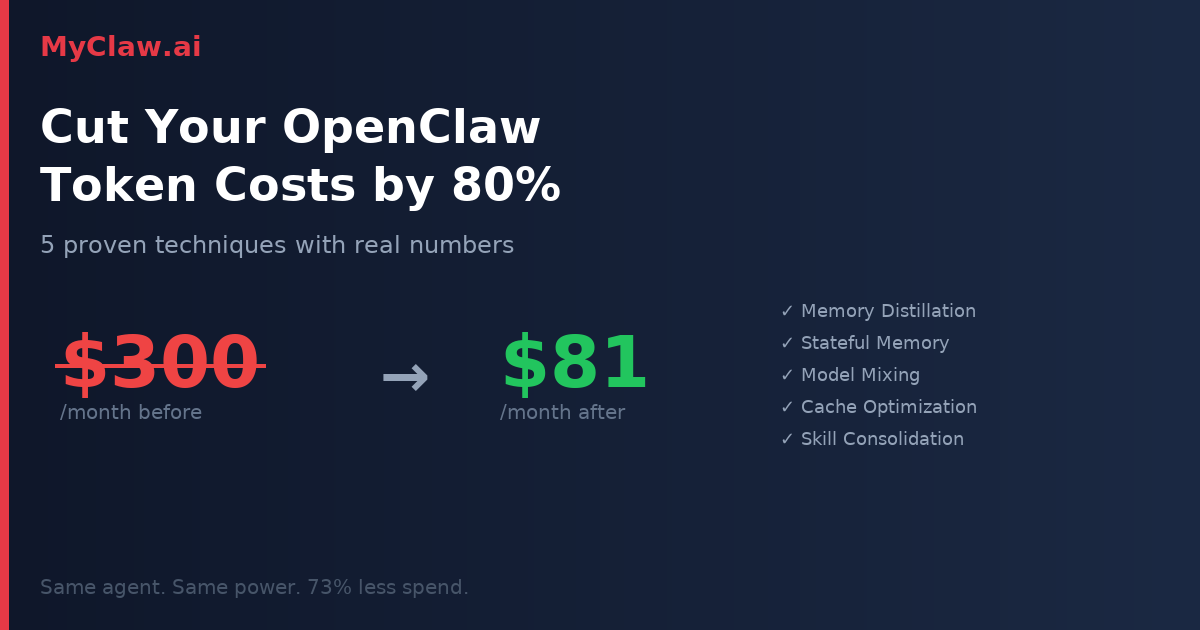
Let's say you're spending $300/month on tokens:
🗂️ Memory distillation: -35% → $195
💾 Stateful local memory: -17% → $162
🧠 Model mixing: -30% → $113
📋 Cache optimization: -20% → $90
🧹 Skill consolidation: -10% → $81
That's $300 → $81/month — a 73% reduction. These aren't theoretical numbers. They're based on real techniques that power users are actually implementing.
One More Layer: Platform Pricing
Here's a savings layer most people overlook: where you buy your tokens matters.
Going direct to Anthropic or OpenAI means paying list price. MyClaw.ai offers managed OpenClaw hosting with discounted API pricing — saving an additional 10% on top of all the optimization techniques above.
Apply all five techniques on MyClaw.ai, and that $300/month bill drops to roughly $73. That's the cost of a nice dinner for a 24/7 AI agent that never sleeps.
The Bottom Line
Token optimization isn't about making your agent dumber. It's about making it smarter about what it loads, when it loads it, and which model handles which task.
The techniques above are ordered by impact. Start with memory distillation — it takes 30 minutes to implement and delivers the biggest savings immediately. Then work your way down the list.
Your agent should be expensive because it's doing valuable work, not because it's wasting tokens loading context it doesn't need.
Skip the setup. Get OpenClaw running now.
MyClaw gives you a fully managed OpenClaw (Clawdbot) instance — always online, zero DevOps. Plans from $19/mo.